Tag: Arcade

  • R3play 2011, retro gaming event

    R3play 2011, retro gaming event

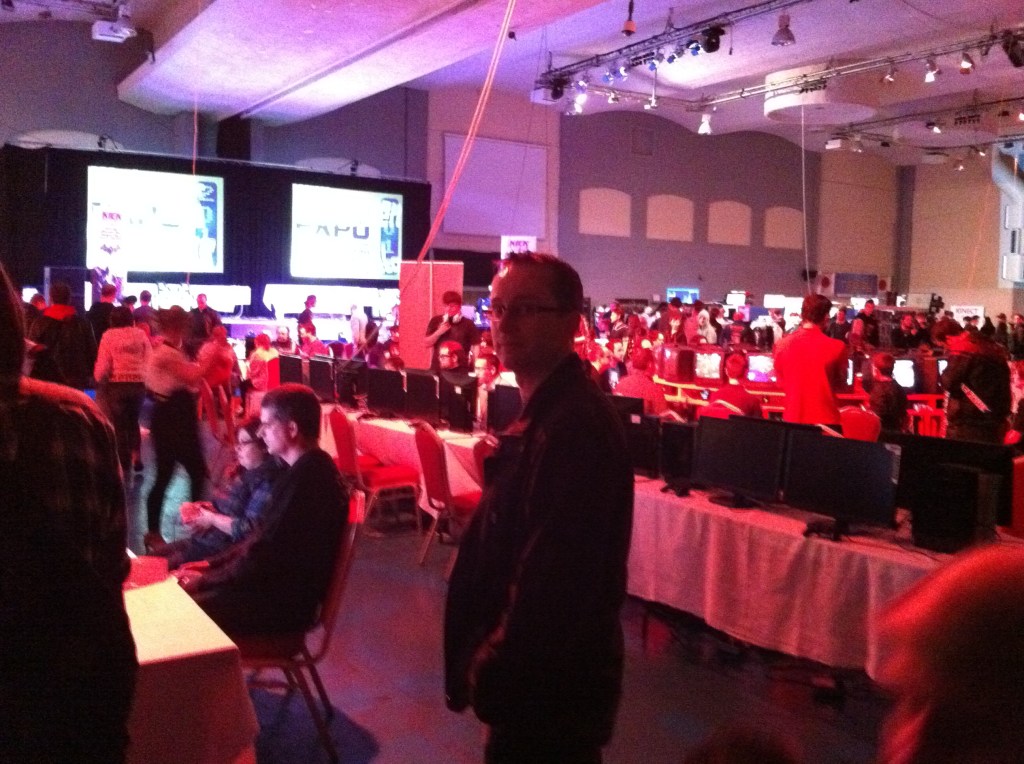
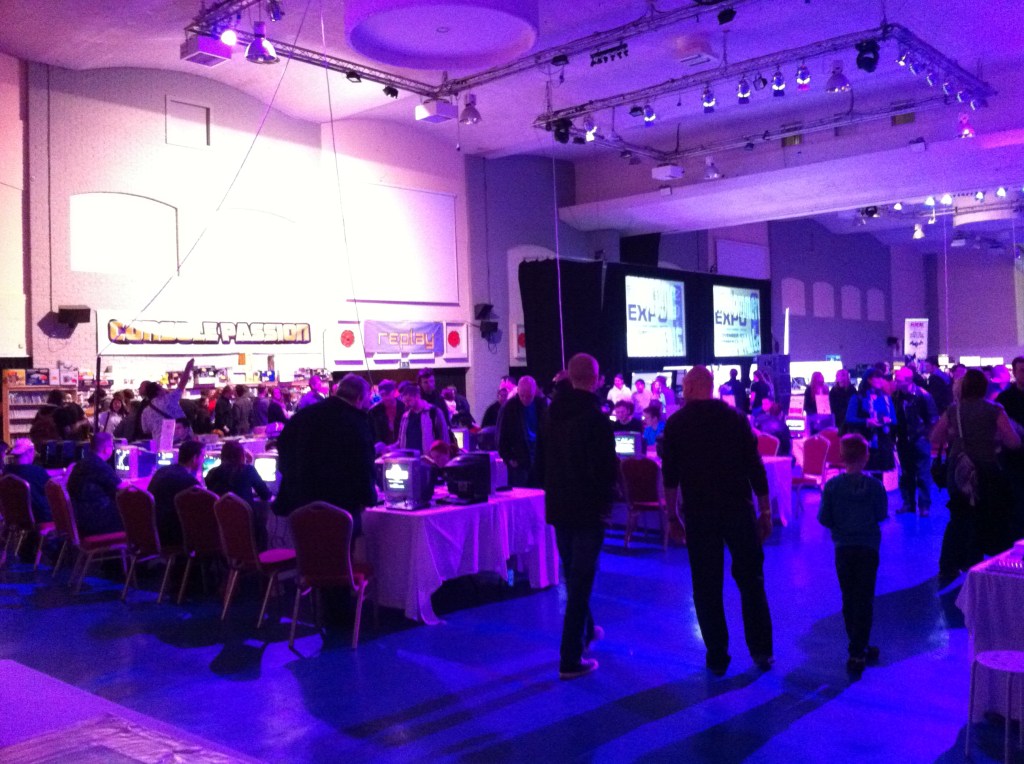
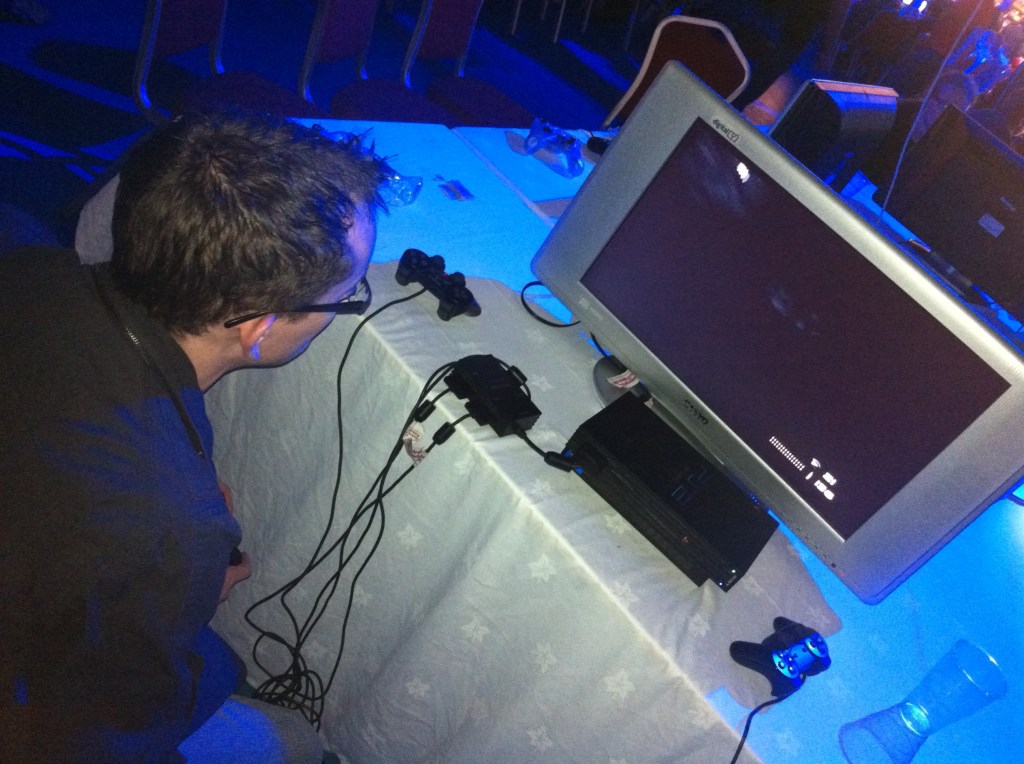
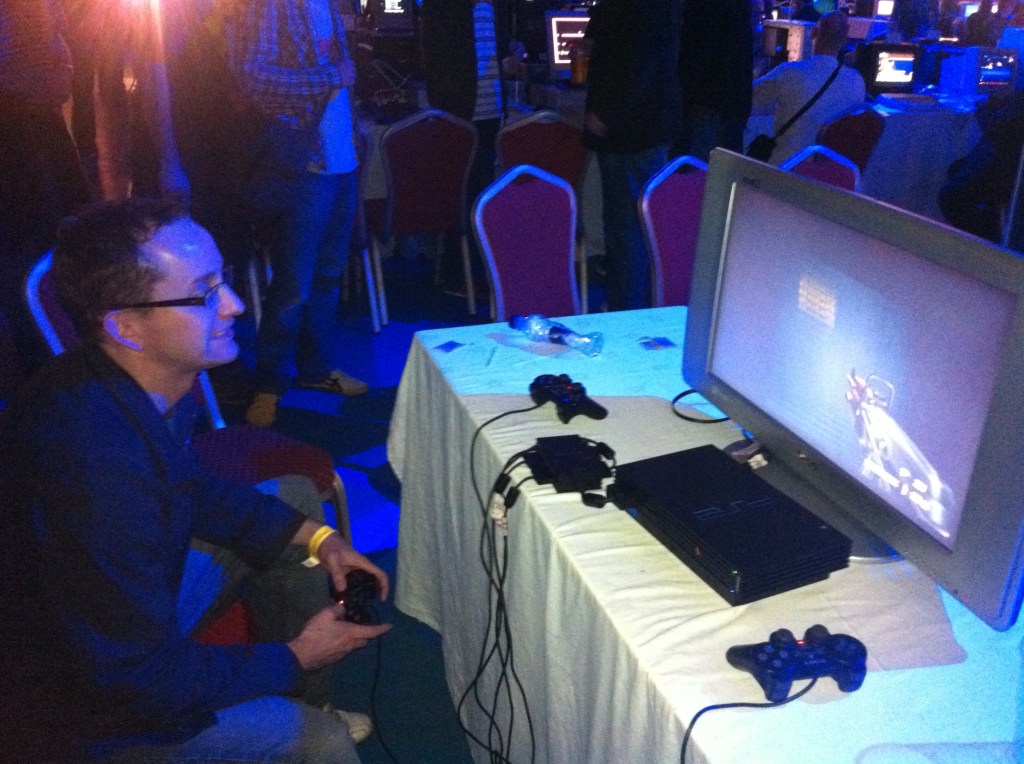
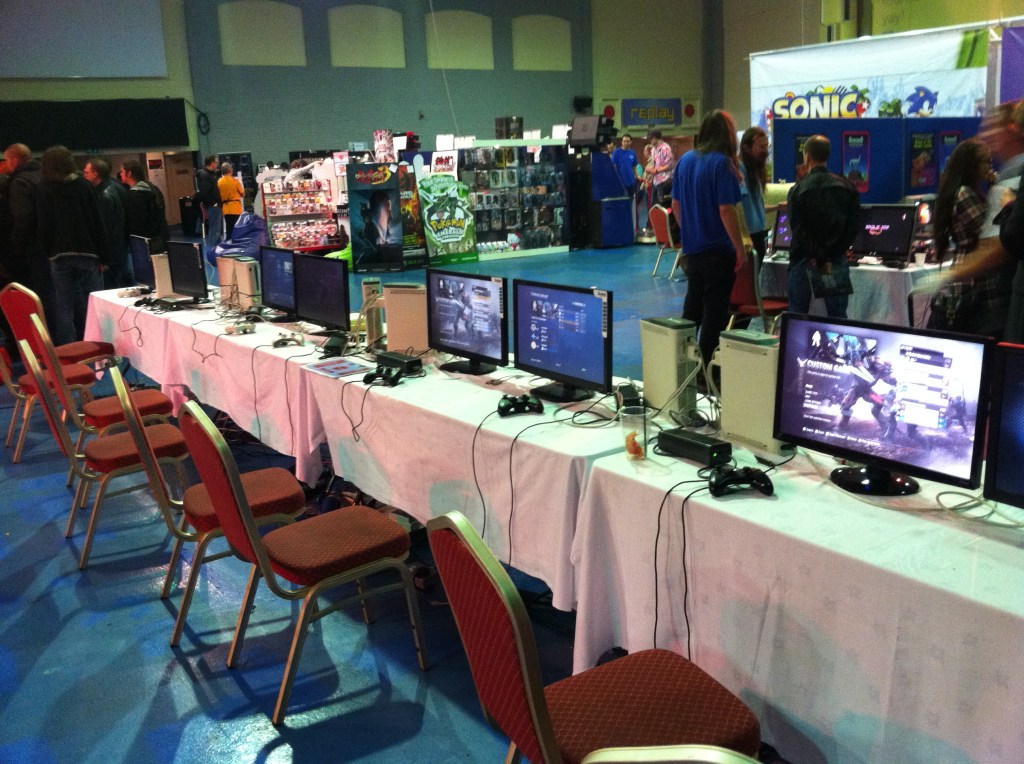
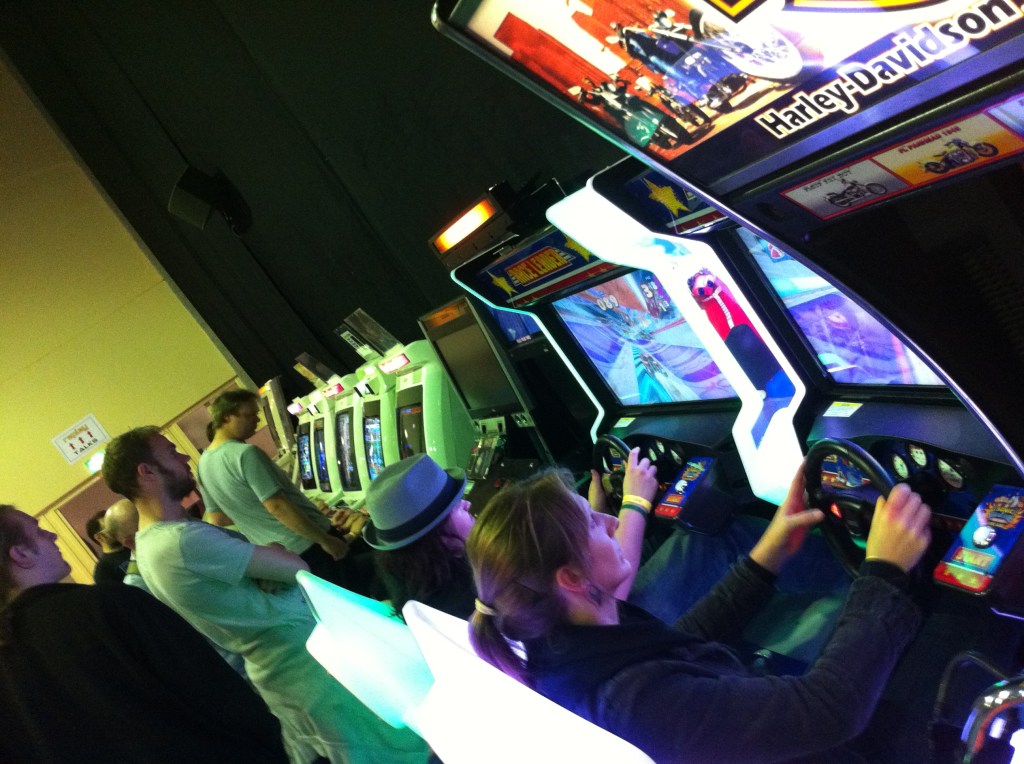
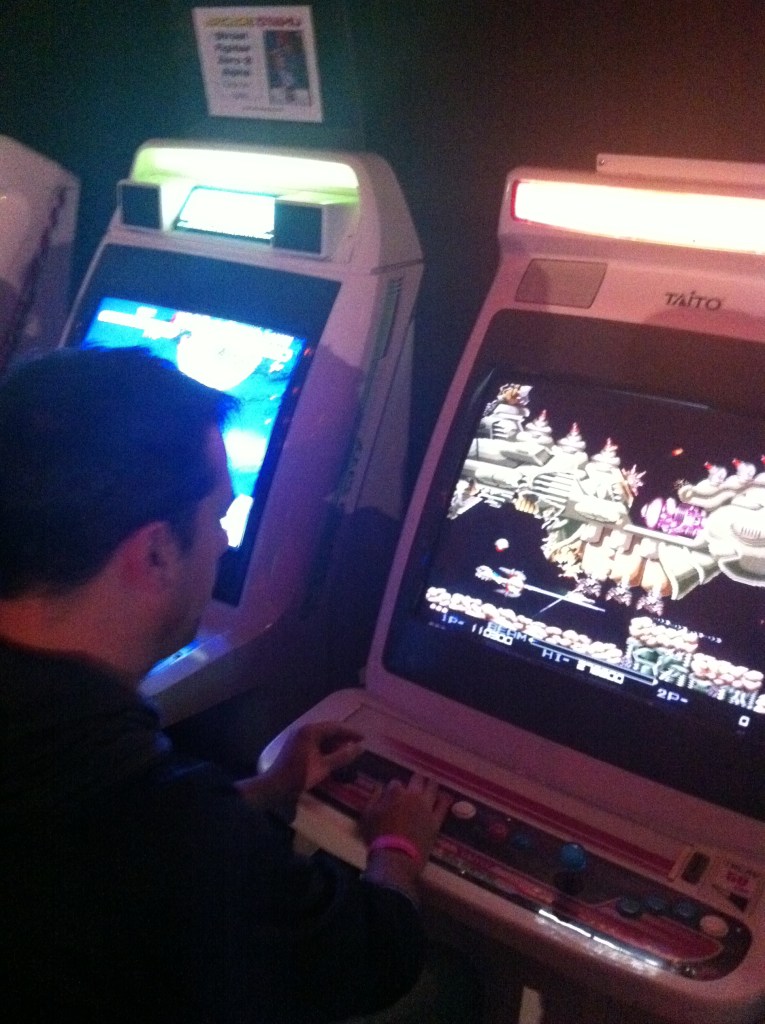
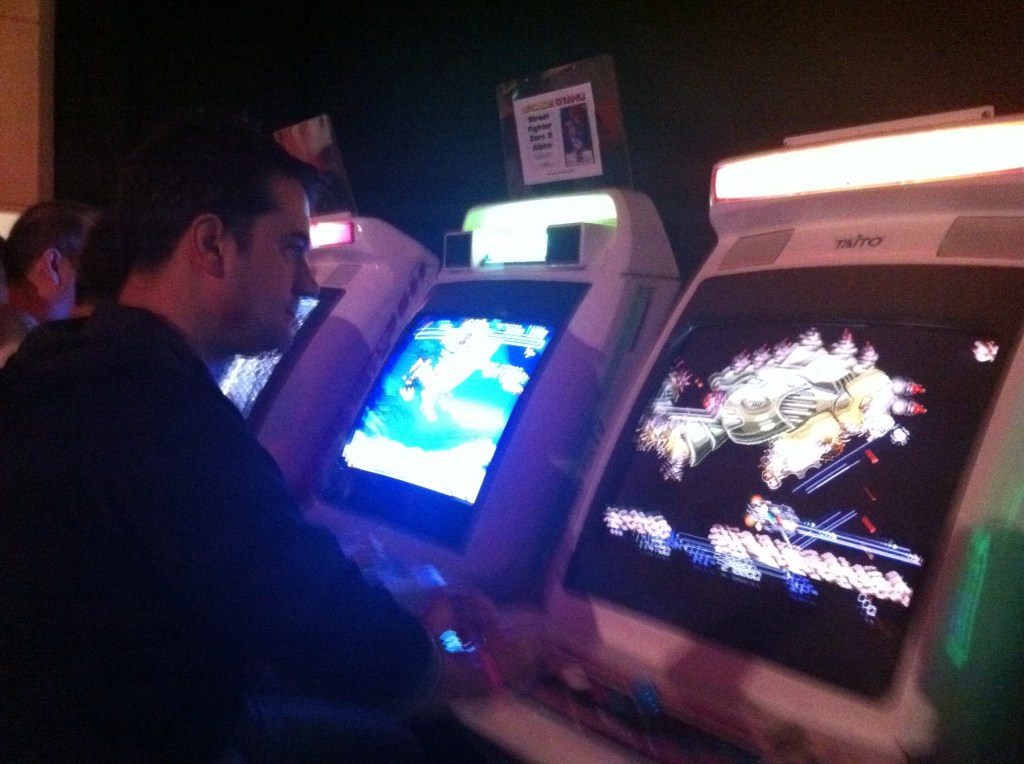
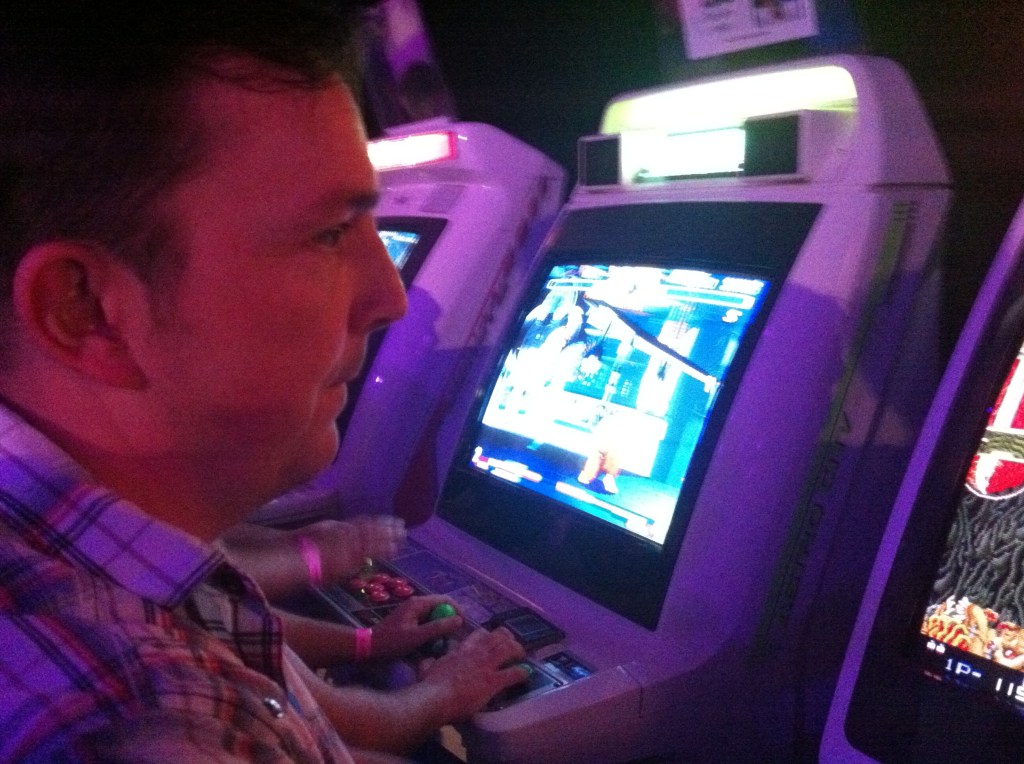
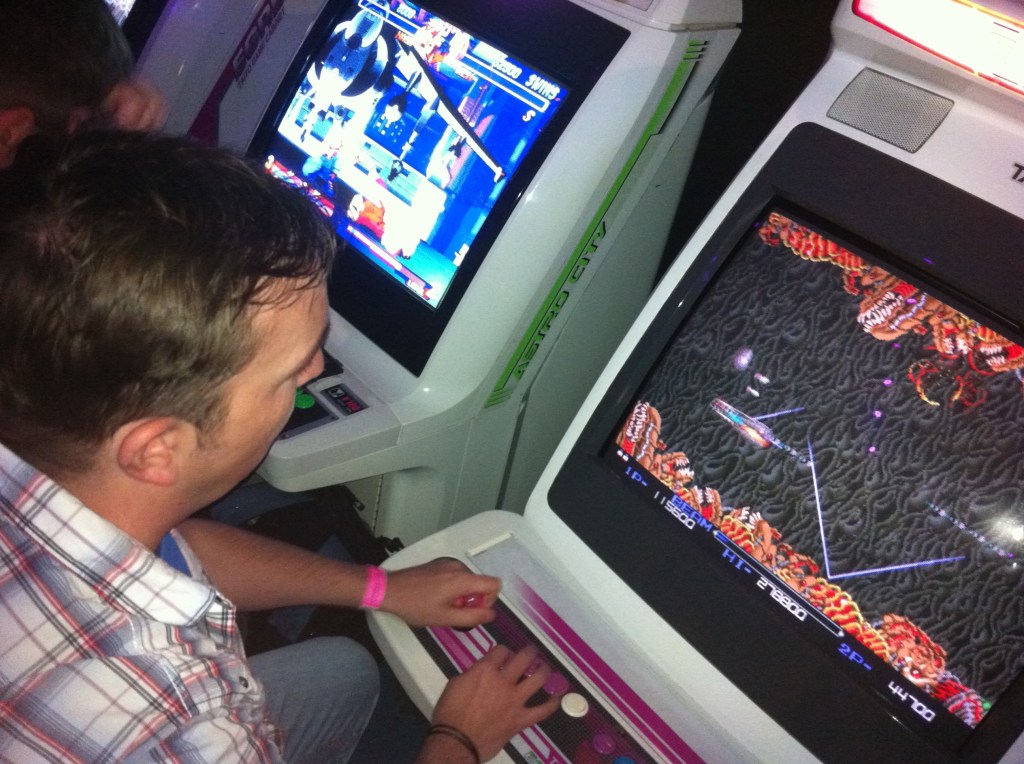
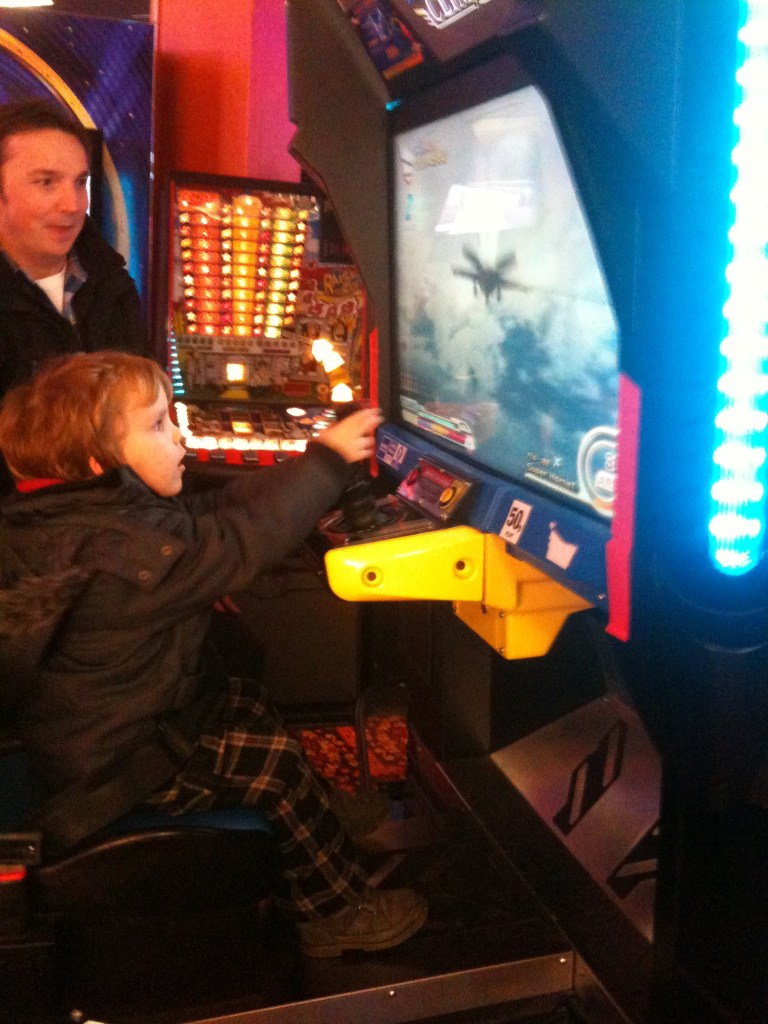
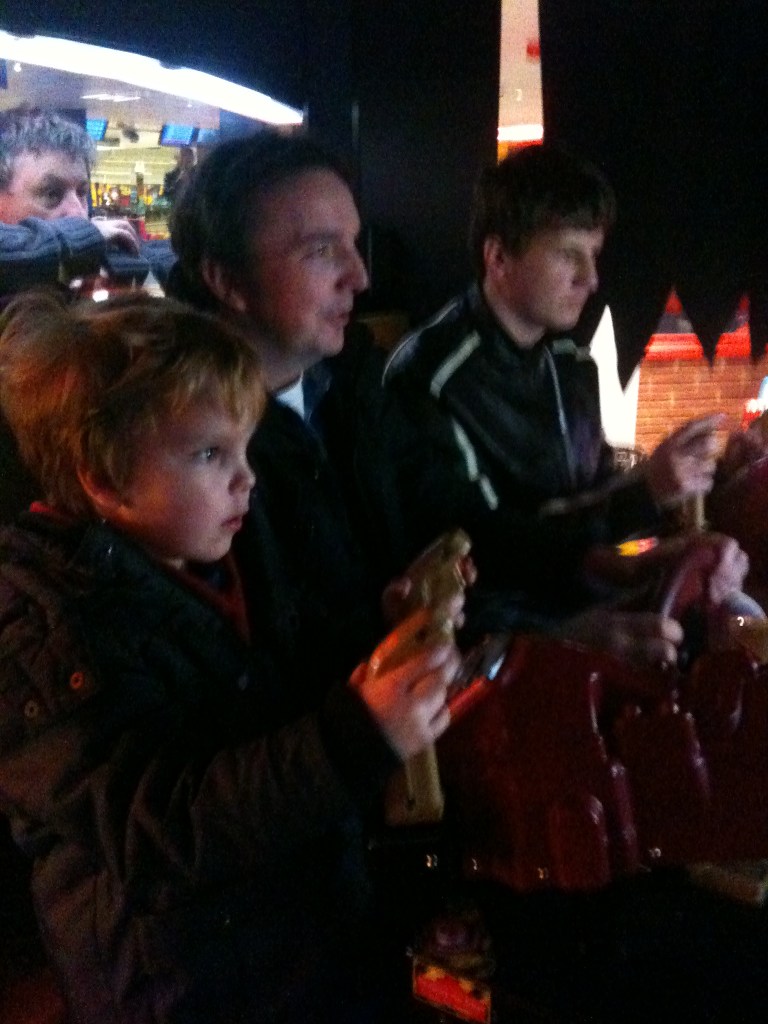
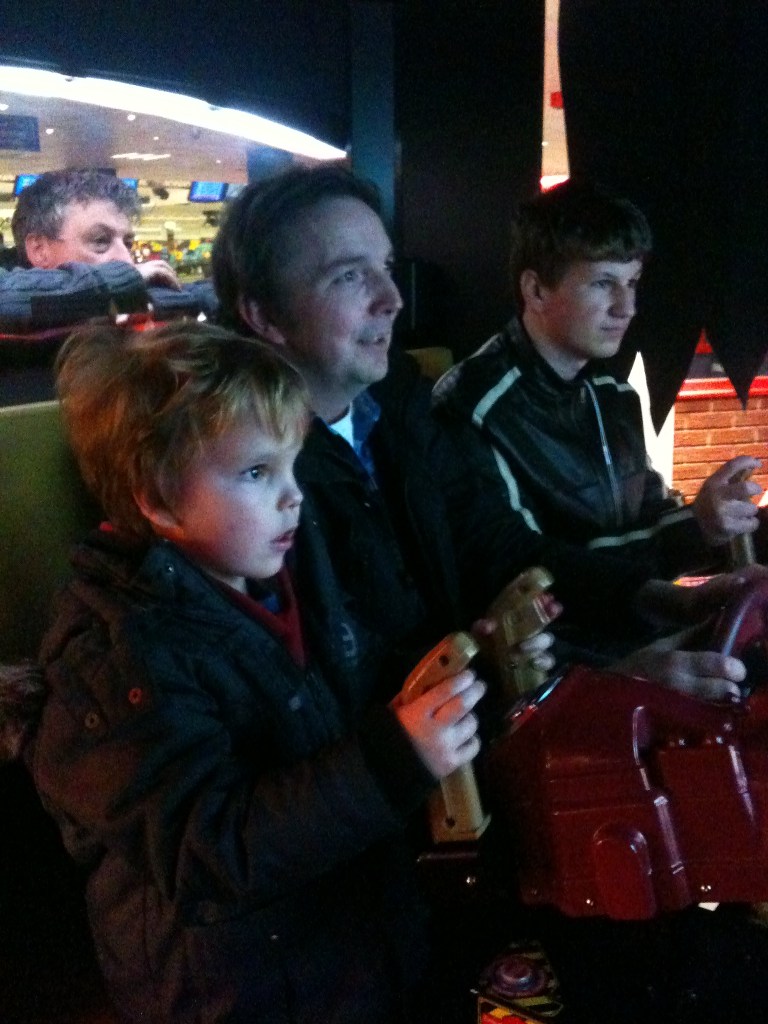
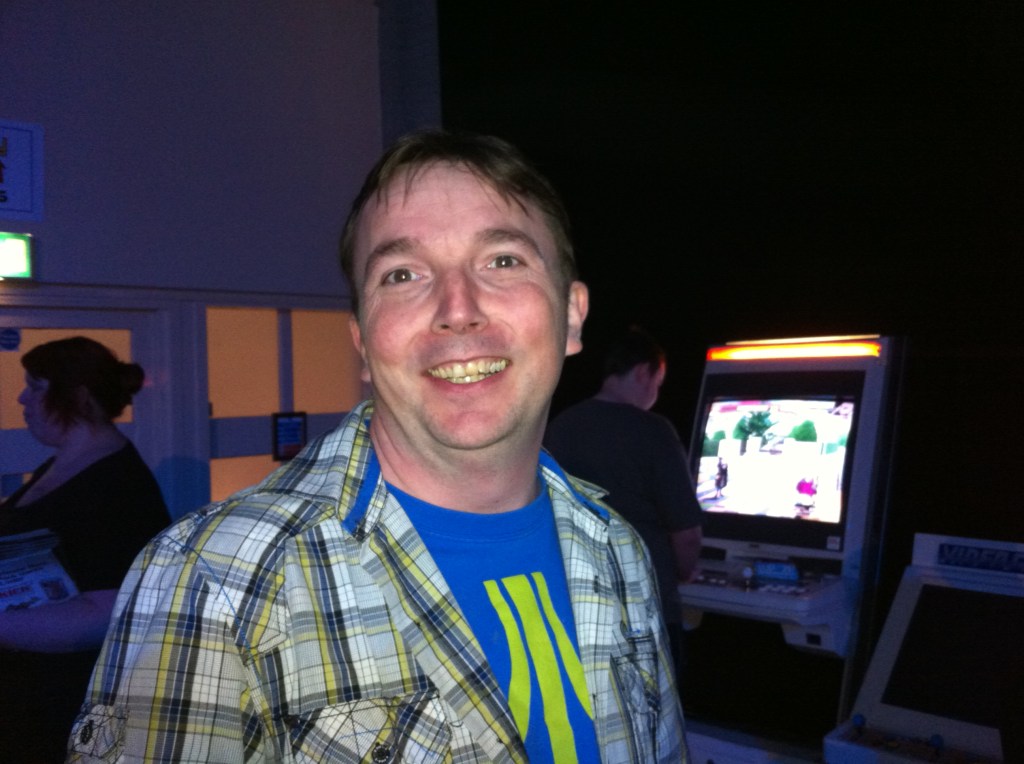
    Craig, Chris, Dave, Pete and Steve at the r3play 2011 retro gaming event. Attended both the Saturday and Sunday, stayed overnight in blackpool (lots of beers and a bit of Karaoke).

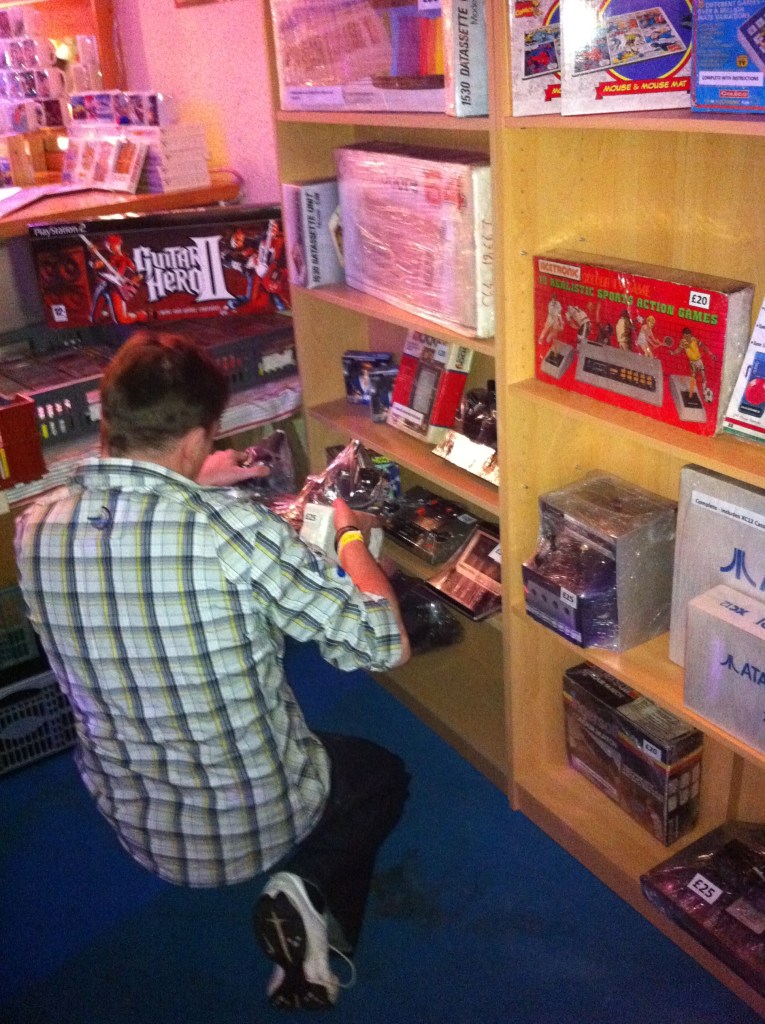
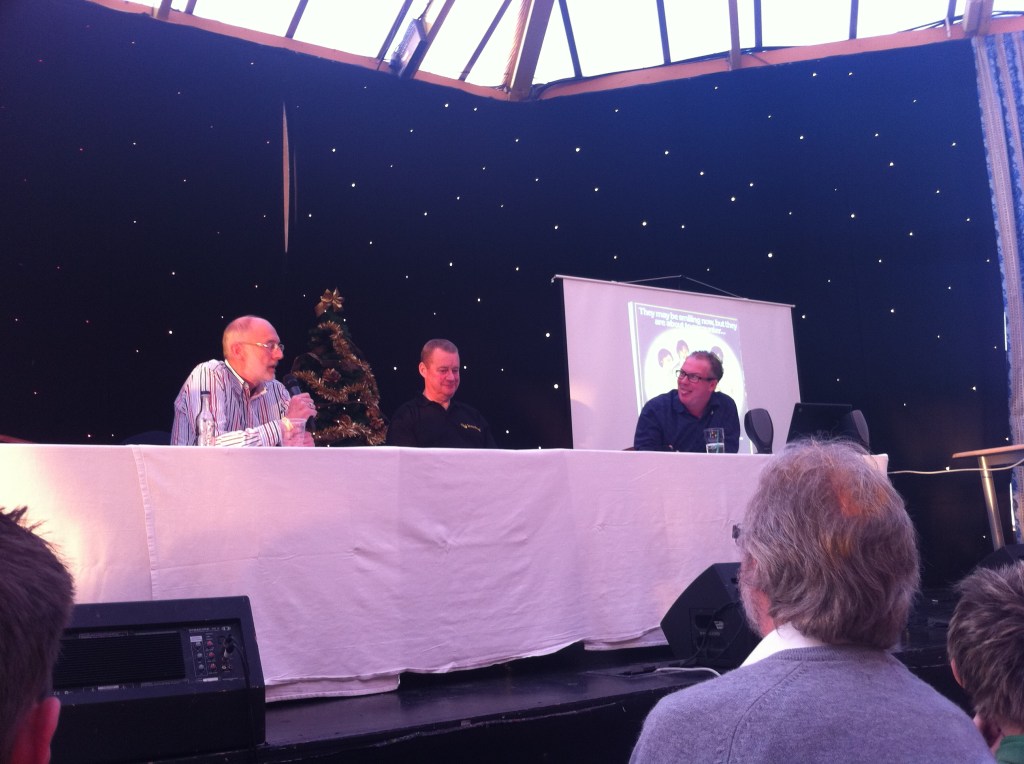
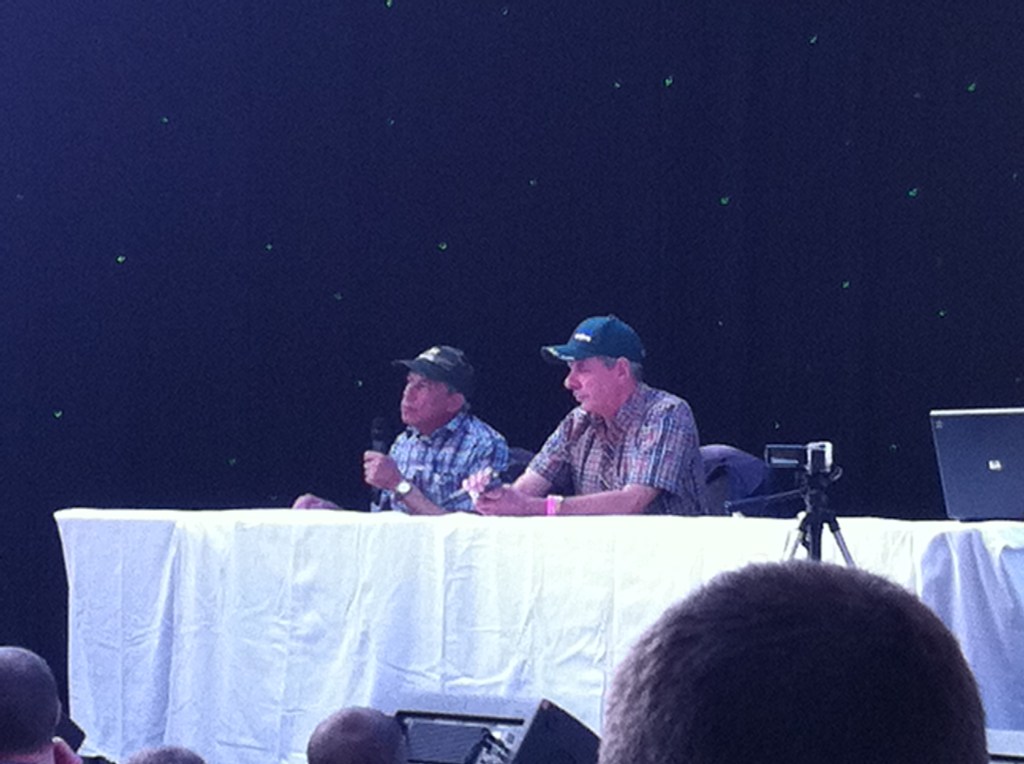
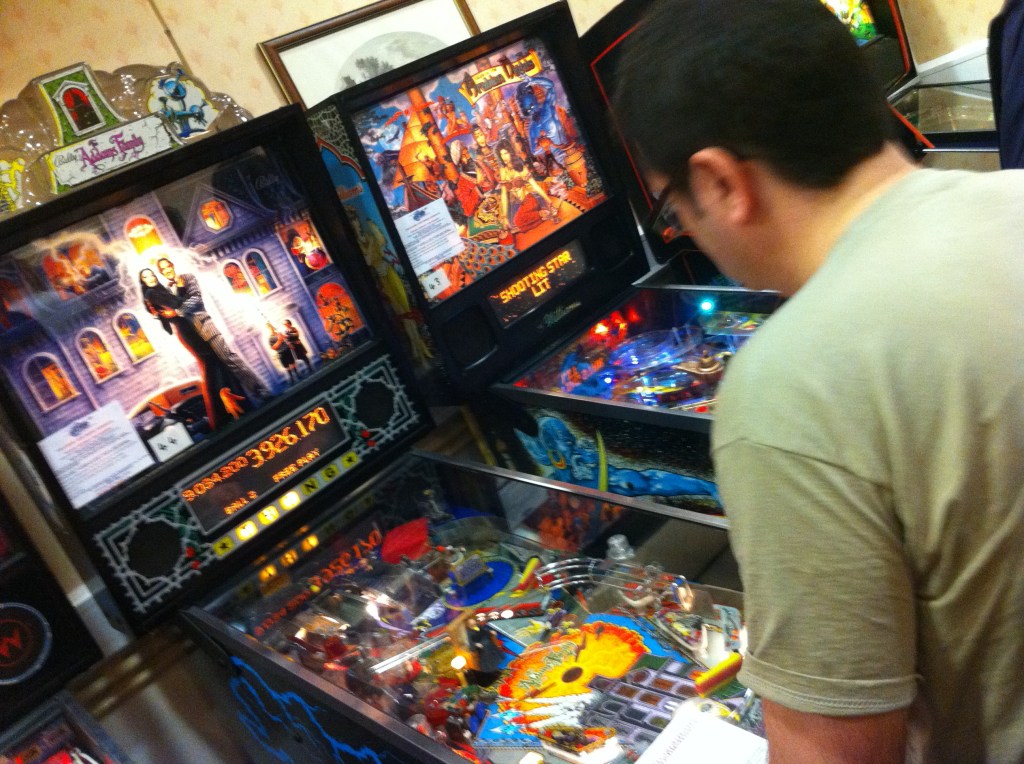
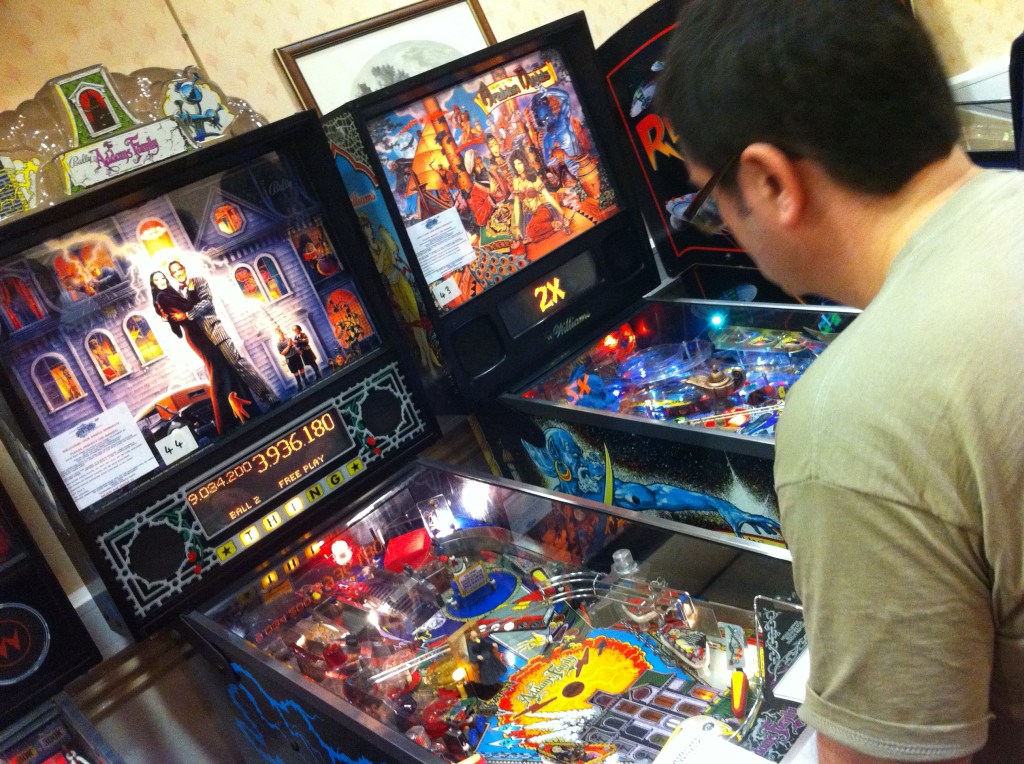
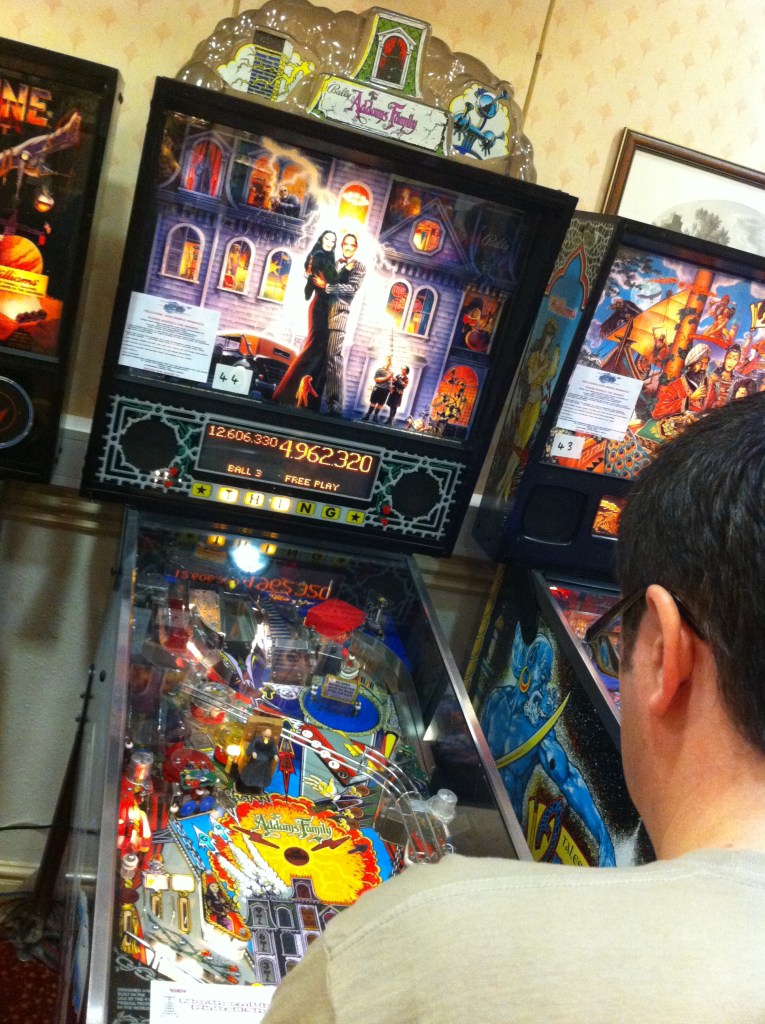
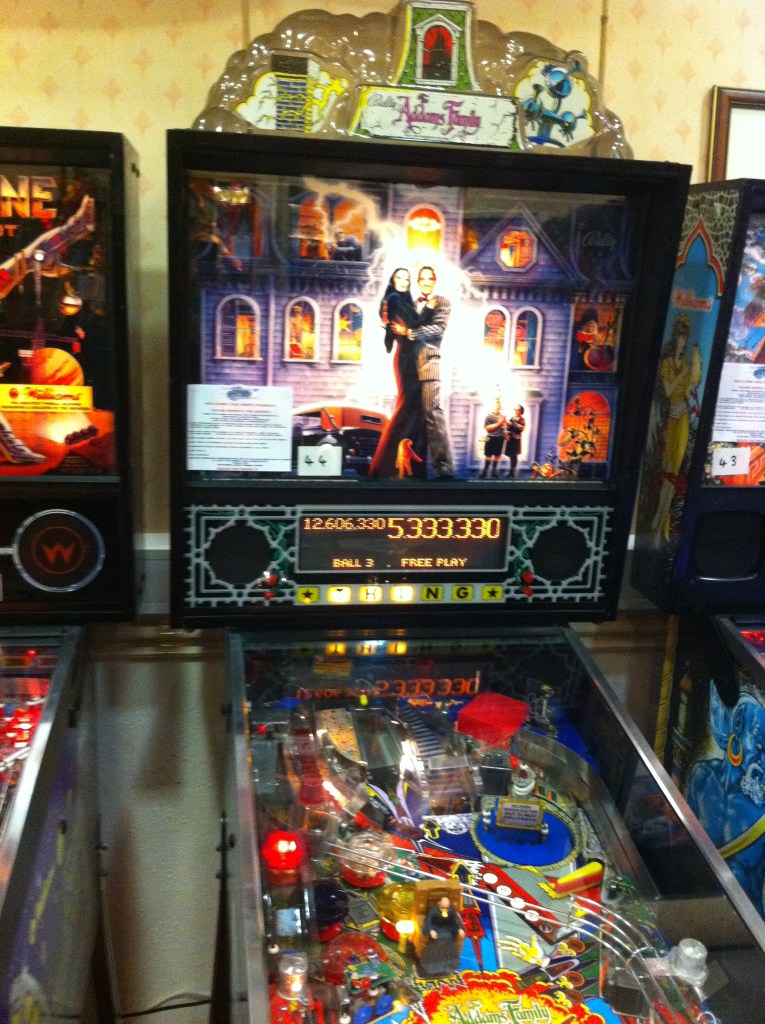
    Had a brilliant time, the event gets better each year. We lost Dave early days to the Pinball Alley, mostly ‘The Addams Family’ machine. I was so lost into the gaming that I just forgot to take many pics or vids. We good to meet some of the folks from Jammaplus forums, and some of the cabs. Sweet.  Managed to get to quite alot of the talks this time around, really interesting. This event needs to be on Monthly.

    Again, all with big grins on our face all day long.
  • Pinball Alley at R3play 2011

    Pinball Alley at R3play 2011

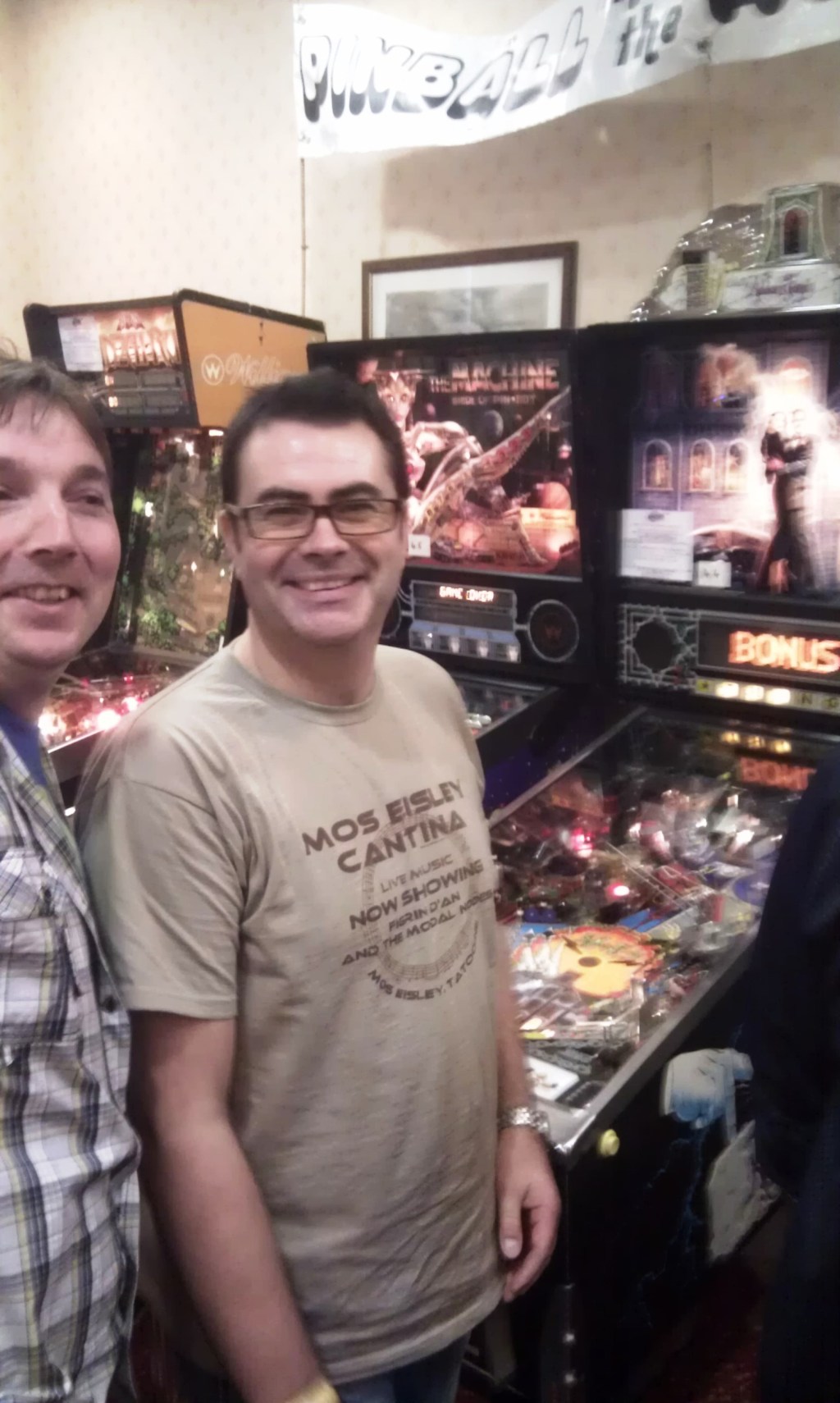
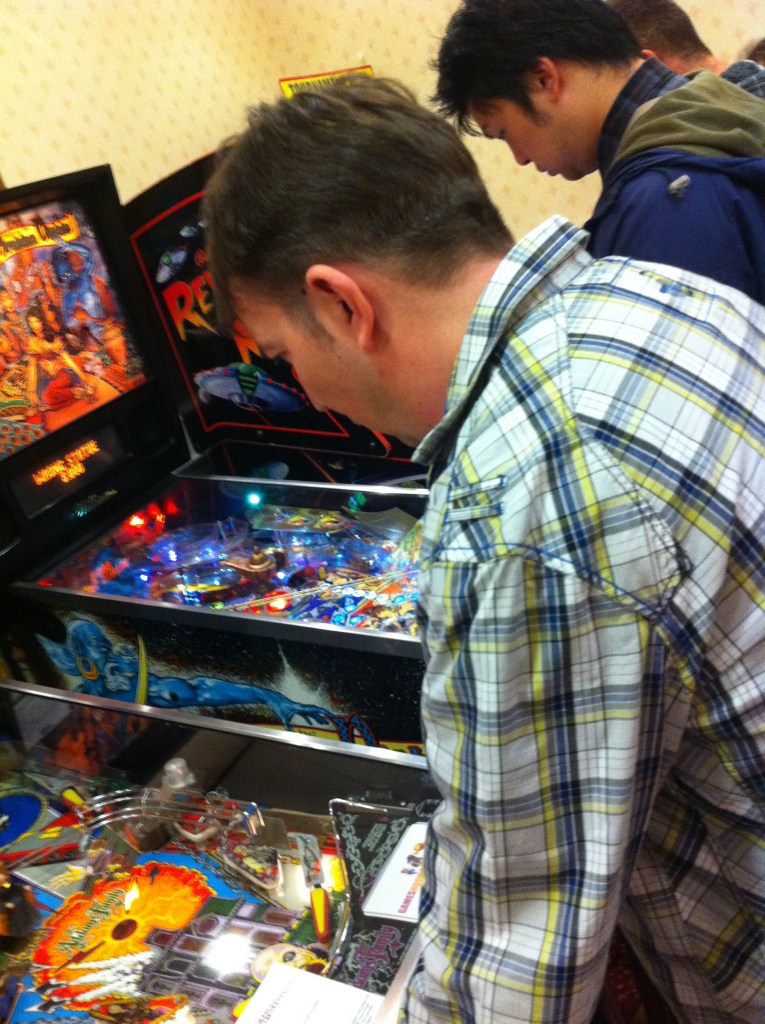
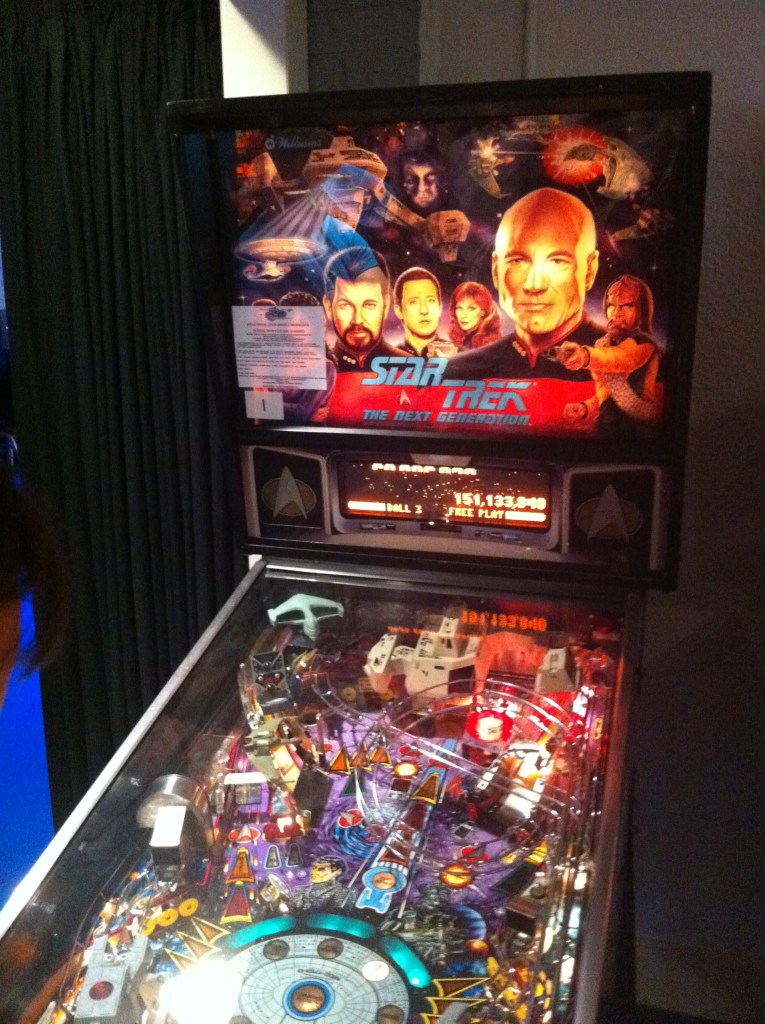
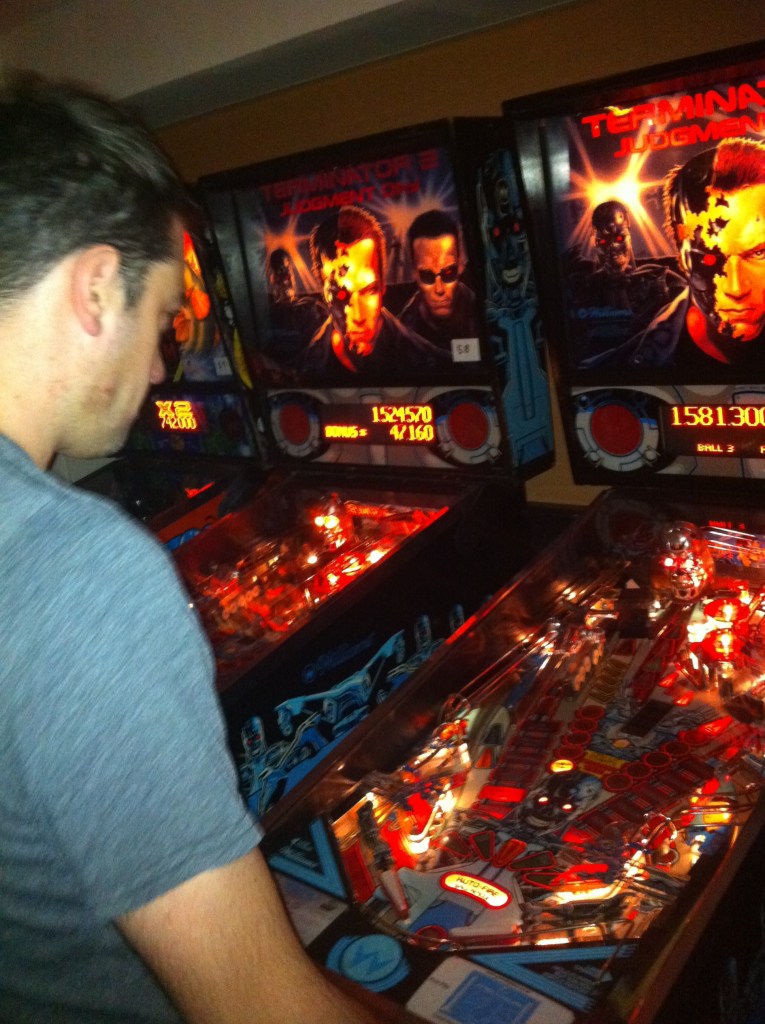
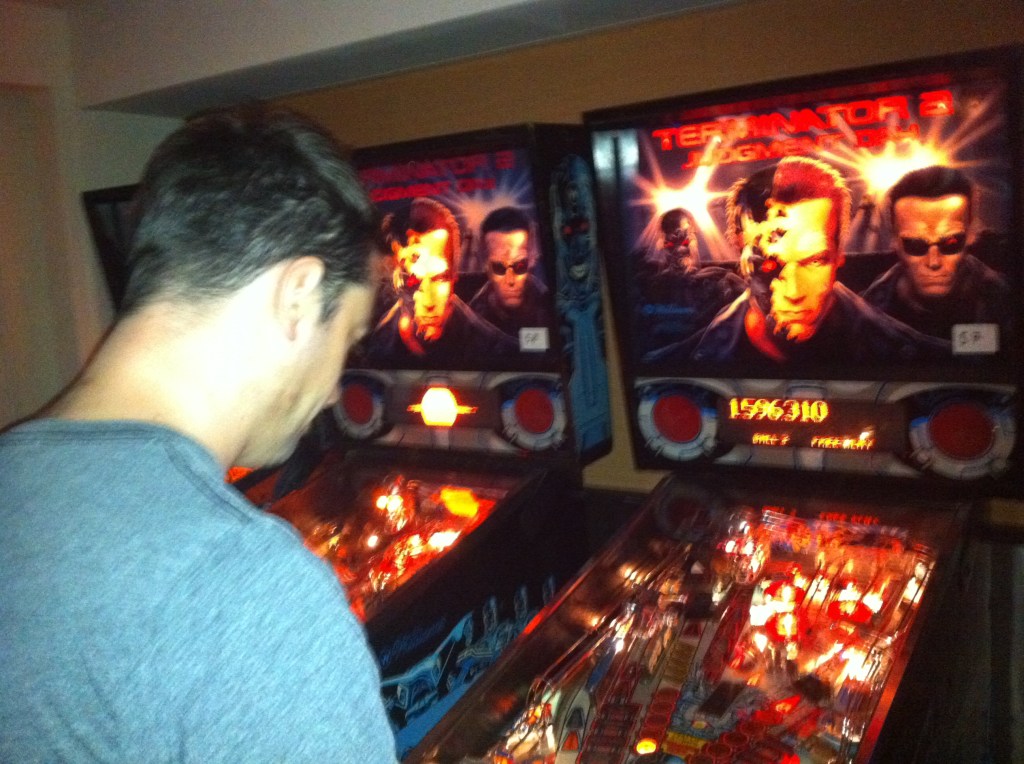
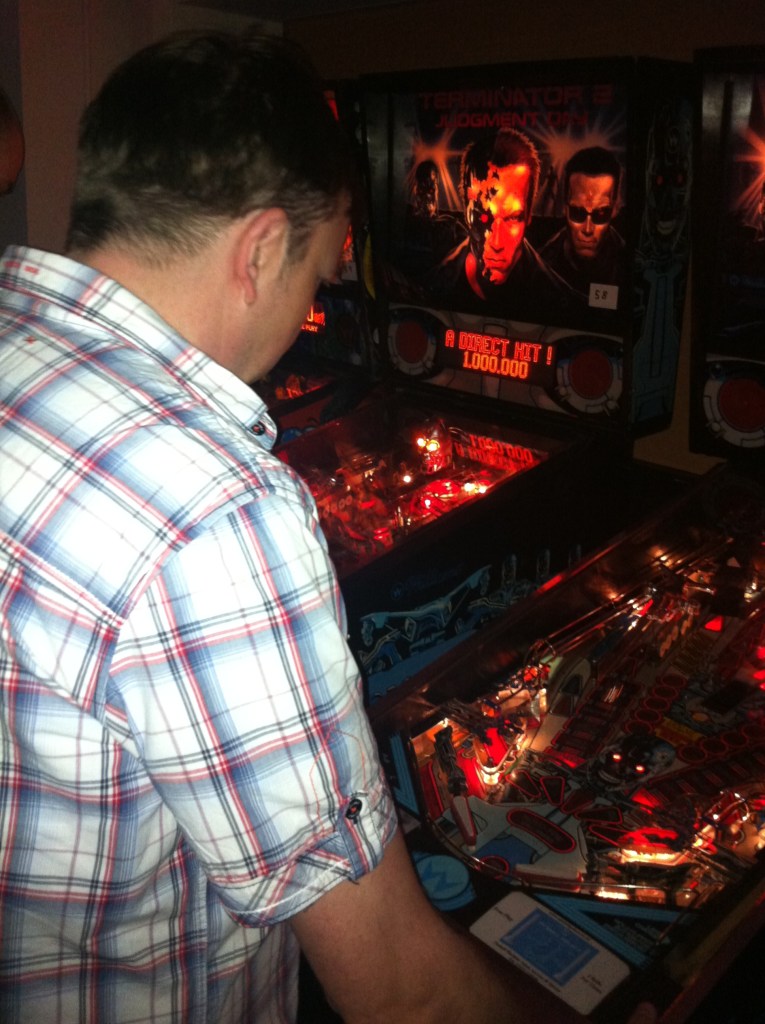
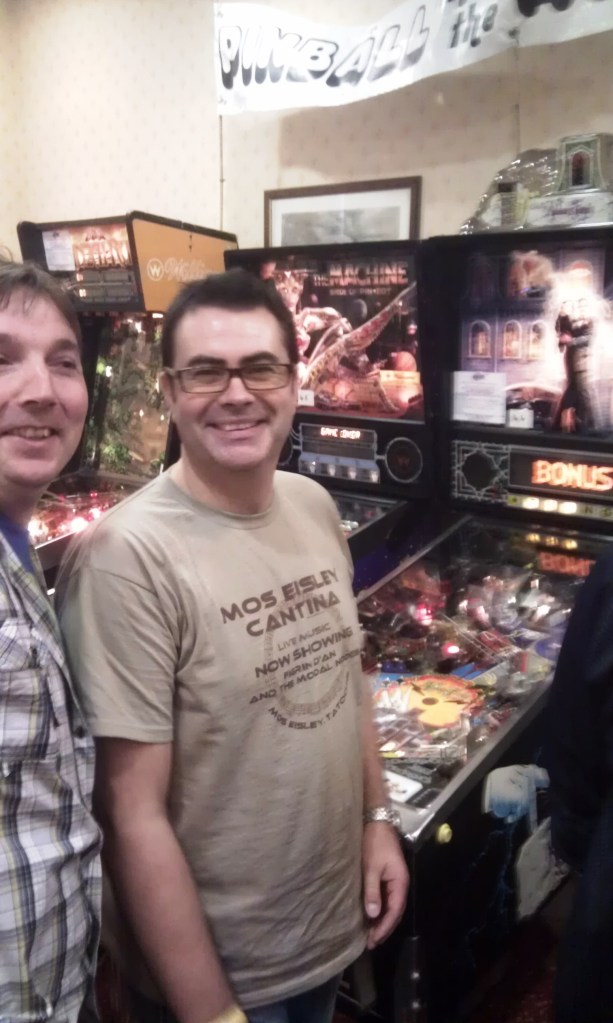
    Craig, Chris, Dave, Pete and Steve in Pinball Alley at R3play 2011. The atmosphere is so awesome, their was lots more pins this year. There was that many that not only did we have pinball alley, we also had another room full to the brim with pins (including the mighty ‘The Adams Family’).
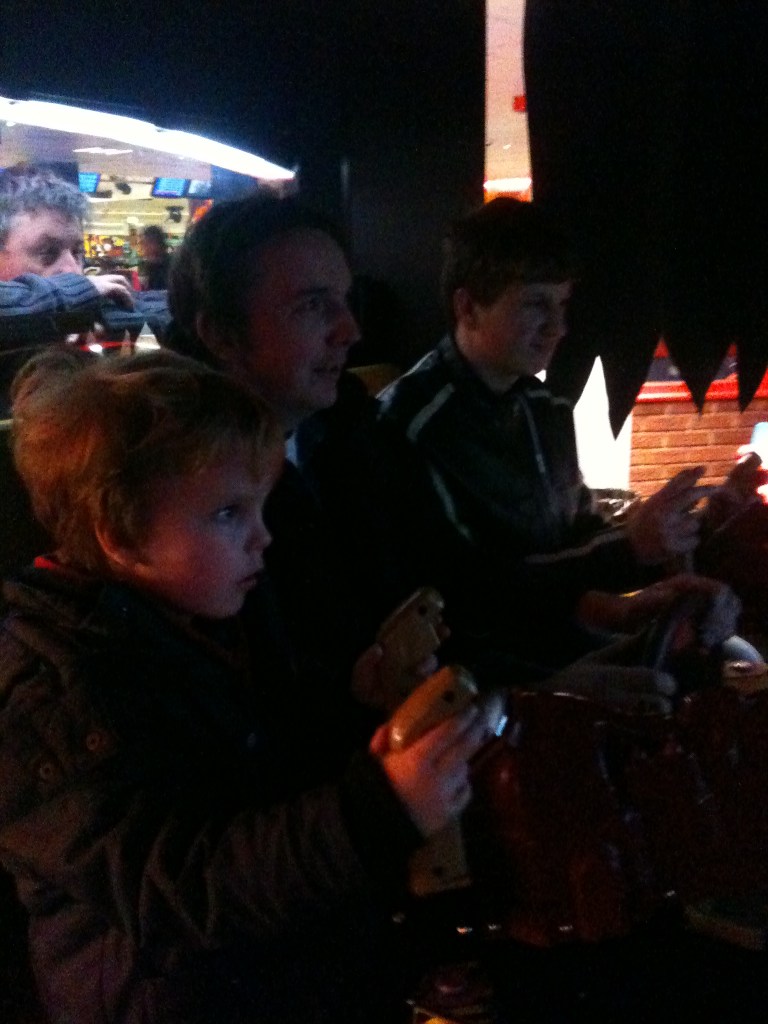
    Dave and Chris got some amazing scores. I need a pin, more than ever. I Need a TAF pin

  • I show Ian how to play Track & Field

    I show Ian how to play Track & Field

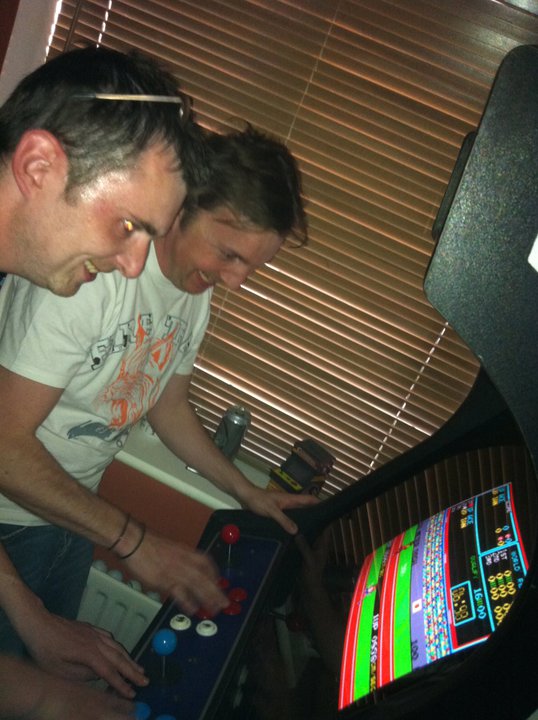
    Me and Ian playing Track & Field on the Mame arcade machine, with the lads and kids shouting/laughing in the background

    Will he qualify?

  • Fun at Bridlington Arcades

    Fun at Bridlington Arcades

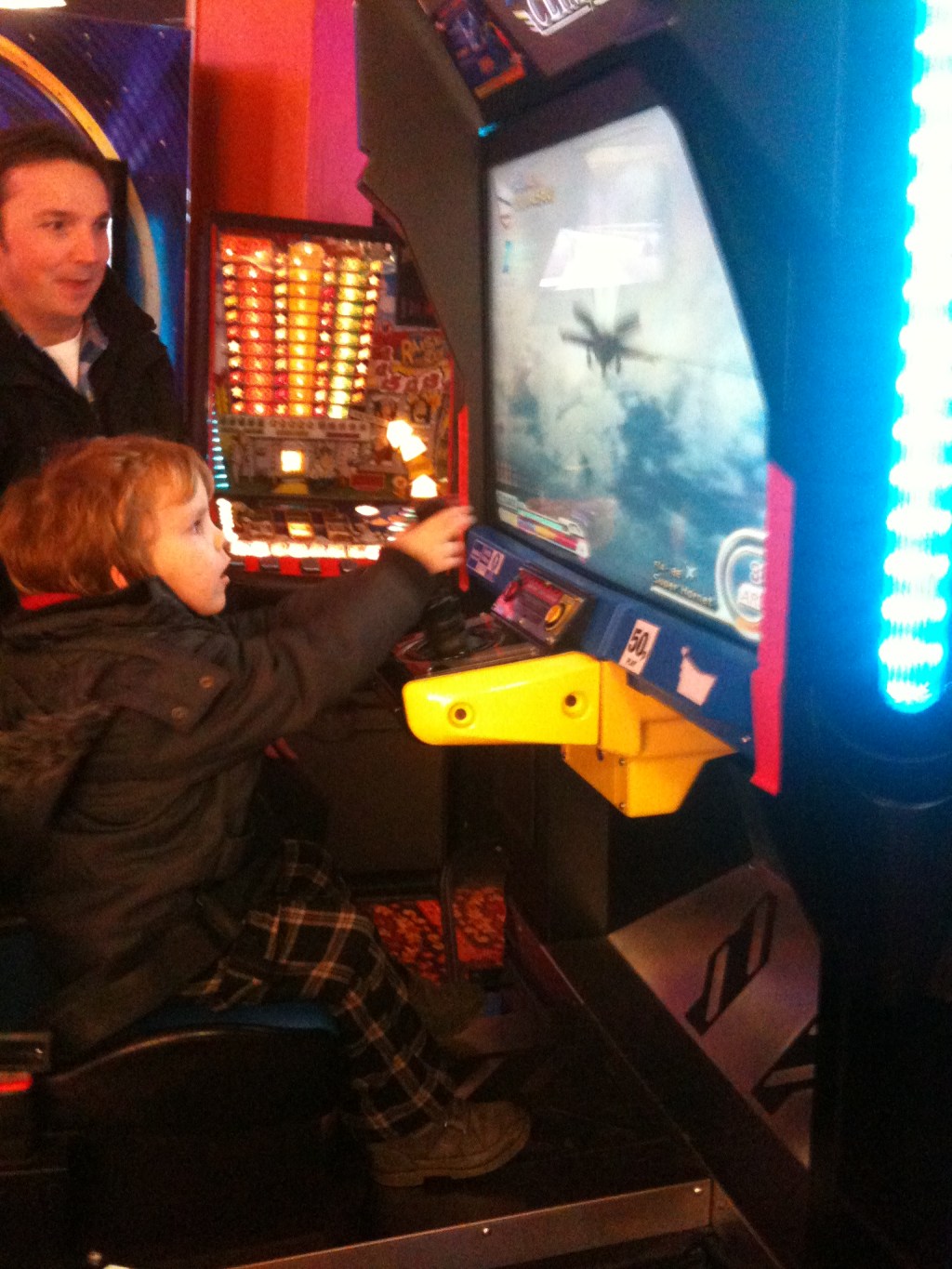
    Lewis, Paul, me and my son at Bridlington Arcades

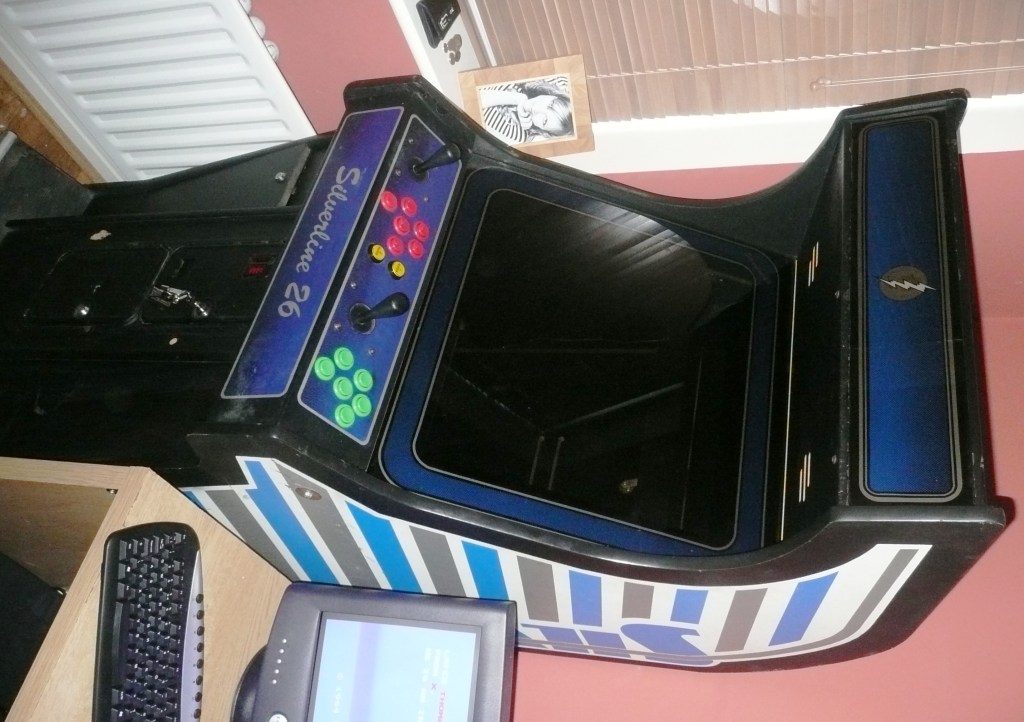
  • Mame Arcade Machine all working, PLAY TIME

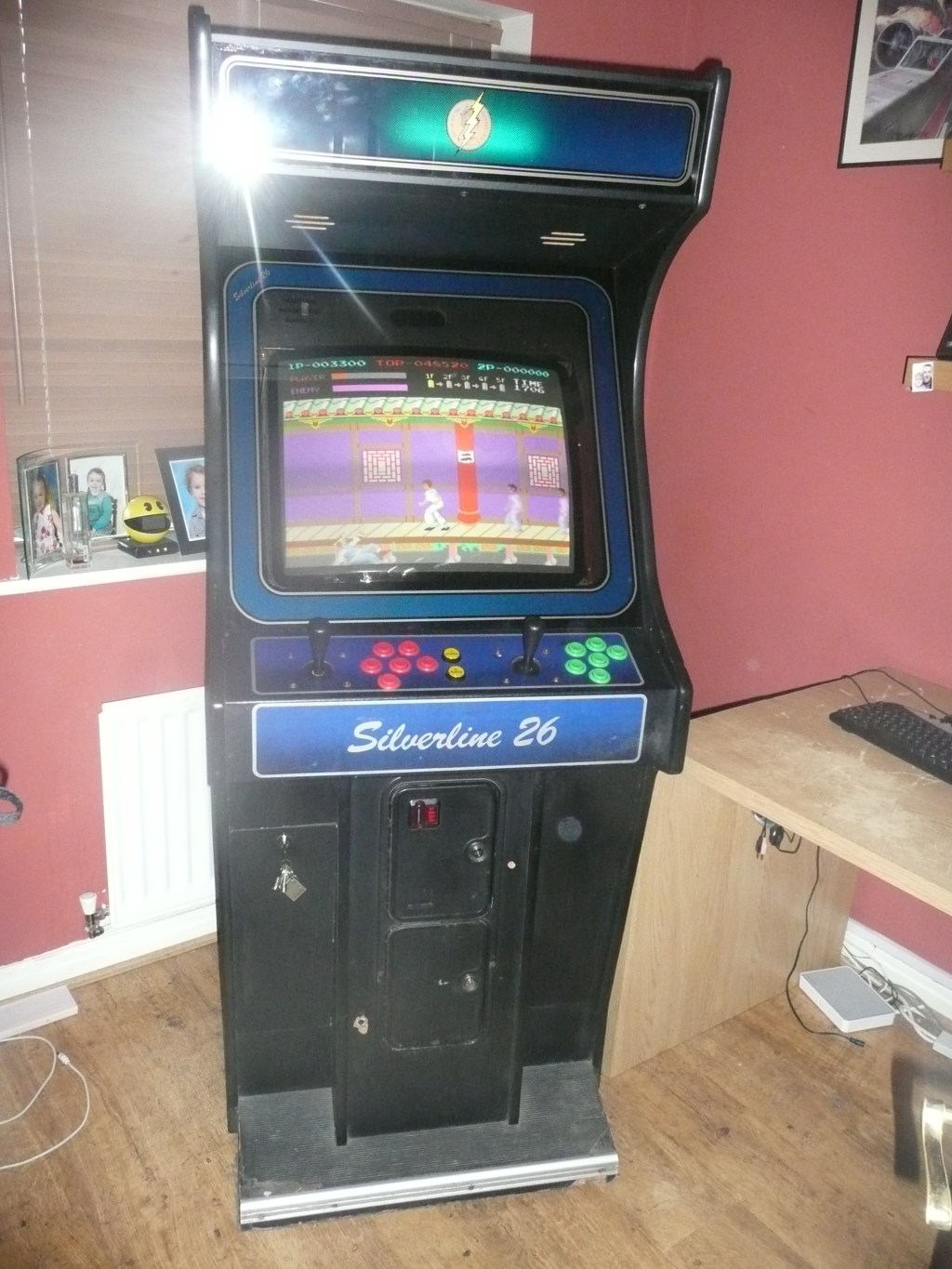
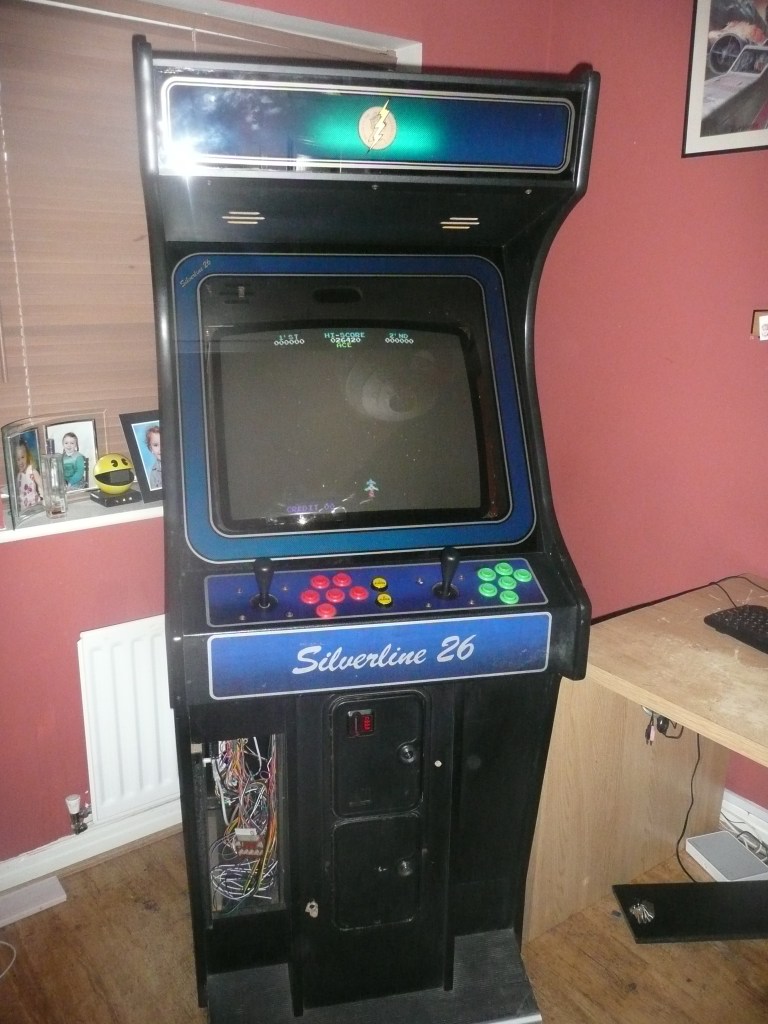
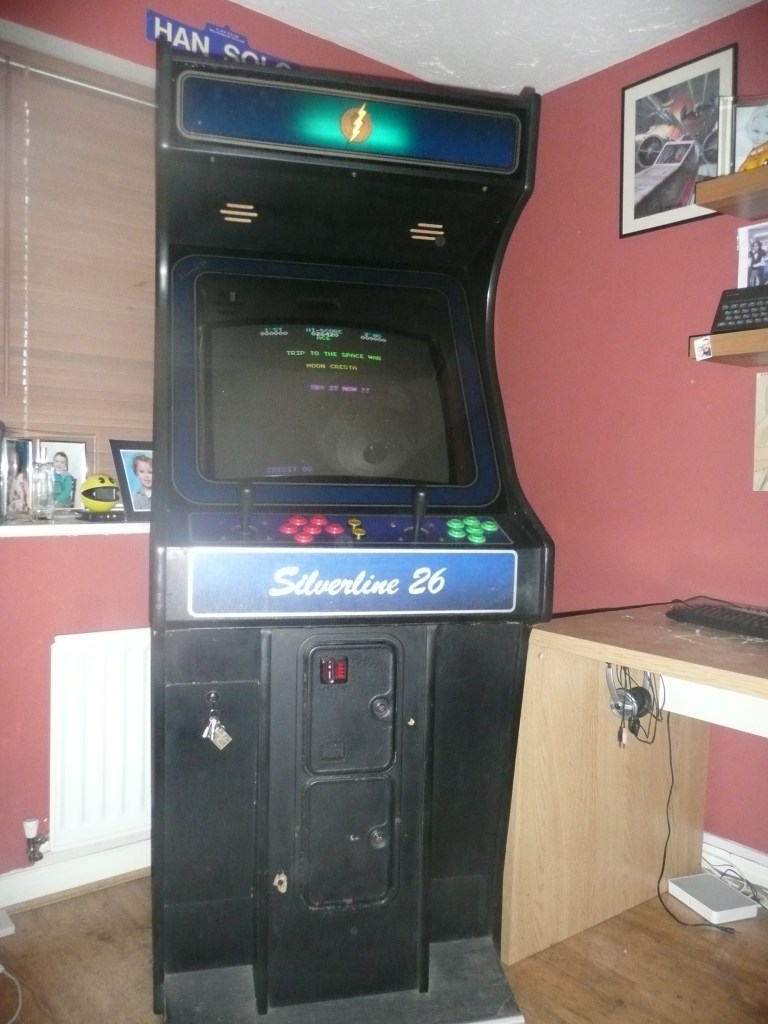
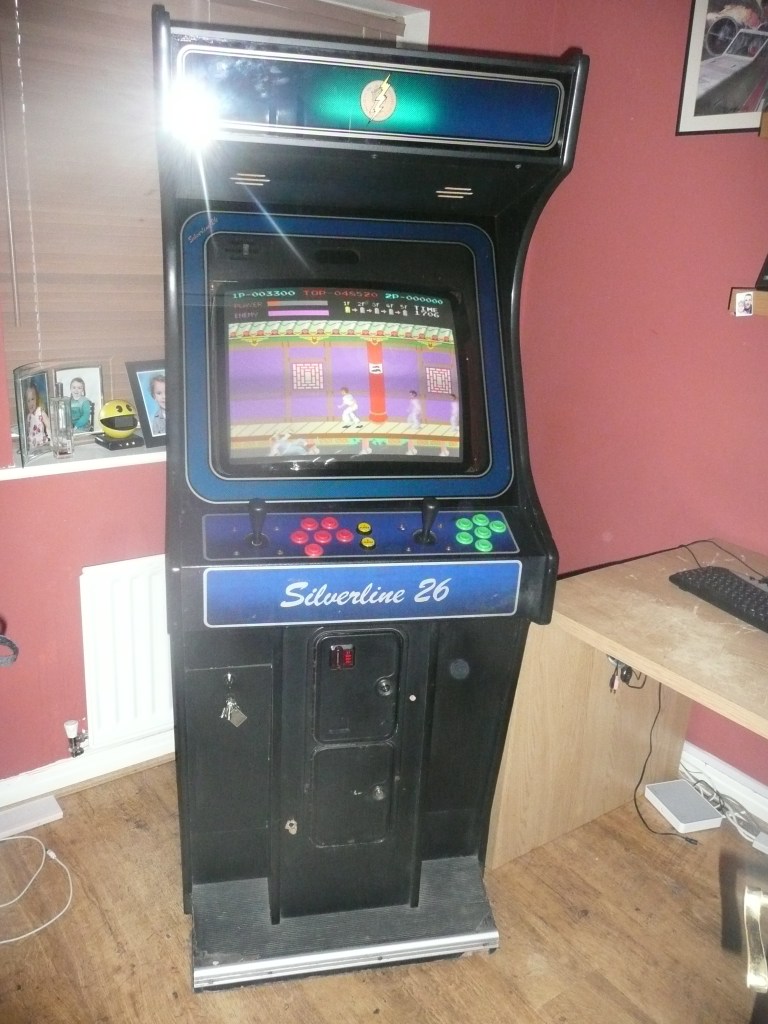
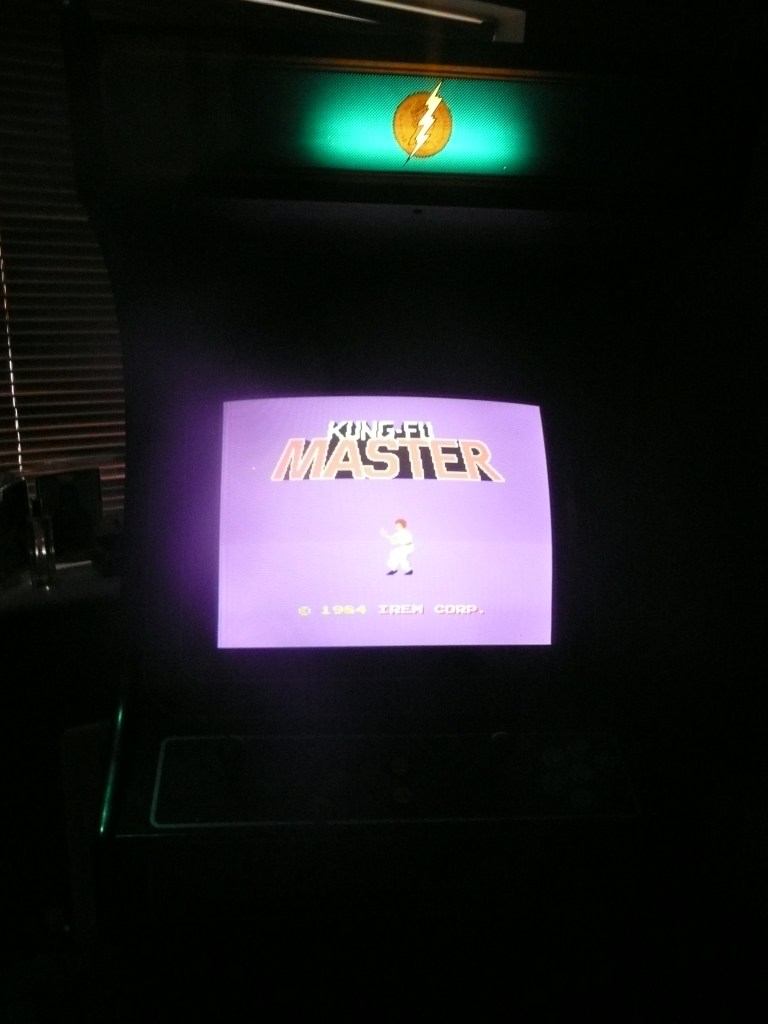
    Mame Arcade Machine all working, PLAY TIME

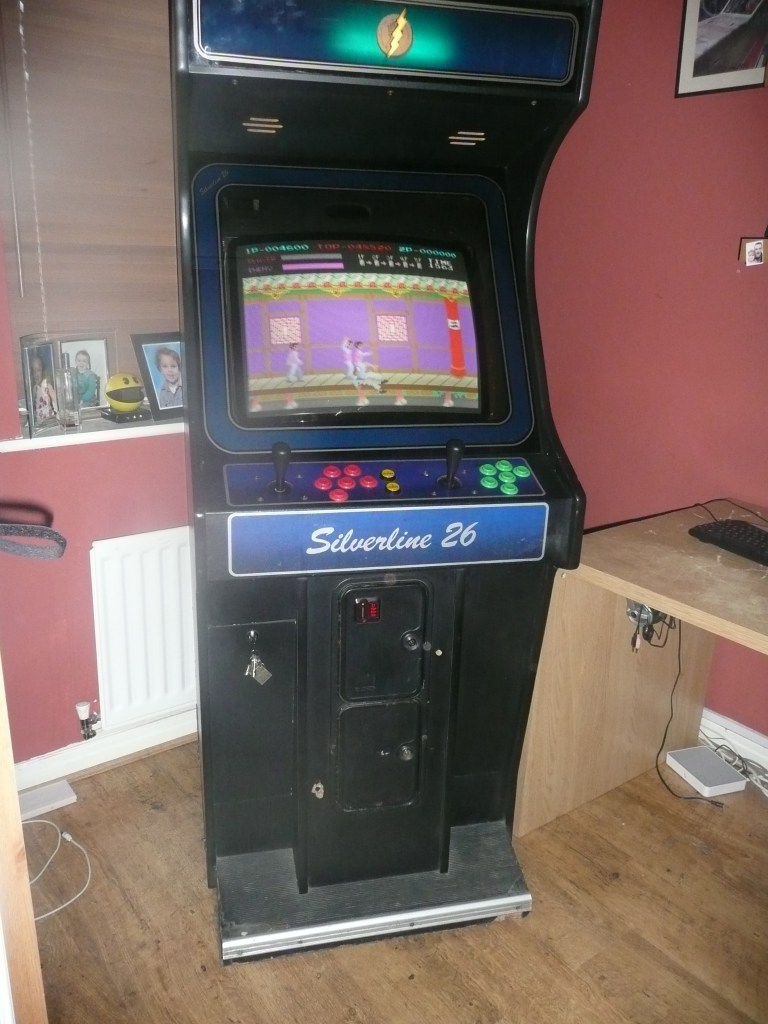
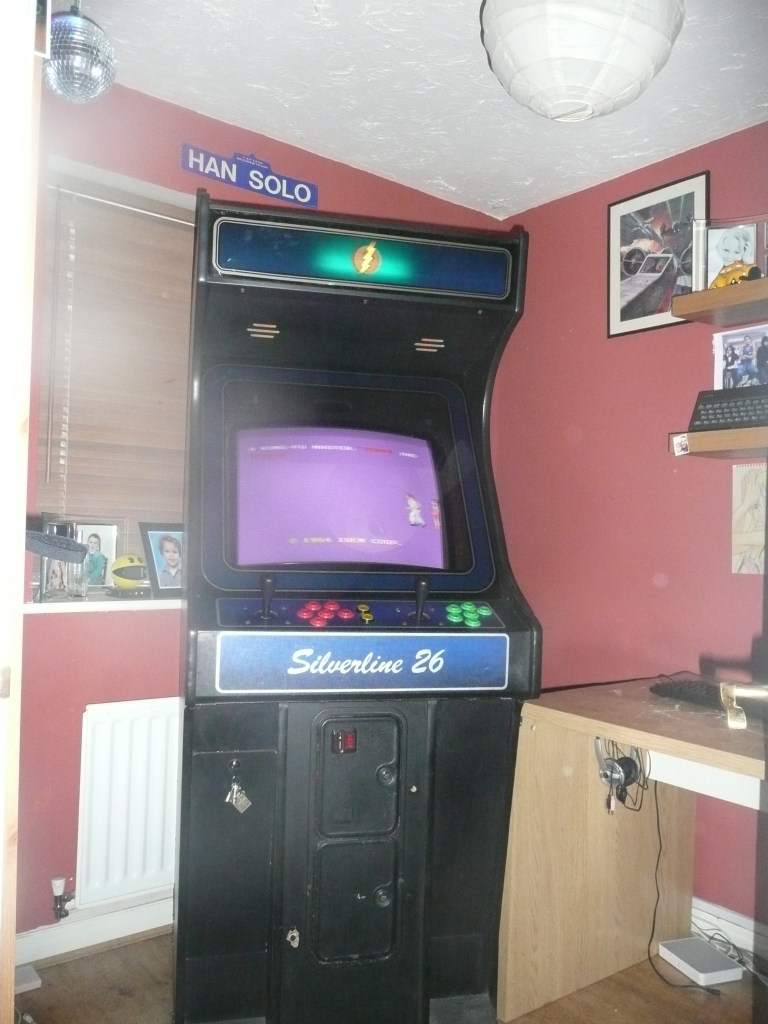
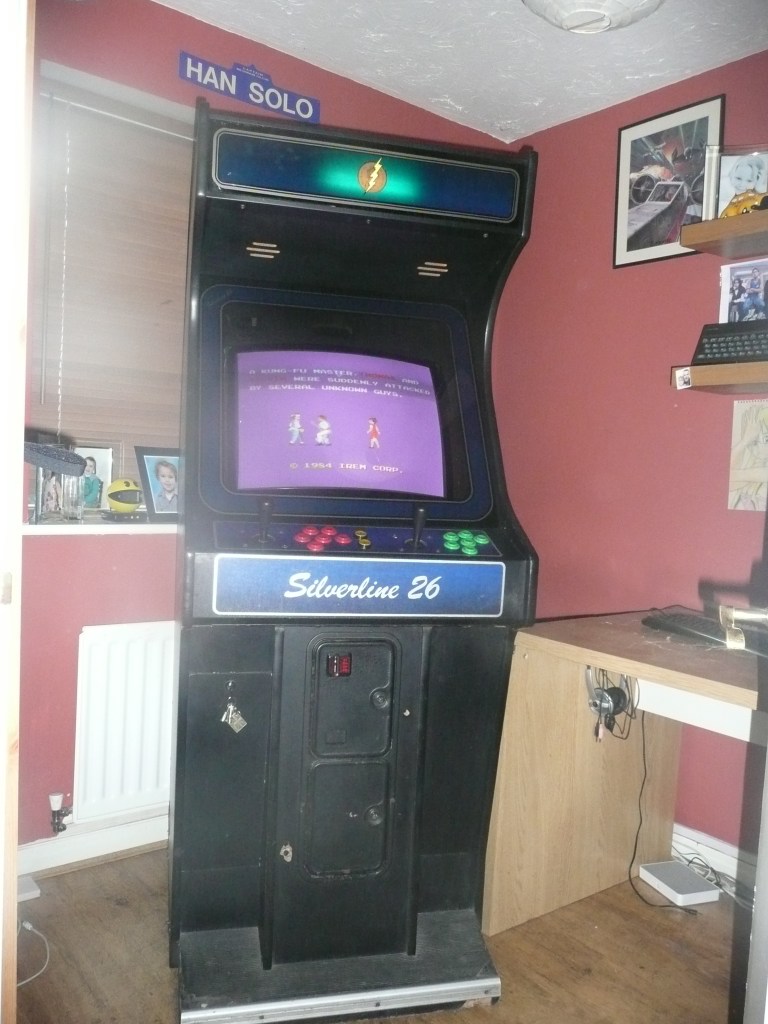
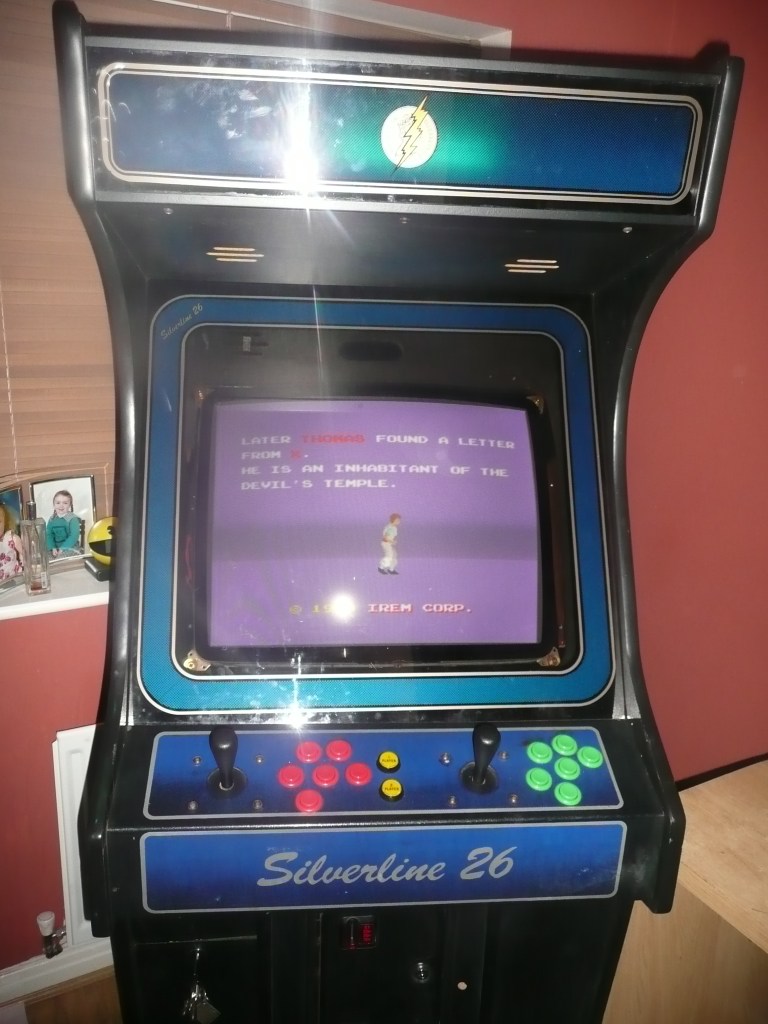
    Mame Arcade Monitor now all working, PLAY TIME

    • Fitted new Arcade monitor
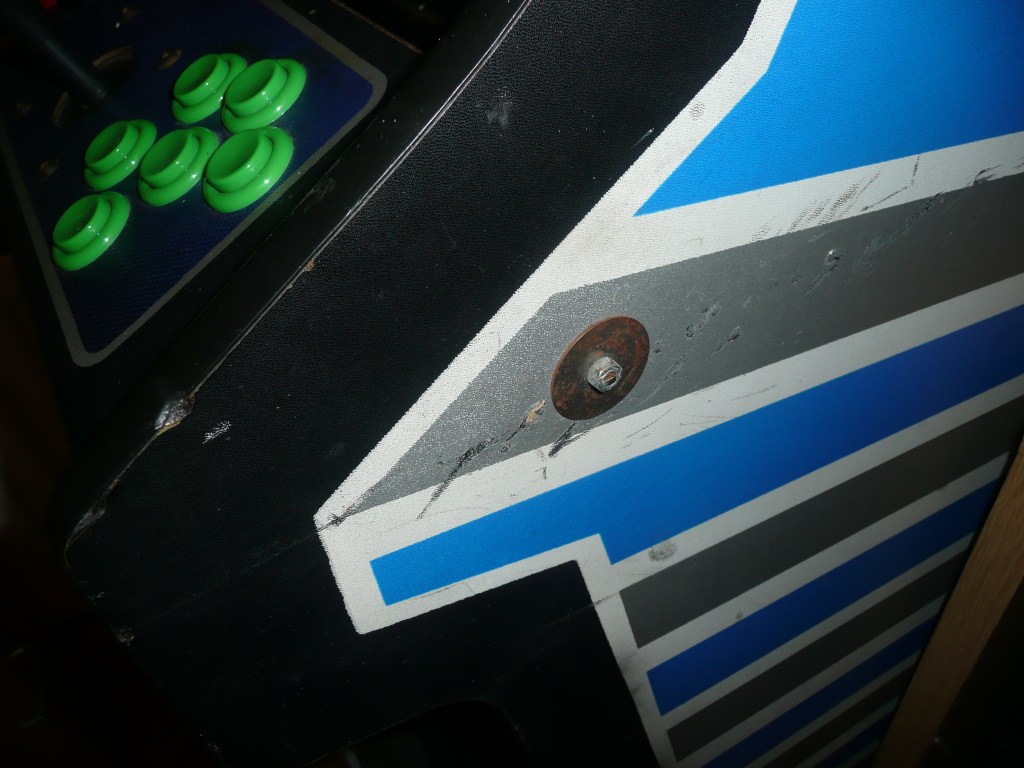
    • Removed unsightly metal bar and bolts in place to stabilize cab, instead strengthened with mega wood compound. Solid now
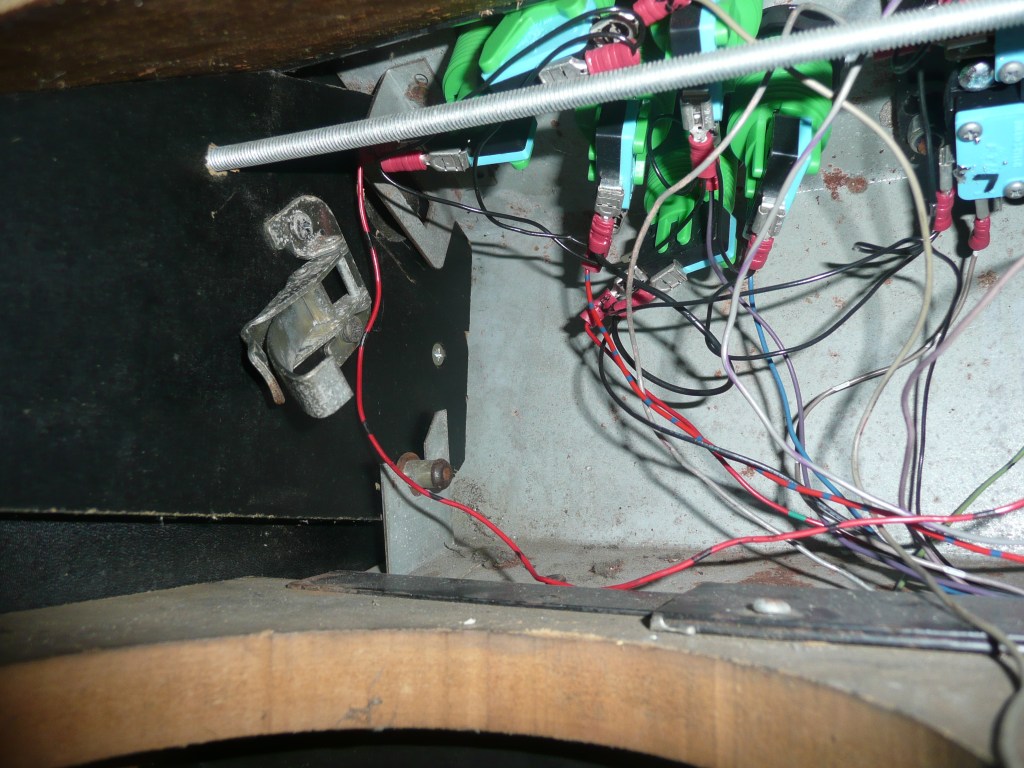
    • Installed Earth Wiring
    • Installed power solution, so machine switch on/off with just one button (hidden at top)
    • Using smart power brick, now power to other devices if comp not on
    • Computer totally configured to run tiny XP OS, Booting straight into Maximus Arcade Mame Frontend. Windows all hidden.
    • Computer installed with Arcade VFA GPU so can use Arcade monitor and use authentic res.
    • Machine using Jpac connector, so can also play Jamma Boards
  • Got Myself an Arcade Monitor for the Cabinet

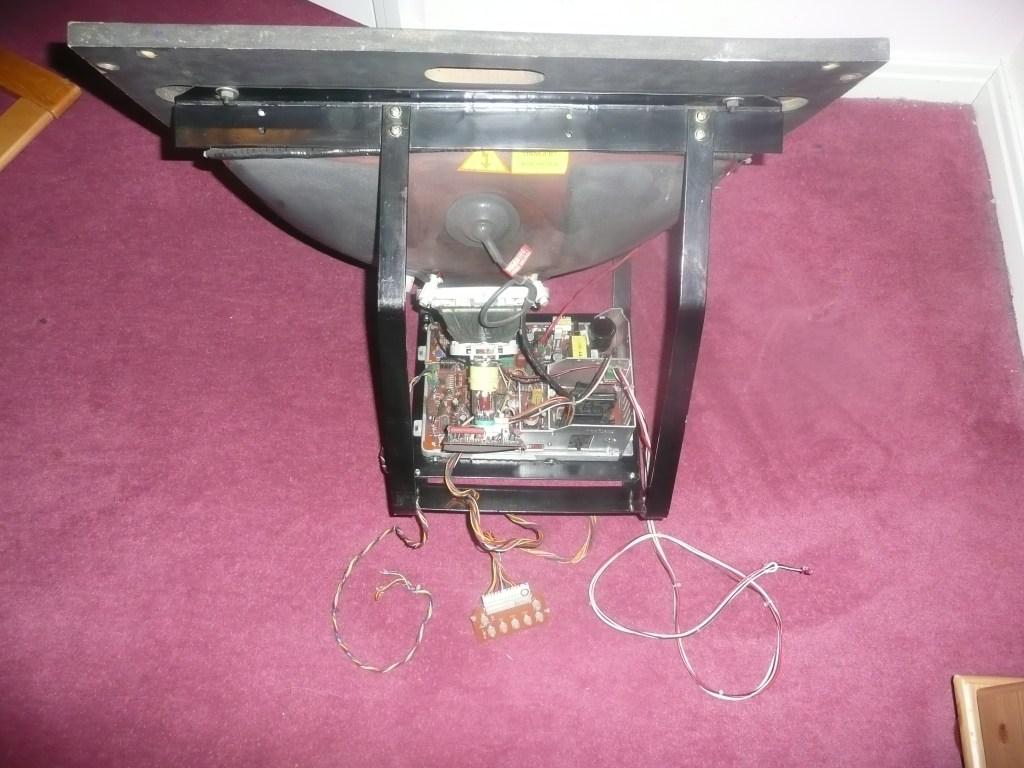
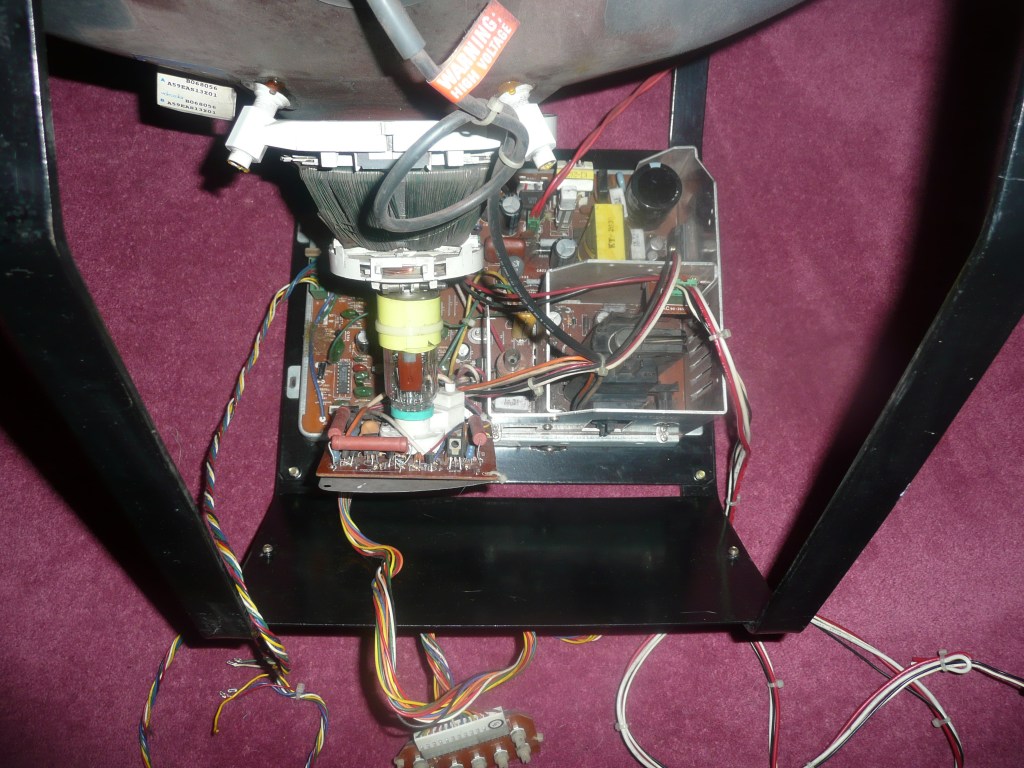
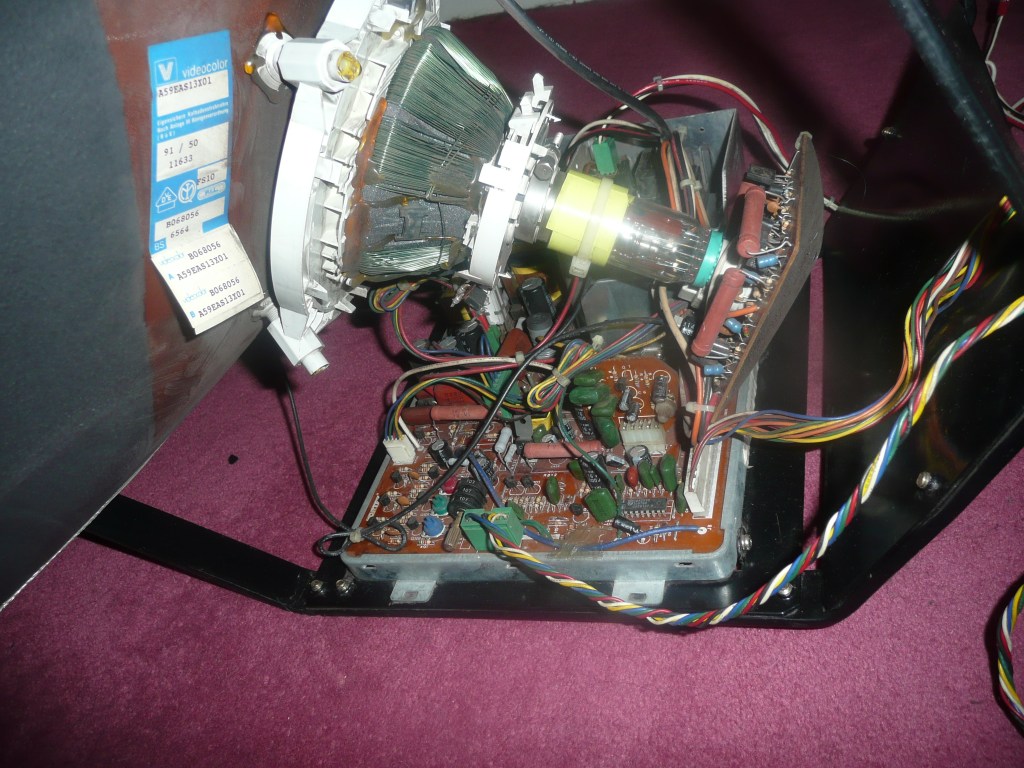
    Got Myself an Arcade Monitor for the Cabinet

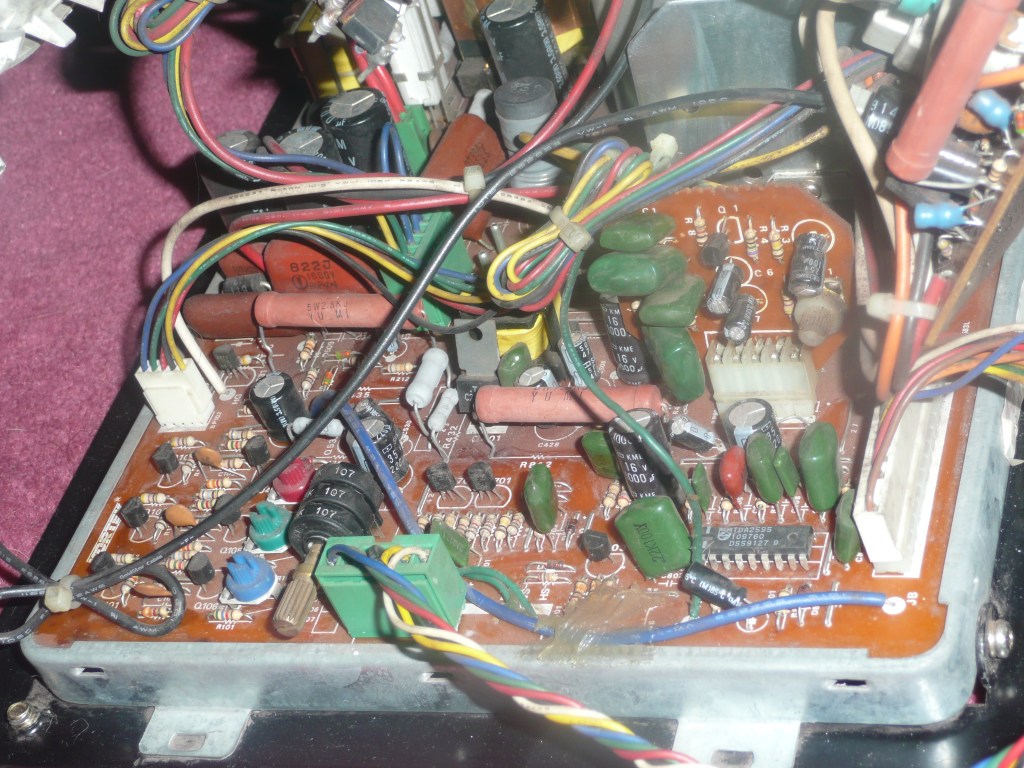
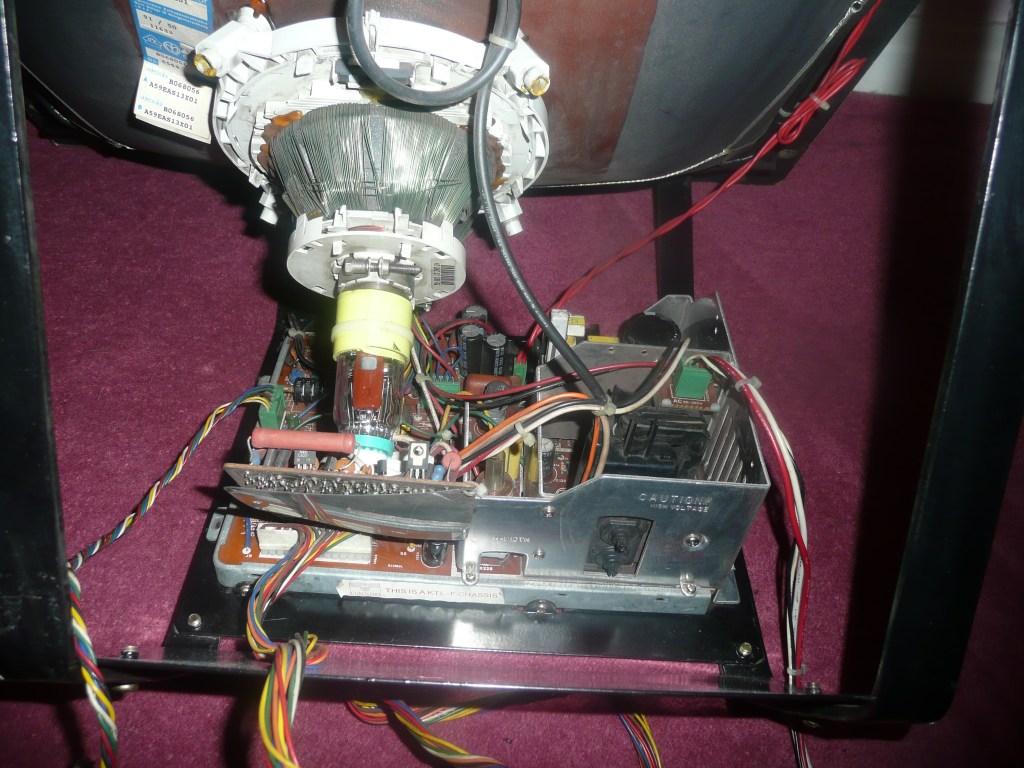
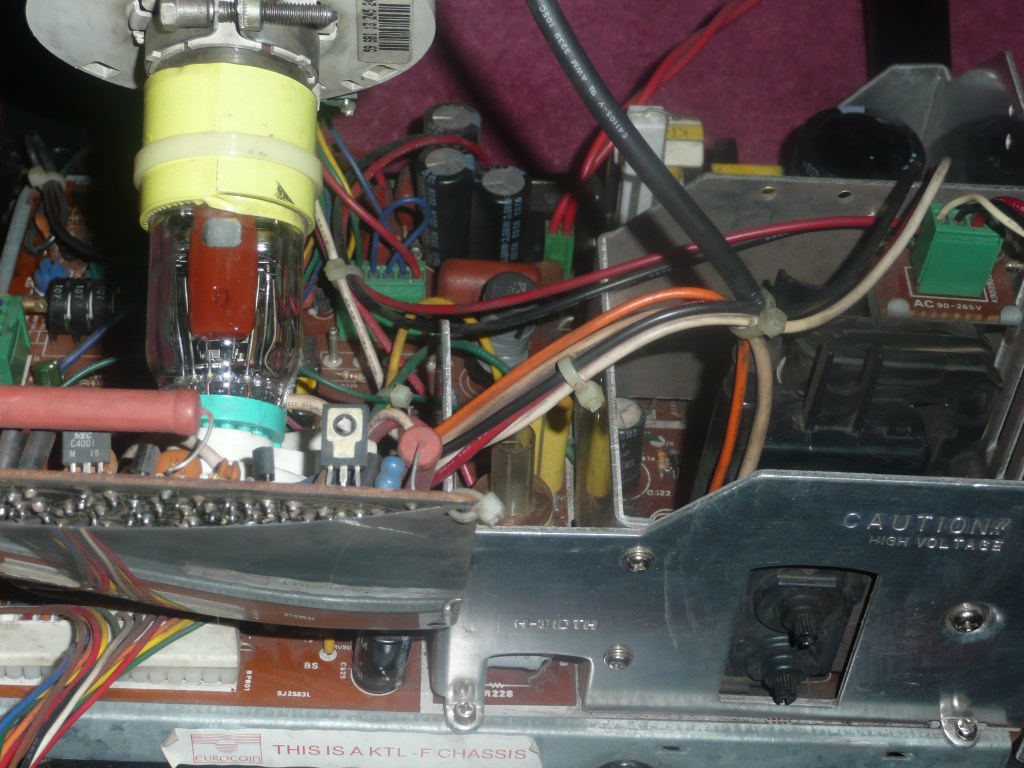
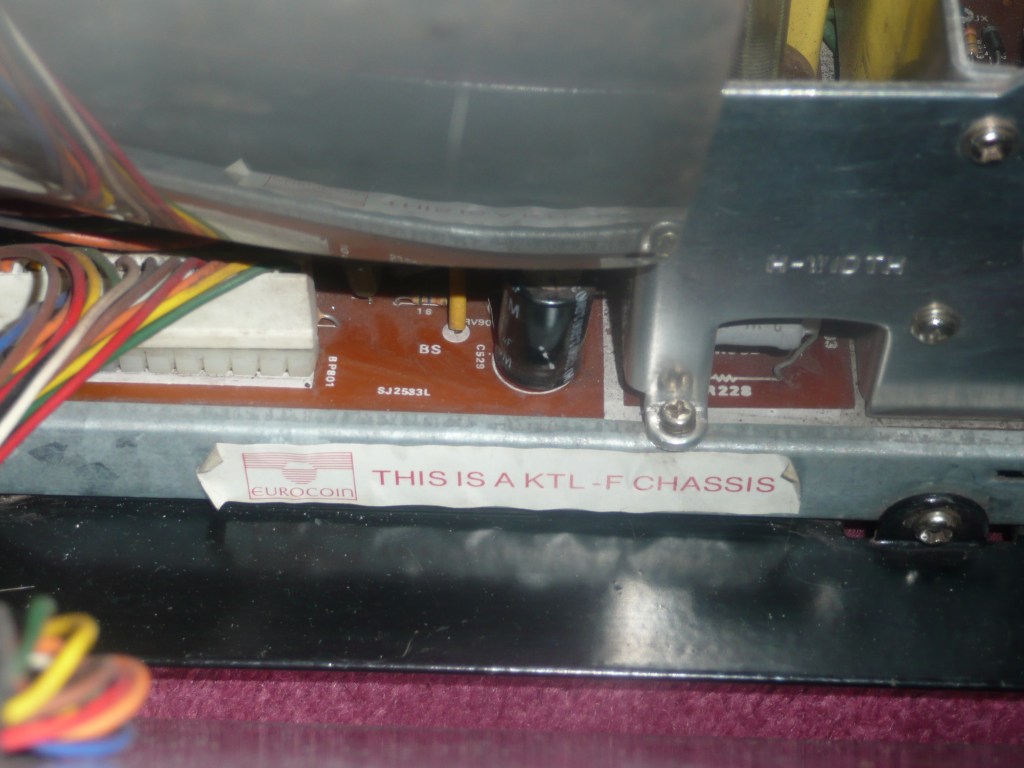
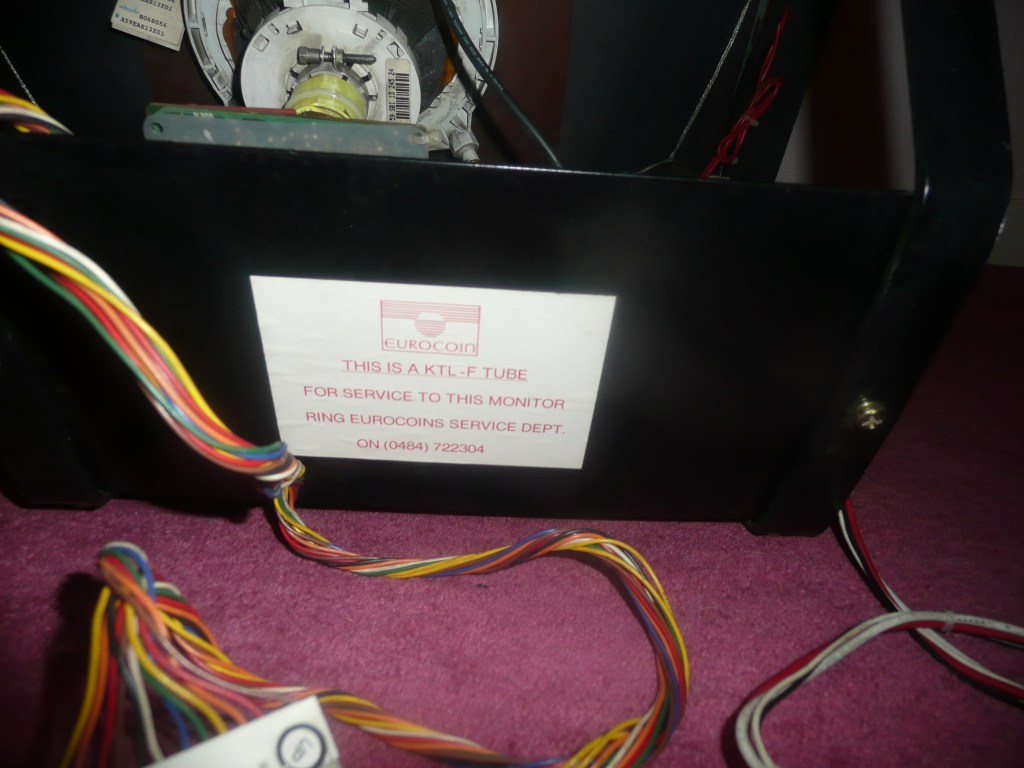
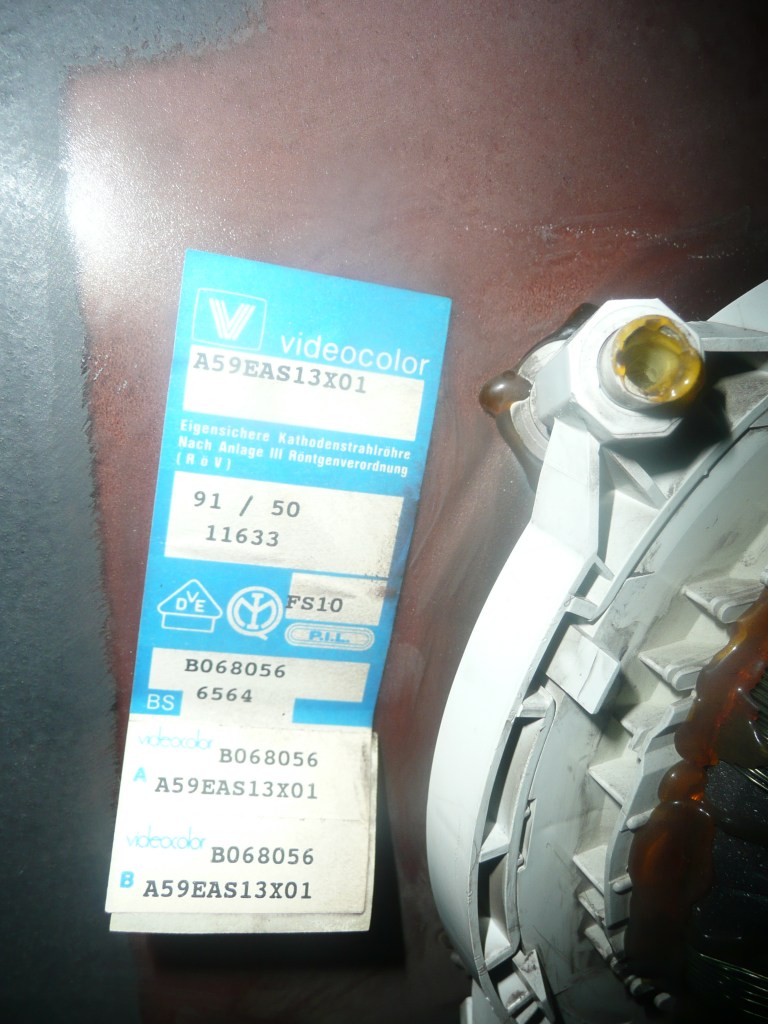
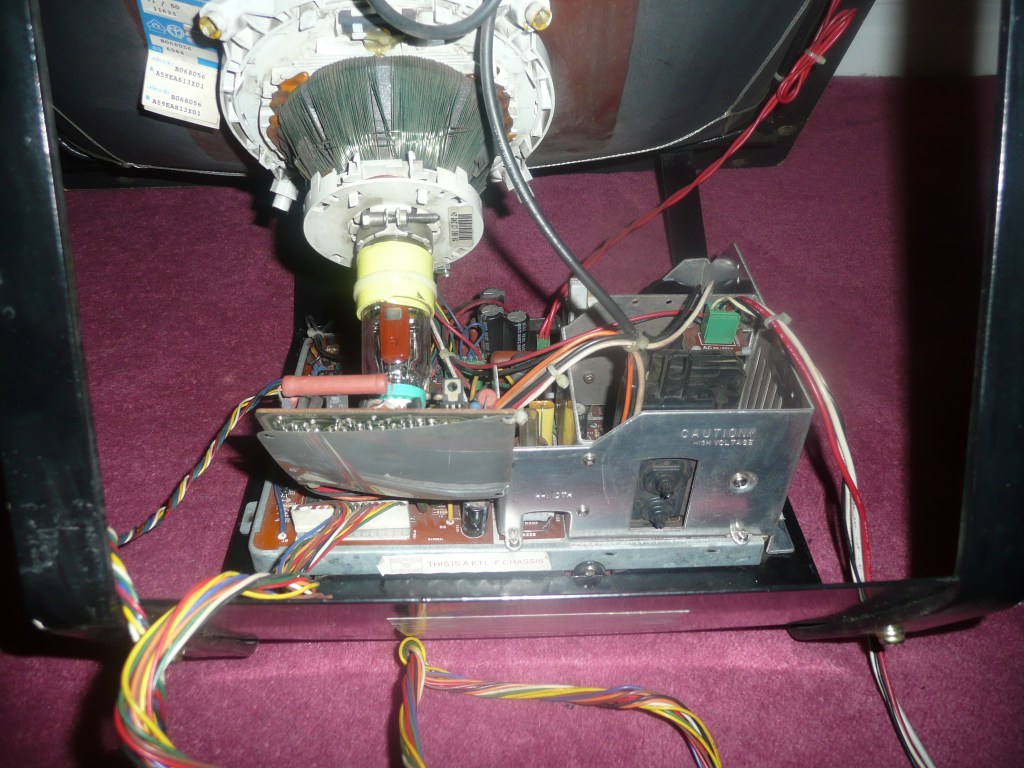
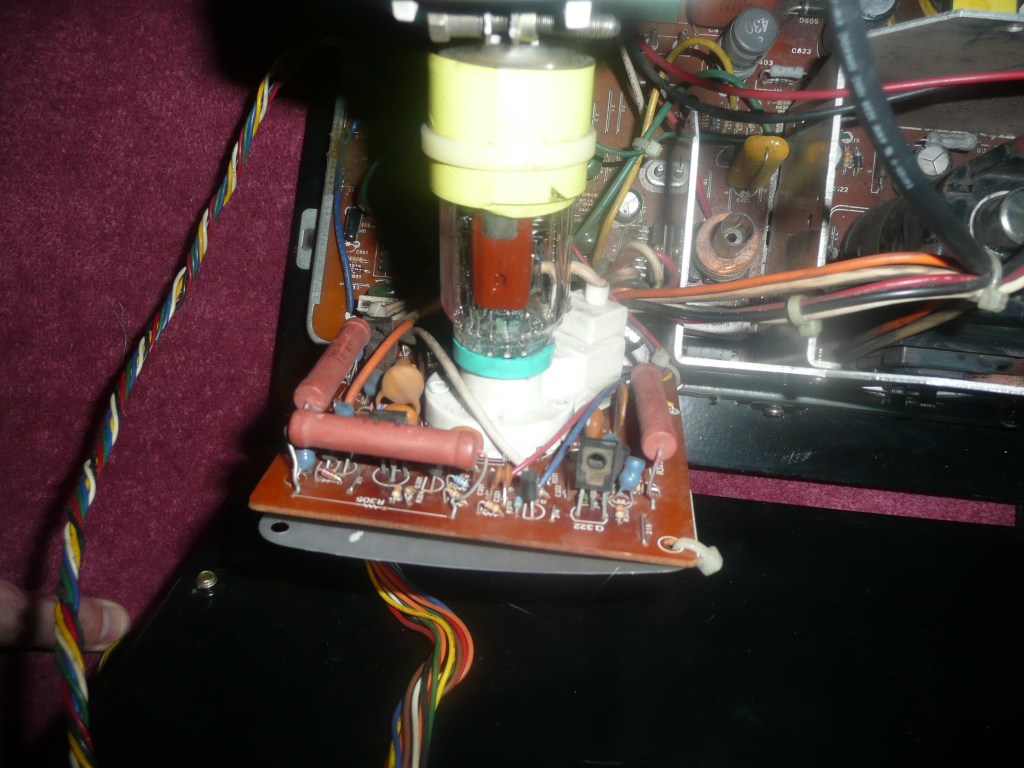
    Managed to get an Arcade Monitor for the cabinet, I had to drive to sheffield for it, but its perfect. right size and no screen burn. The monitor had no paperwork and the guy I bought it from didn’t know anything it them, except not to touch it

    The Guy had bought an complete machine with it in, he was converting it to a mame machine and wanted to use a LCD monitor. Asked me what I wanted it for, explained doing similar but wanted arcade CRT screen for authentic play experience and look.

    The guy was sound and help me pack it up safe and put in in my car. Now off to do tons of reading, as need to understand how I power this baby up, connect it to the JPAC and make sure its all safe.

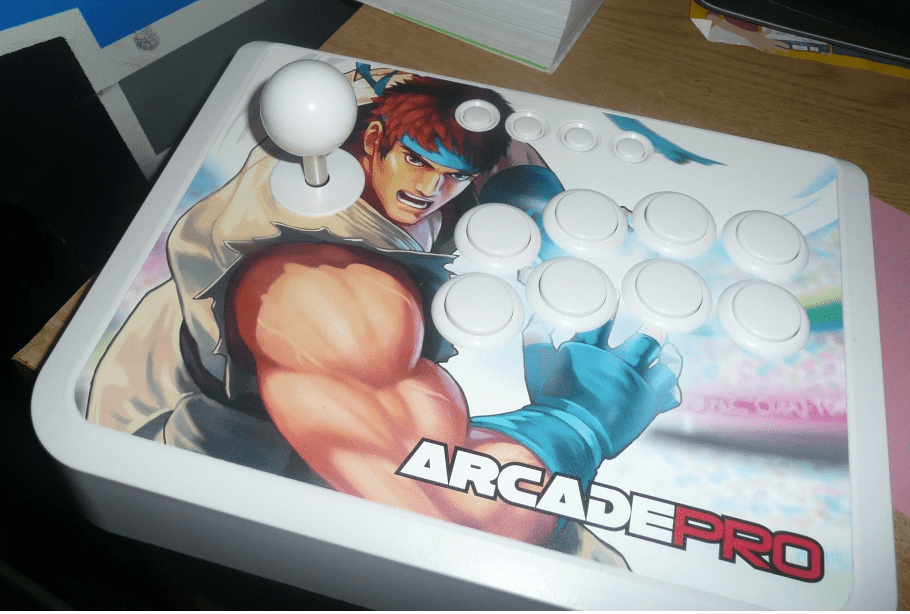
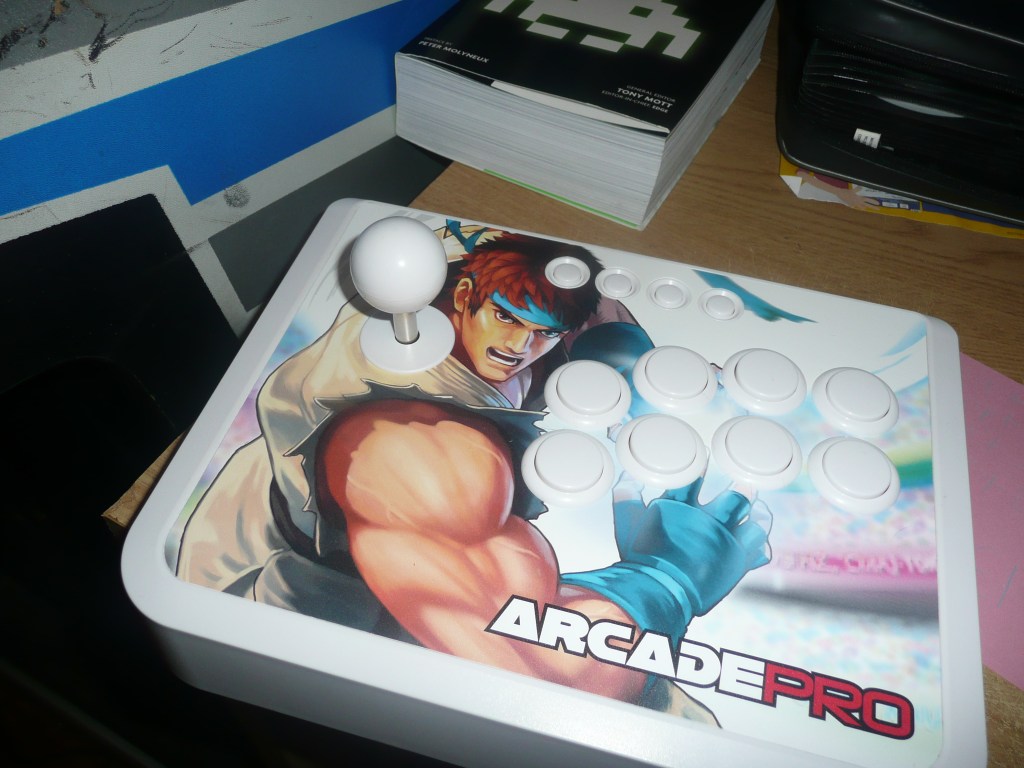
  • Arcade Stick from Kids, Xmas 2010 present

    Arcade Stick from Kids, Xmas 2010 present

    Kids bought this this super cool Arcade stick for Xmas, supports PC, Xbox360 and PS3  Result!

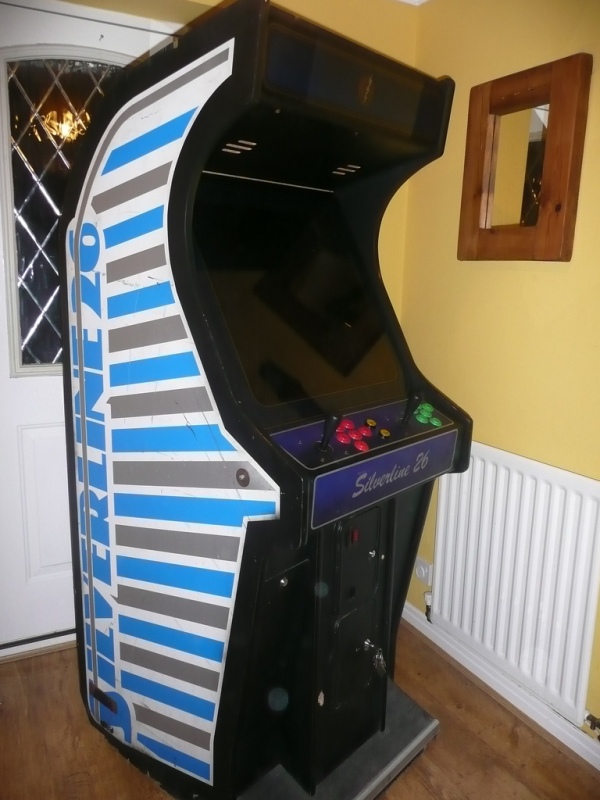
  • Arcade Cabinet arrives, the fun begins

    Arcade Cabinet arrives, the fun begins

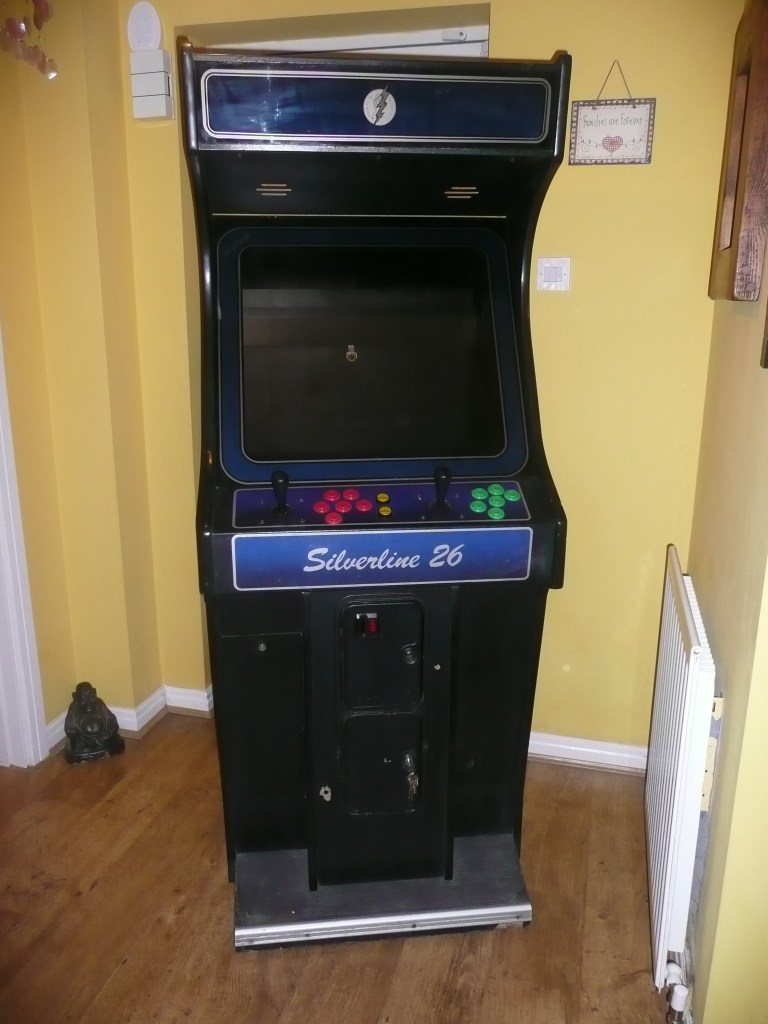
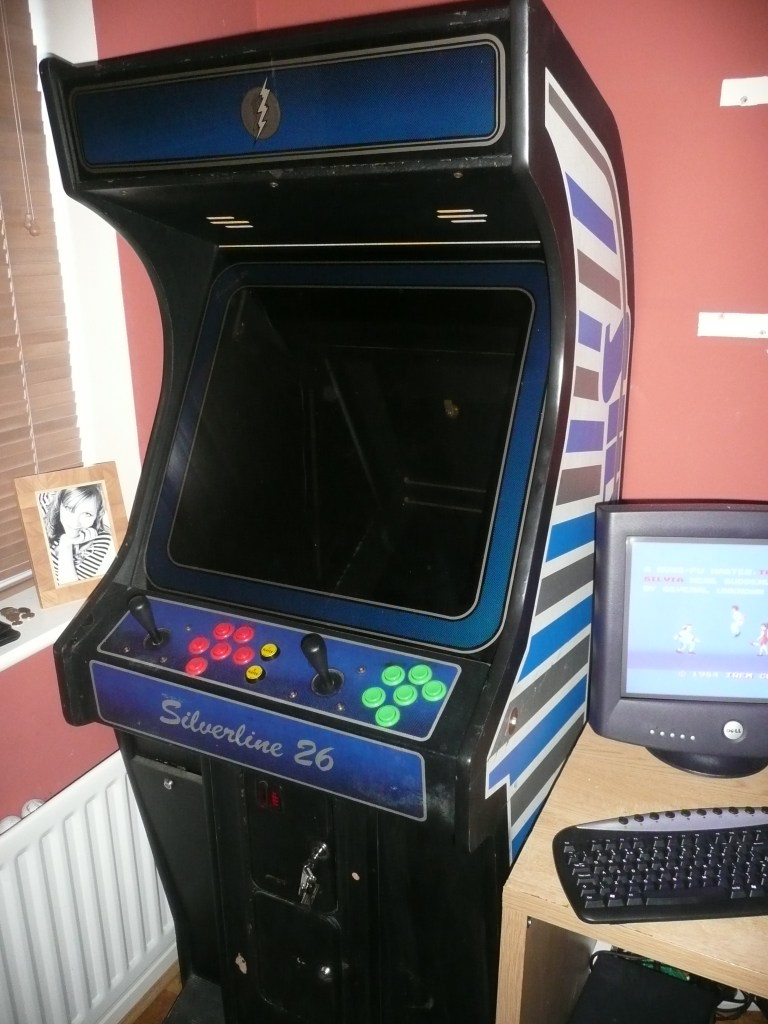
    Got my first Arcade cabinet today, Paul took me in his big Car and we drive to Doncaster. Got a ‘Silverline 26’ in okay condition. No monitor etc, just cab and buttons. But I am so excited, cant wait to get putting this together.

    Now the hunt begins for an arcade monitor