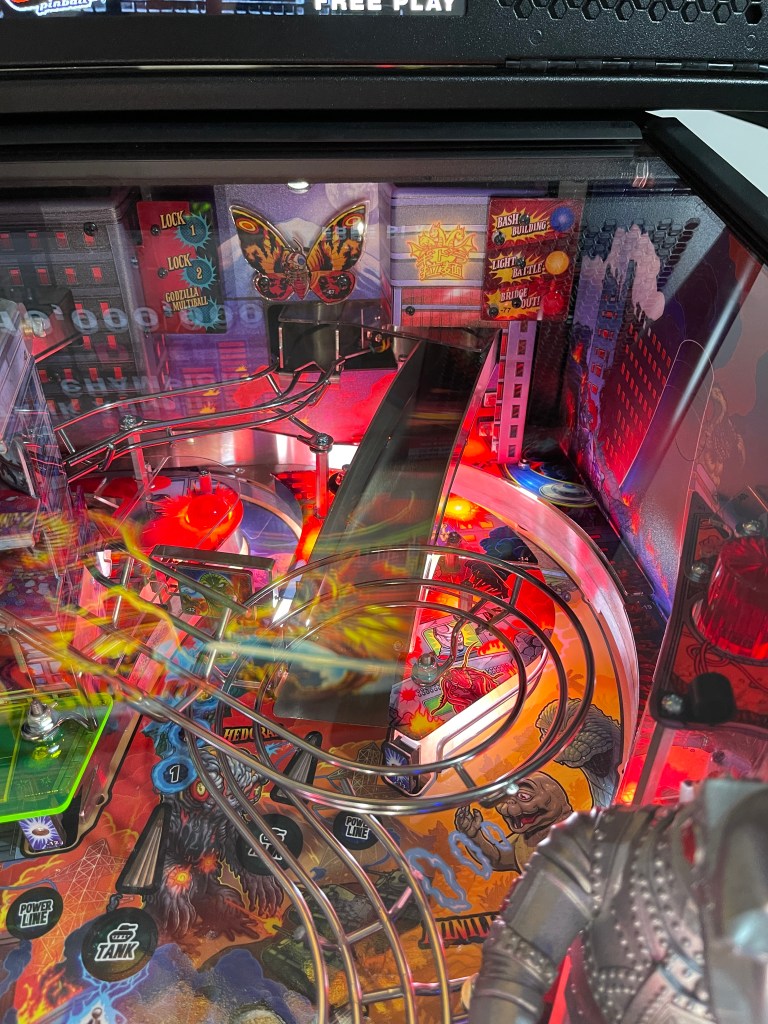
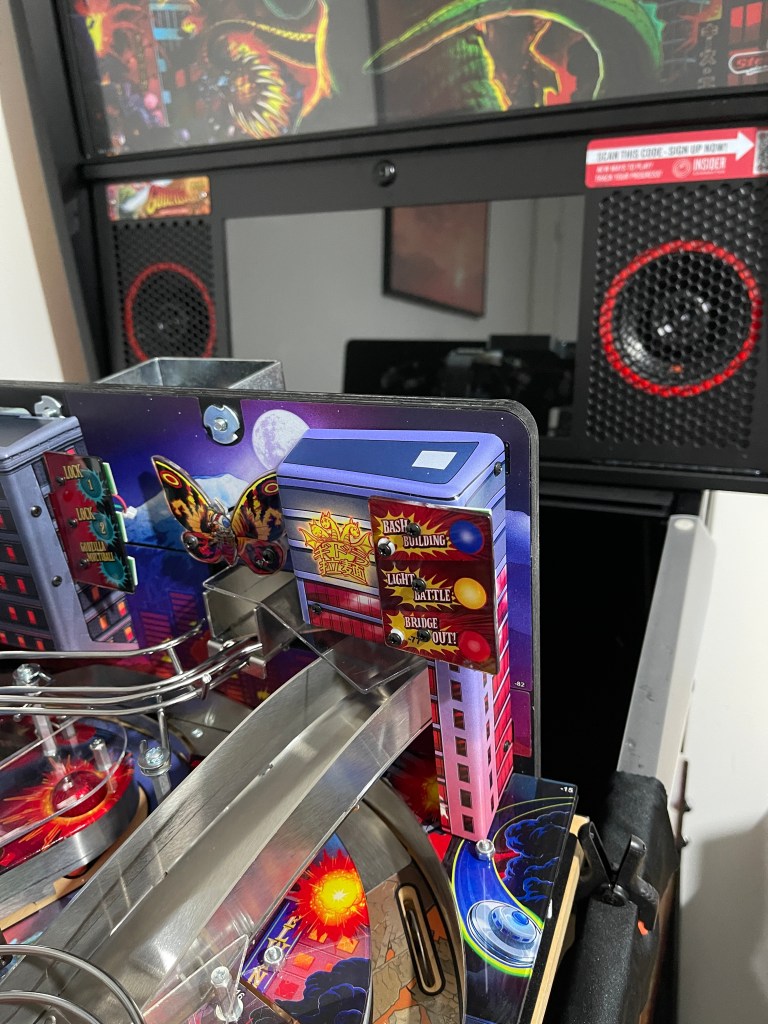
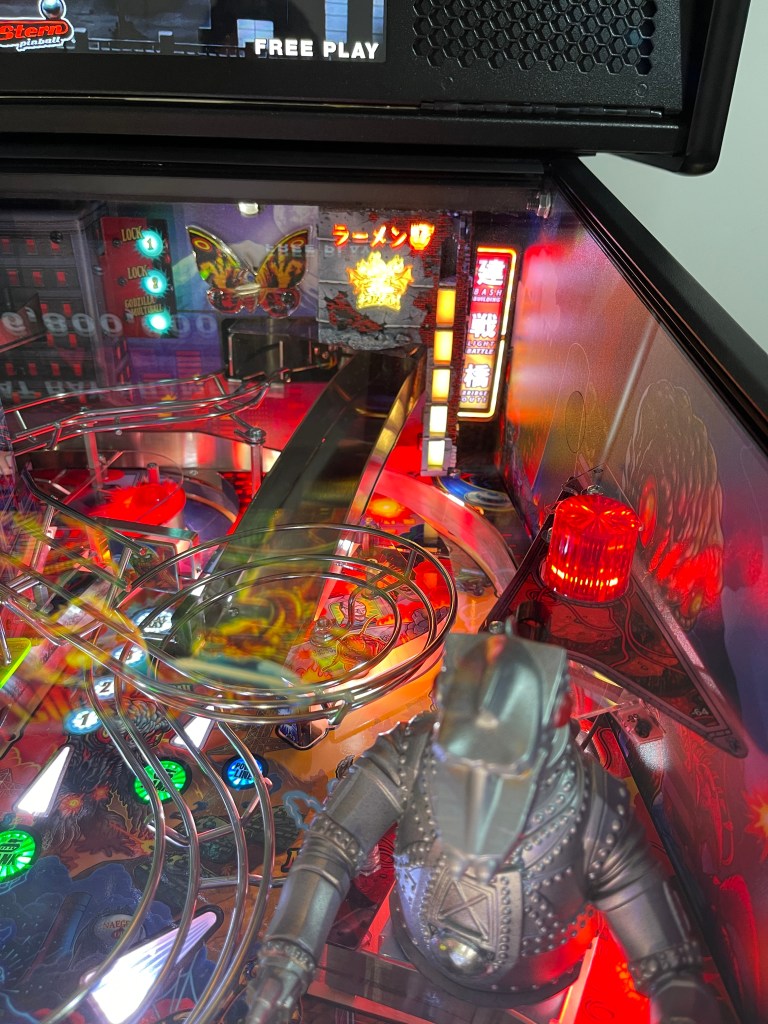
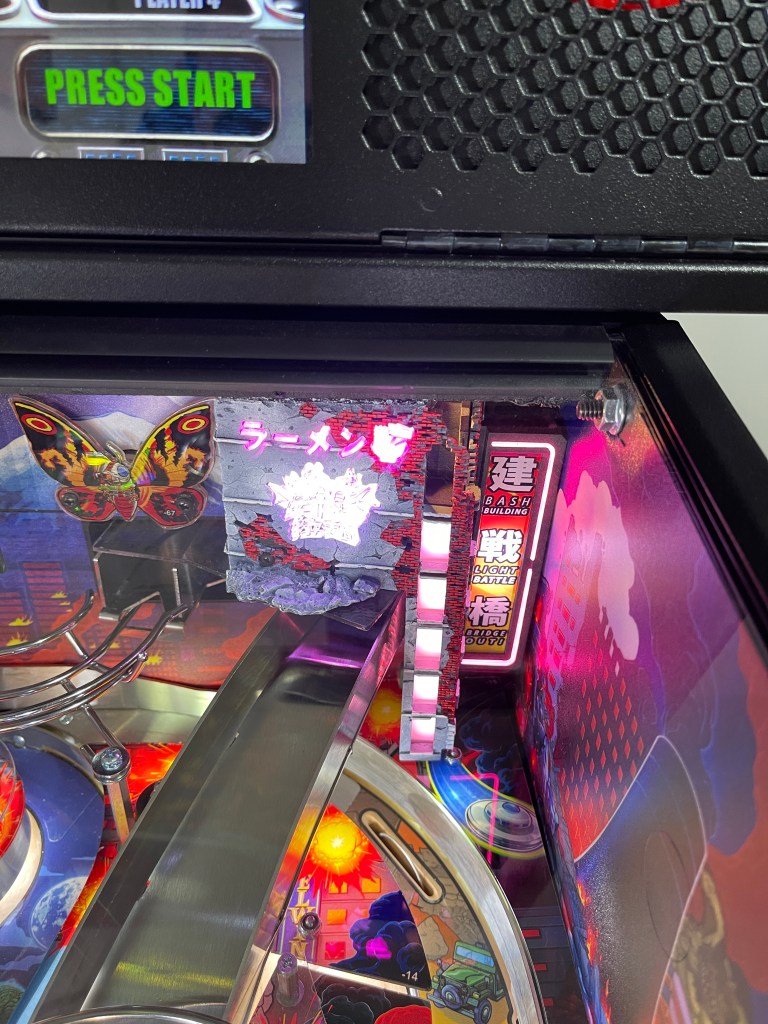
I just added the ‘Noodle Bar Building, Tokyo Neon #2’ mod to my Godzilla Pin and it looks amazing! It really enhances that part of the machine. The mod is made by ‘Stumblor Pinball’. Looking forward to getting more

Craig Cole's Video Gaming & Pinball Blog
I just added the ‘Noodle Bar Building, Tokyo Neon #2’ mod to my Godzilla Pin and it looks amazing! It really enhances that part of the machine. The mod is made by ‘Stumblor Pinball’. Looking forward to getting more

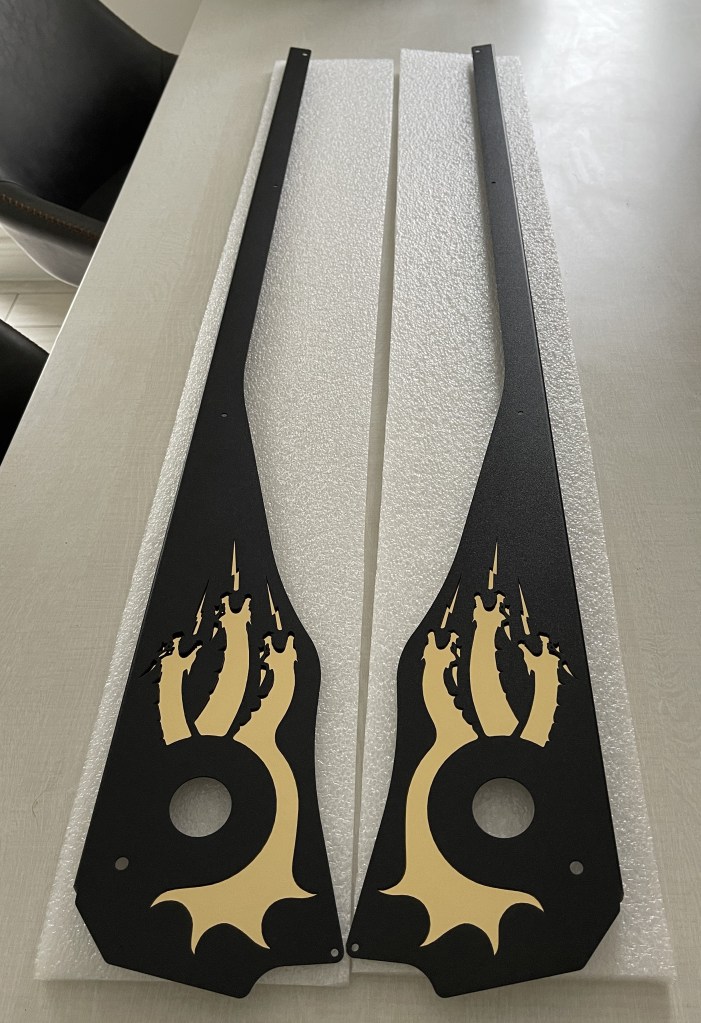
And now, with Side Armor, Protection levelled up :-)
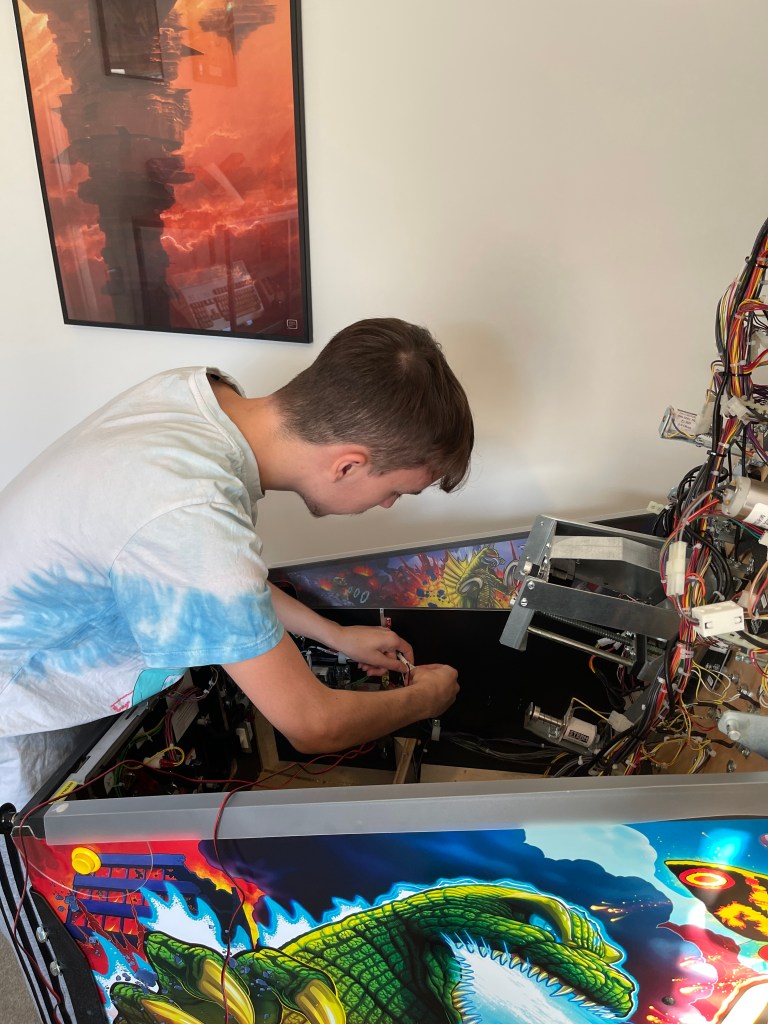
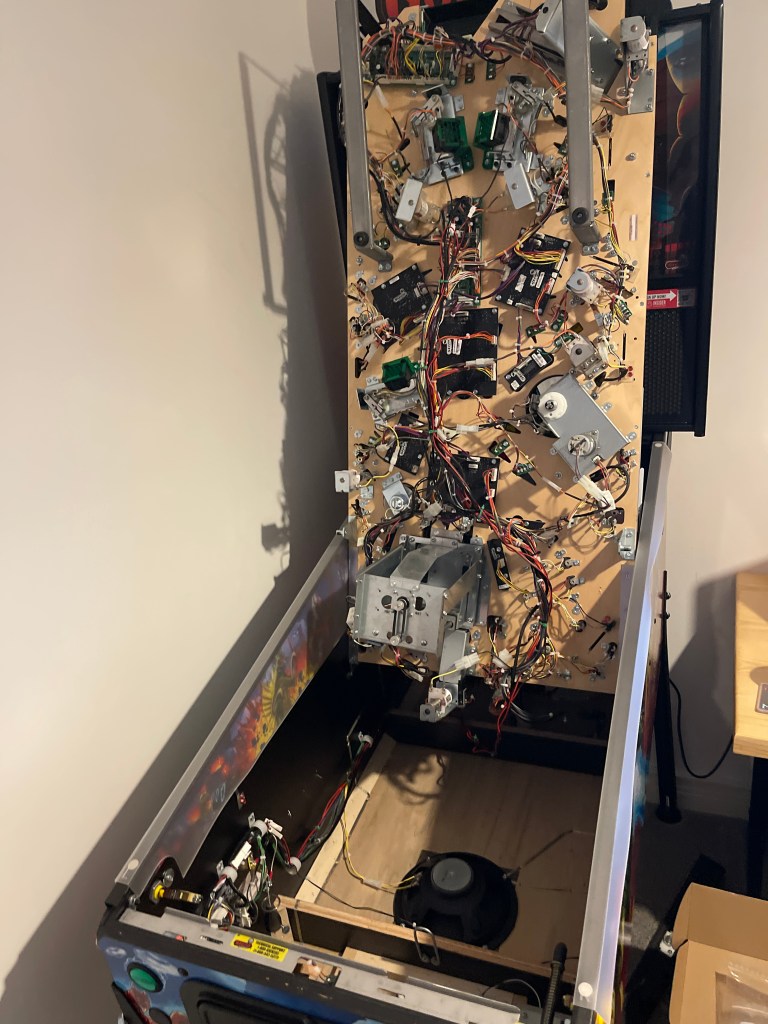
Its wasn’t really that bad to install; Luke helped to move the PIN so I could get access to the sides and back easier.
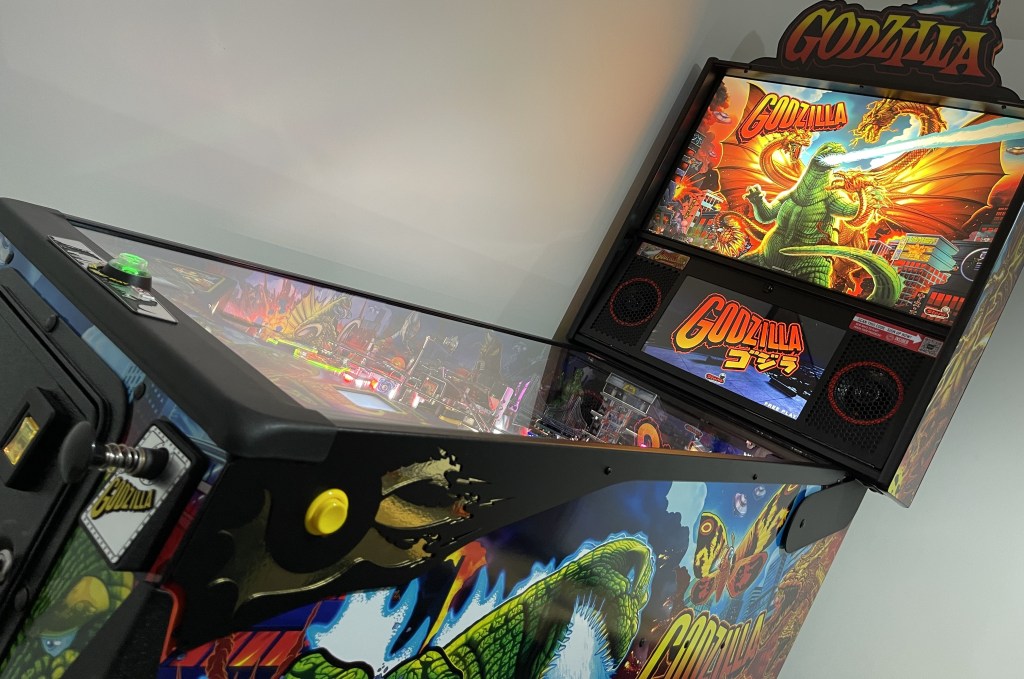

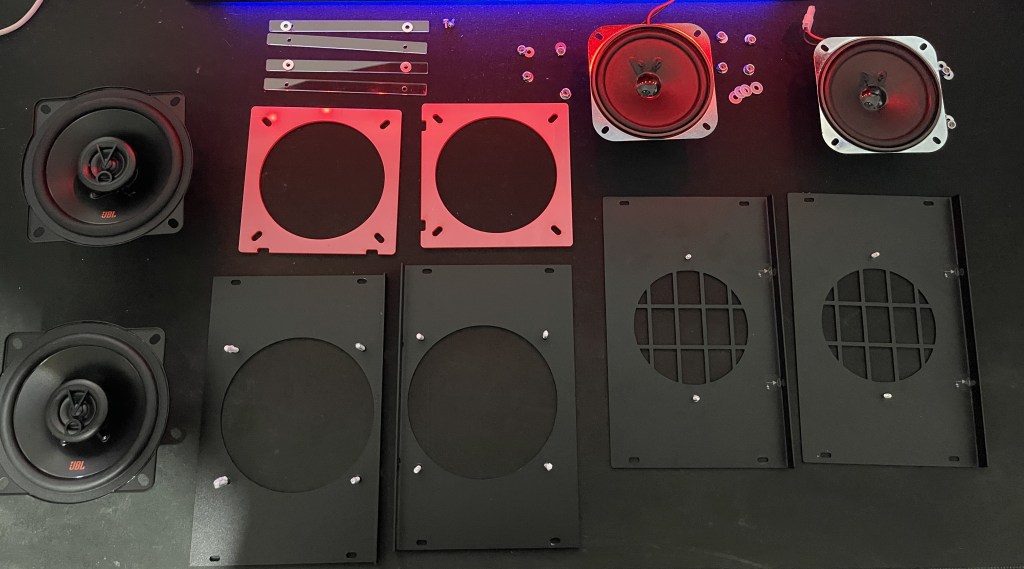
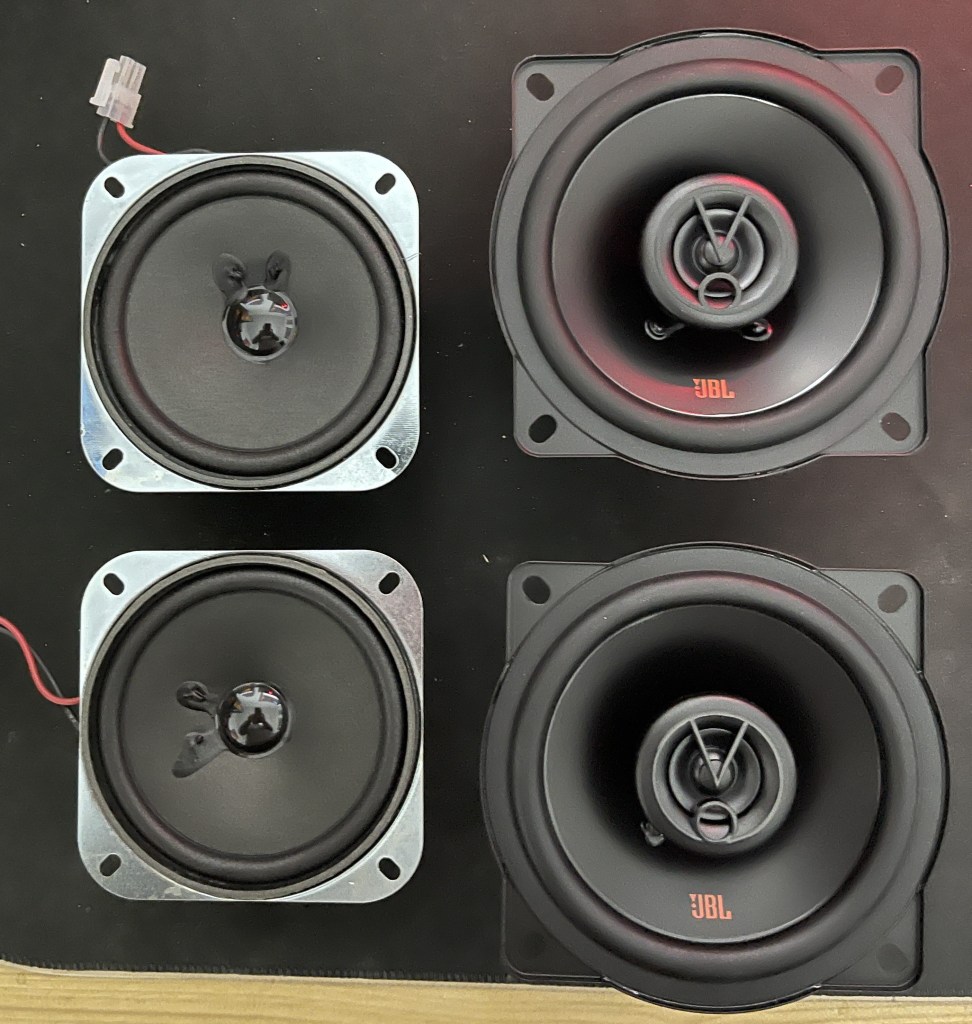
I’ve been meaning to update my speakers for a while now. I’m happy to say that not only do they look great, but the sound quality has also improved. The red colour around the speakers looks fantastic and complements my Cab perfectly.
I was considering adding some speaker lights with a burning building effect, but unfortunately, the lack of an option to turn them off while playing games made it a no-go for me. Personally, I prefer to play pinball with the backboard lights switched off.
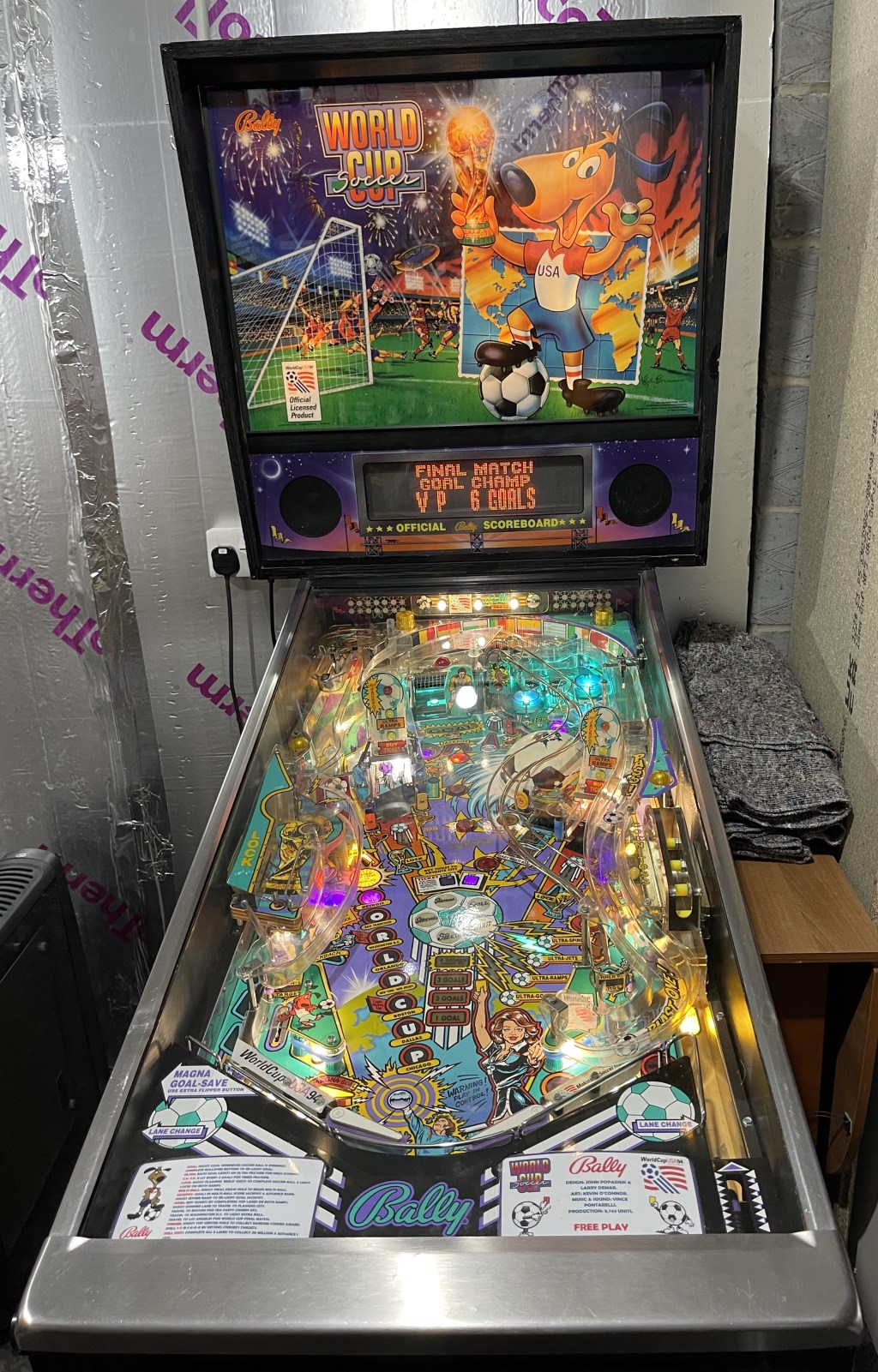
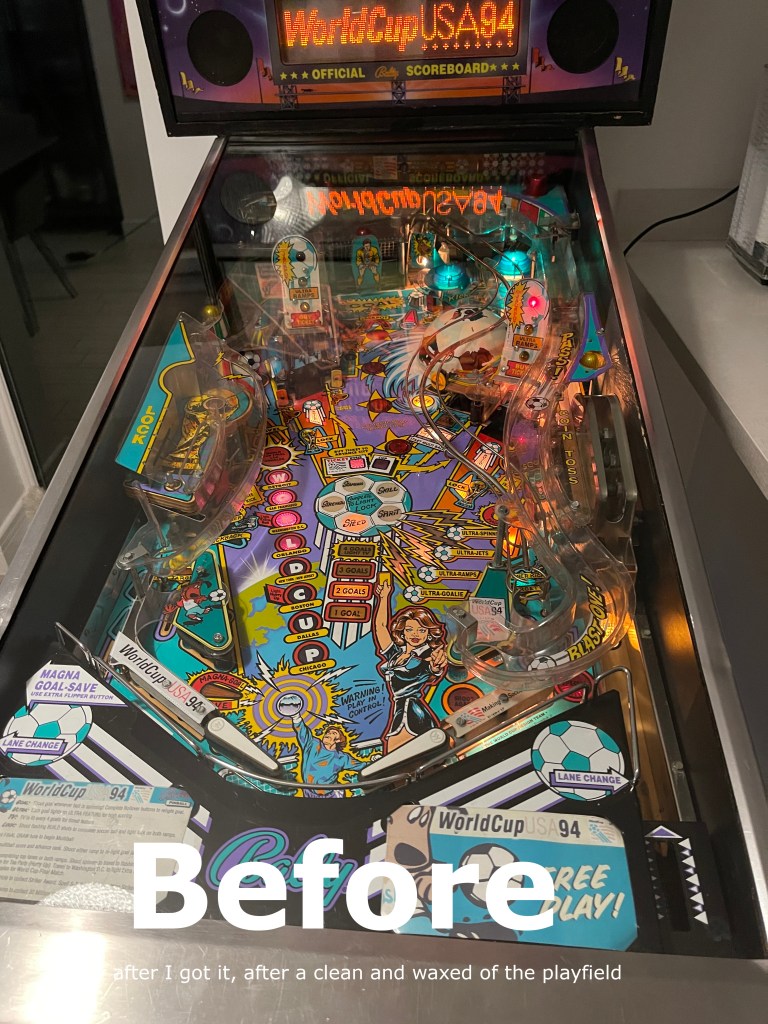
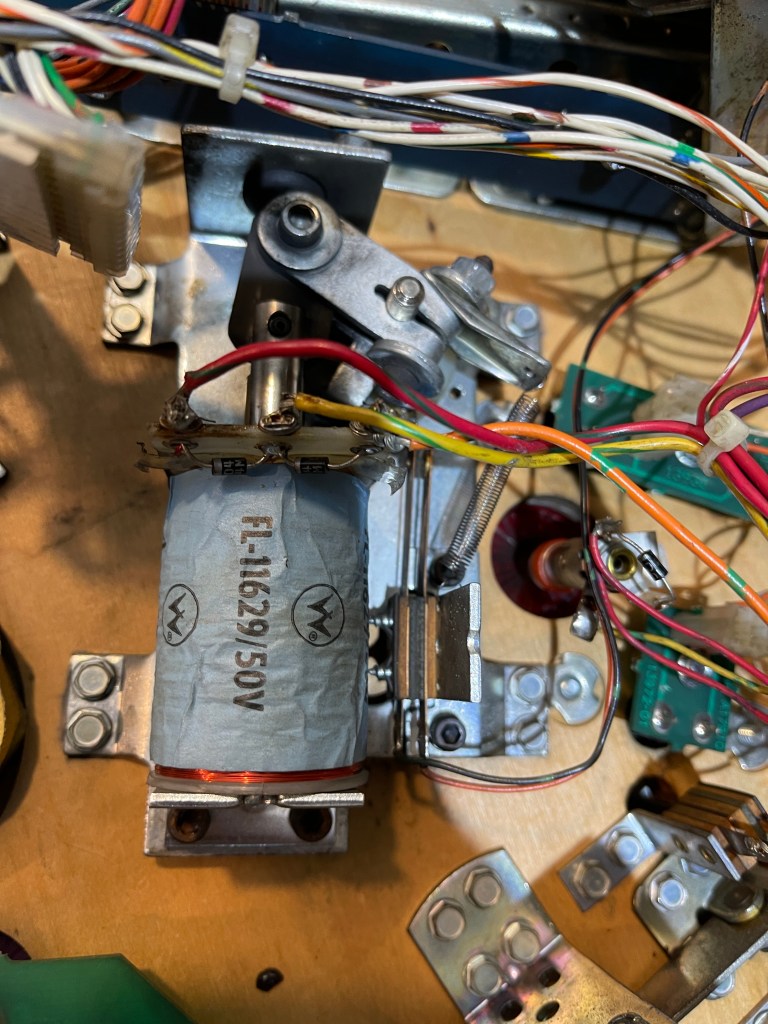
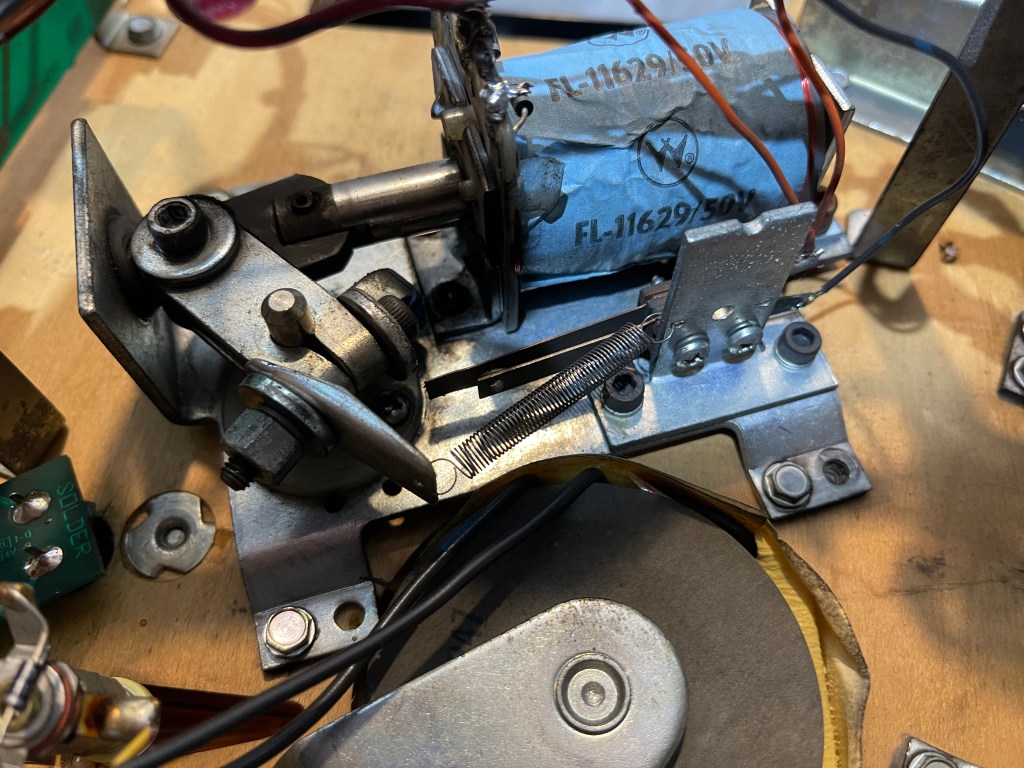
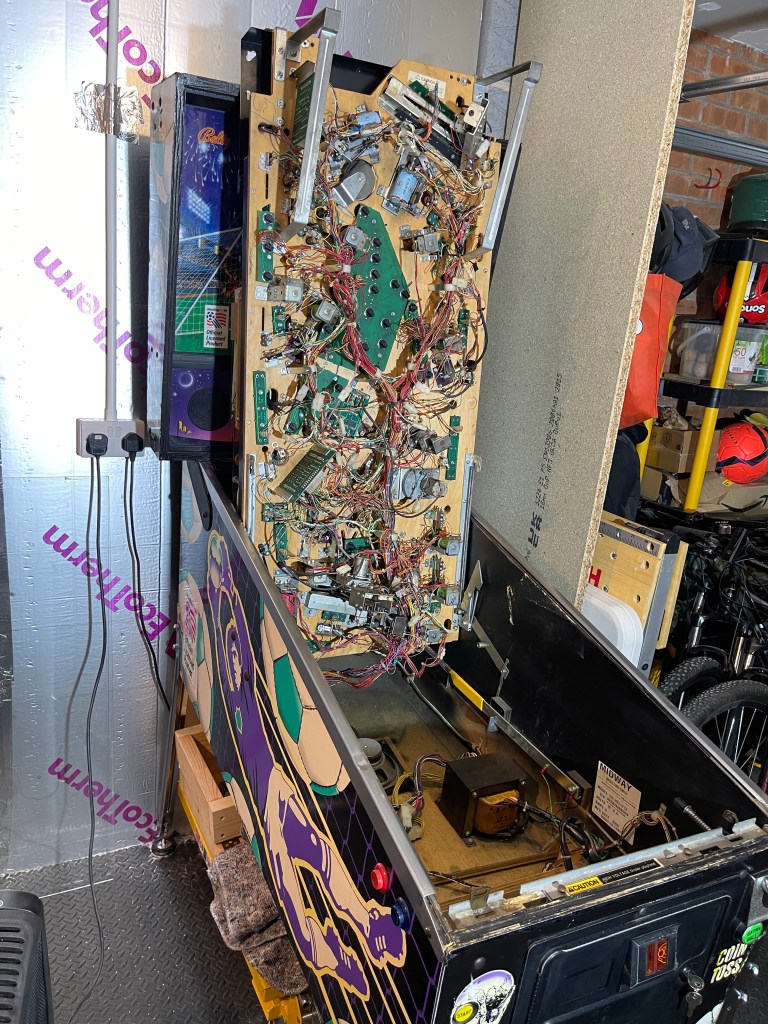
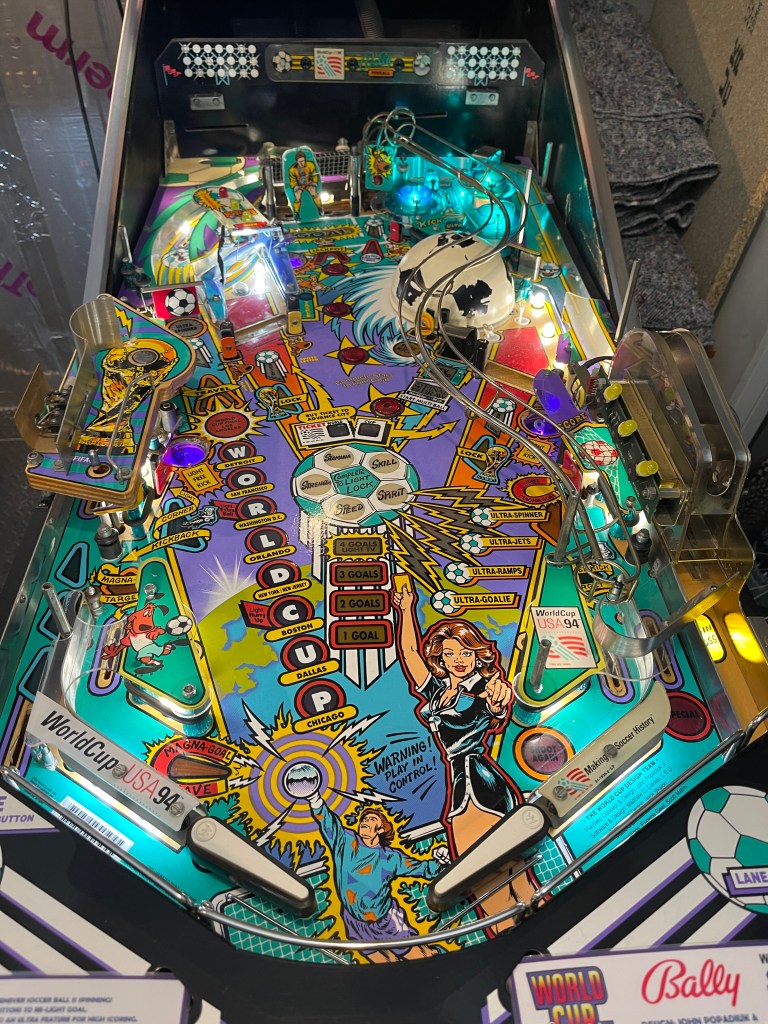
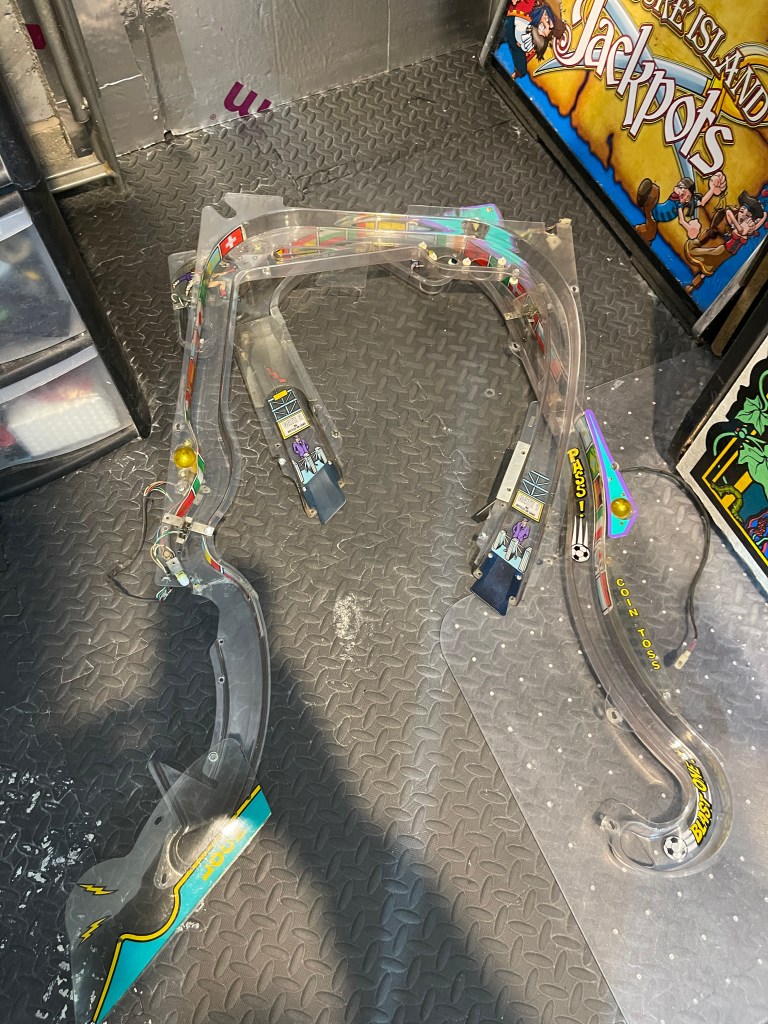
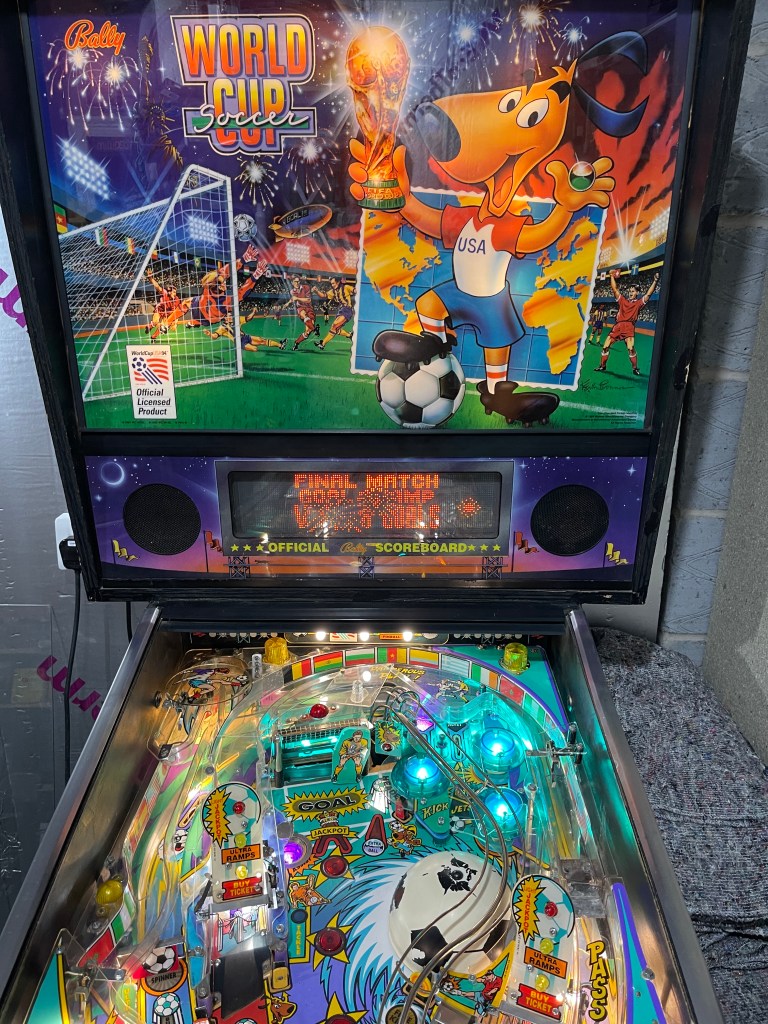
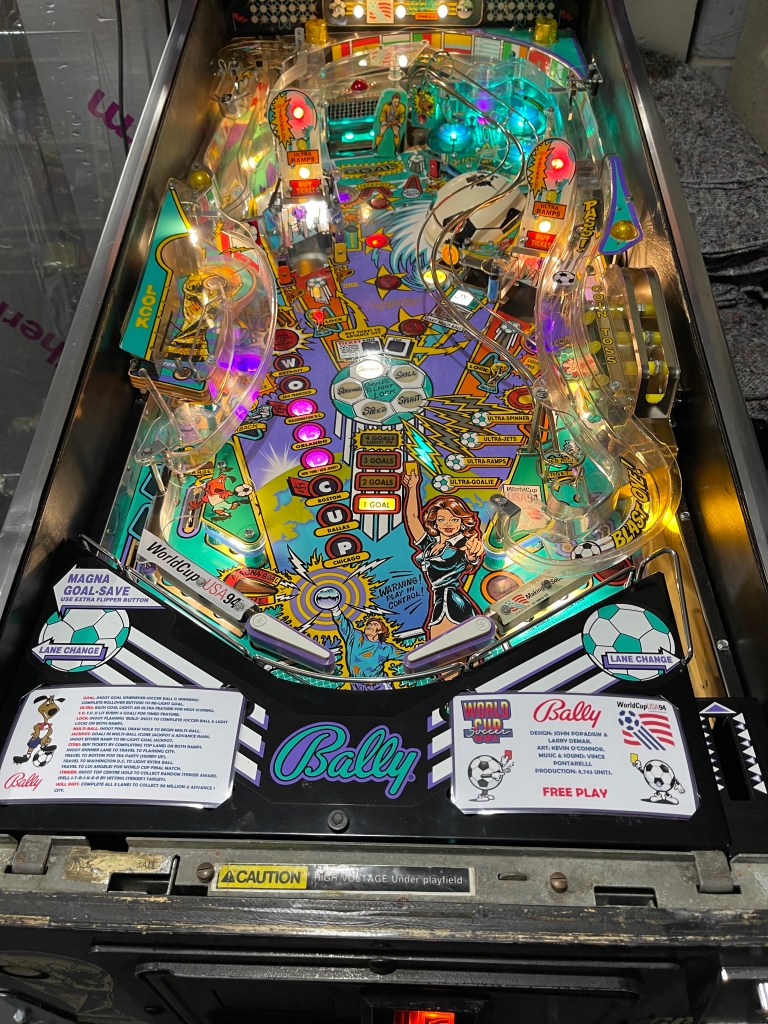
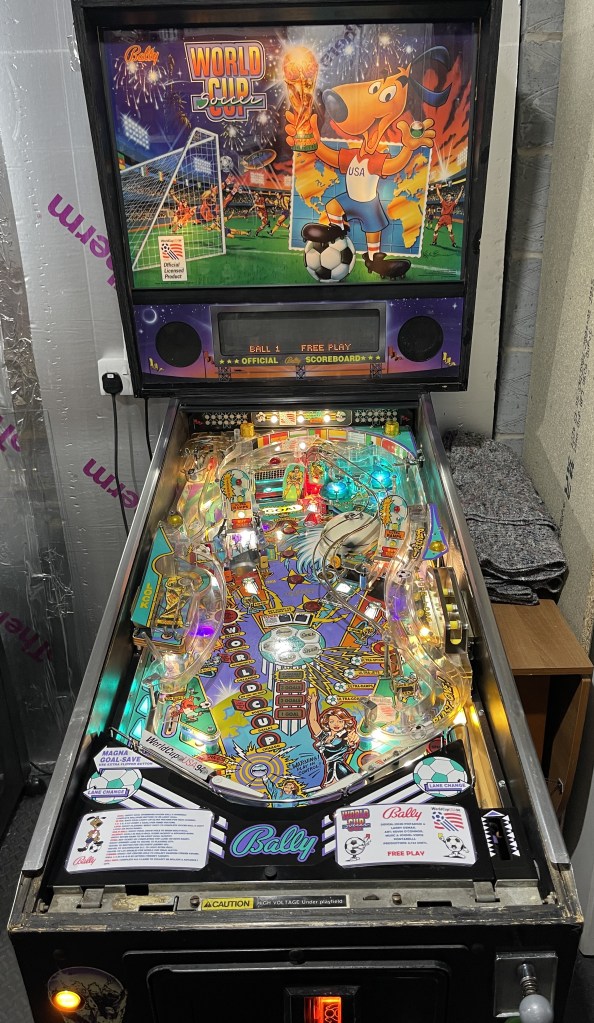
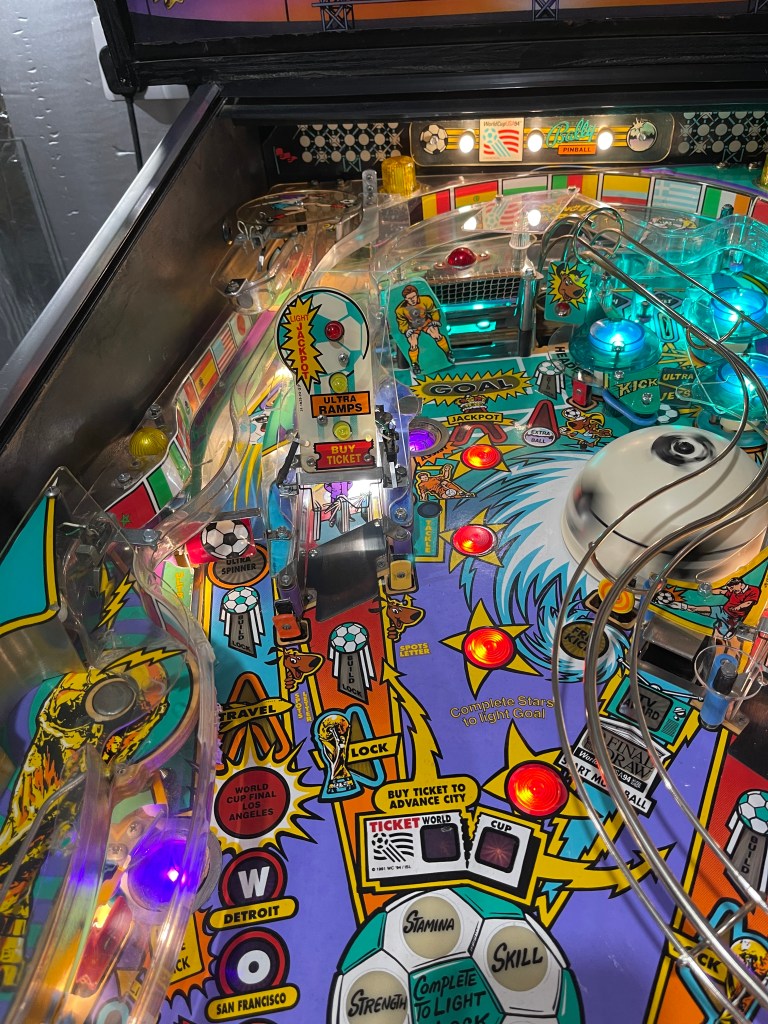
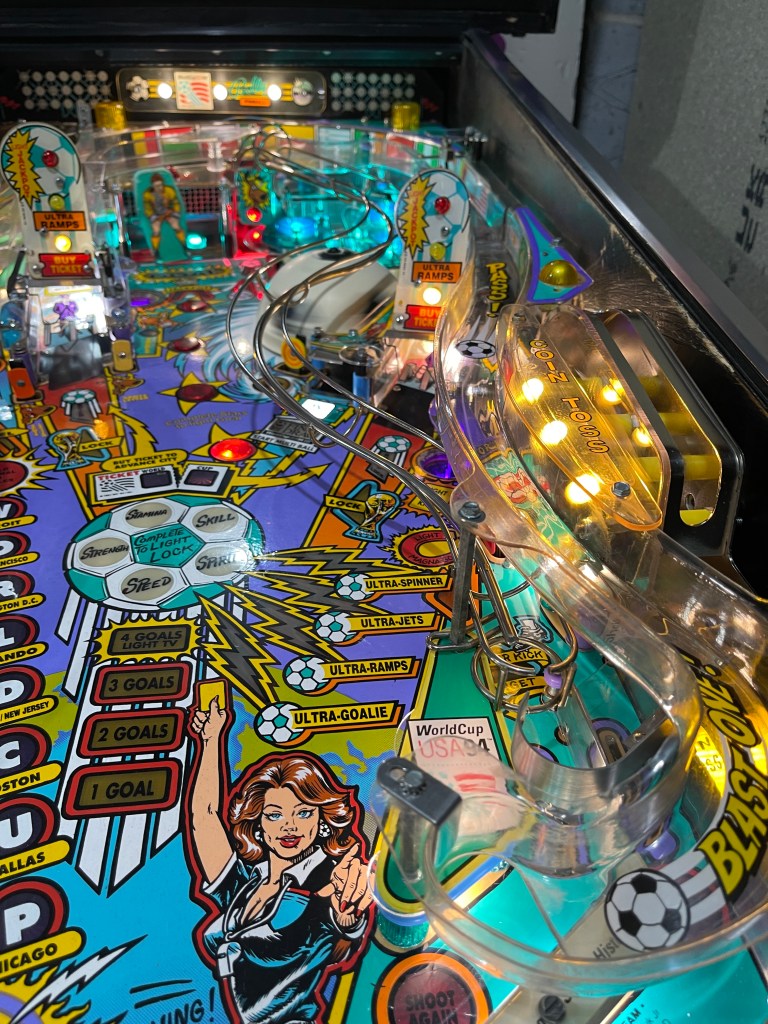
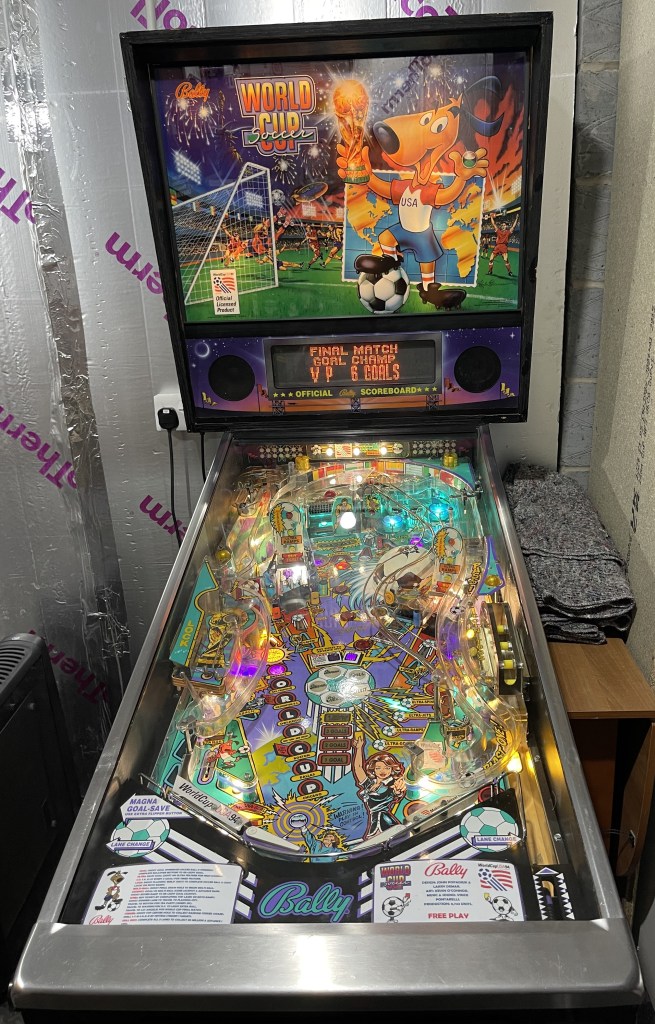
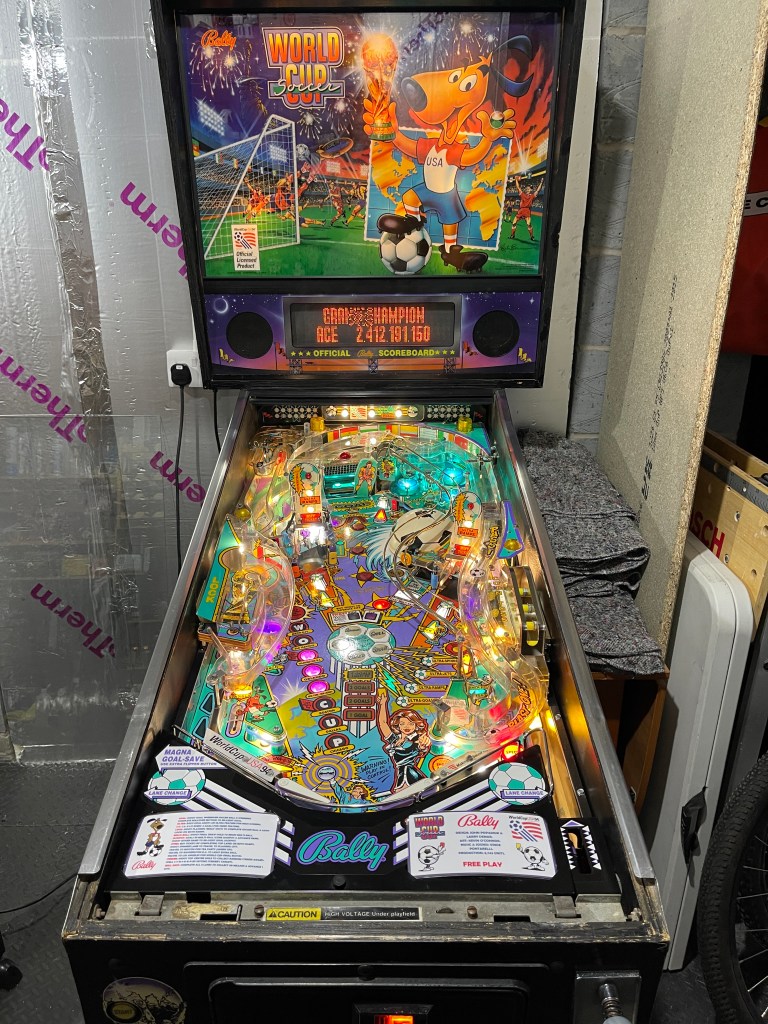
I have made several fixes to my World Cup Soccer pinball machine. When I first acquired it, the left General Illumination, along with several other lights, were not working. There were also numerous errors in the log startup, the flippers were weak at times, and the playing field was dirty.
To fix all the errors in the log startup, and lights. I researched a lot, asked questions on forums, soldered, switched connections and traced wiring for hrs and hrs and hrs. I also replaced all the lights with LEDs, I replaced the rubbers with titan ones, swapped out some of the plastics, put in some new pinballs, and installed playfield metal protectors. I even rebuilt the flippers.
Luke helped me with the choose of colors we went for with the playfield and backbox lights. We did tons of cleaning, the playfield, the plastic ramps, all the stuff metal and the cabinet itself.
It now plays great, the shots feel smooth, and overall I think it looks a lot nicer. I did try installing some additional mini floodlights, but I thought that made it look too bright, and I wasn’t a fan of seeing loose wires on the playfield
However, there is still a lot more work to be done. I plan to install a Colour DMD, replace the plastic ramps, and install more metal playfield protectors. I had a great time working on the pinball machine and learning in the process. I am excited to do more!
I must have caught the bug because while working on the pinball machine, I also insulated my outside garage so that I could store more pinballs. Cant wait to get more
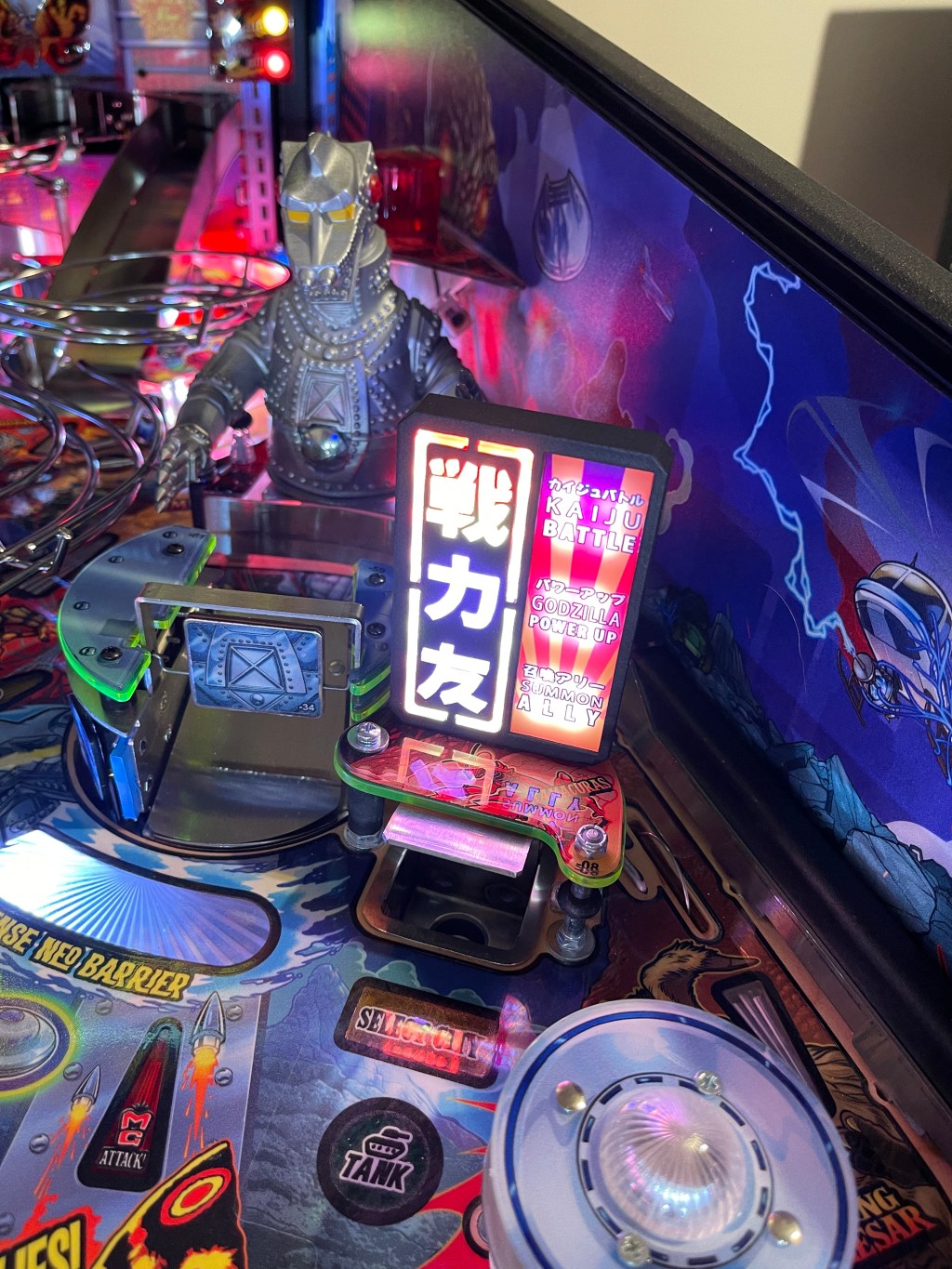
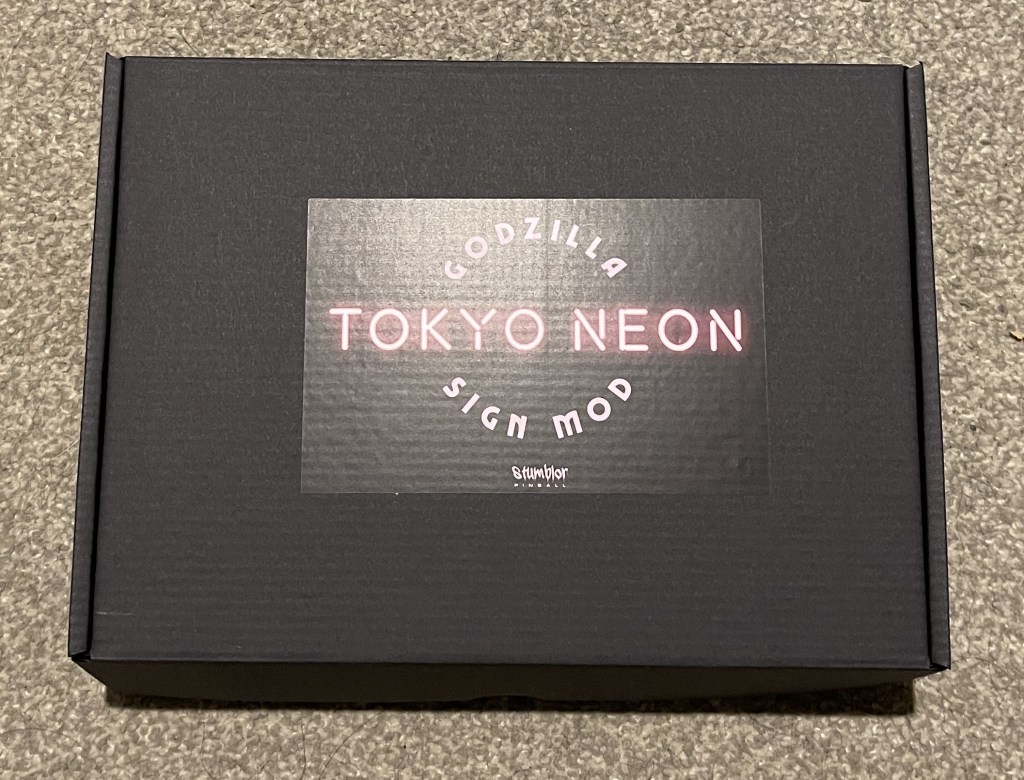
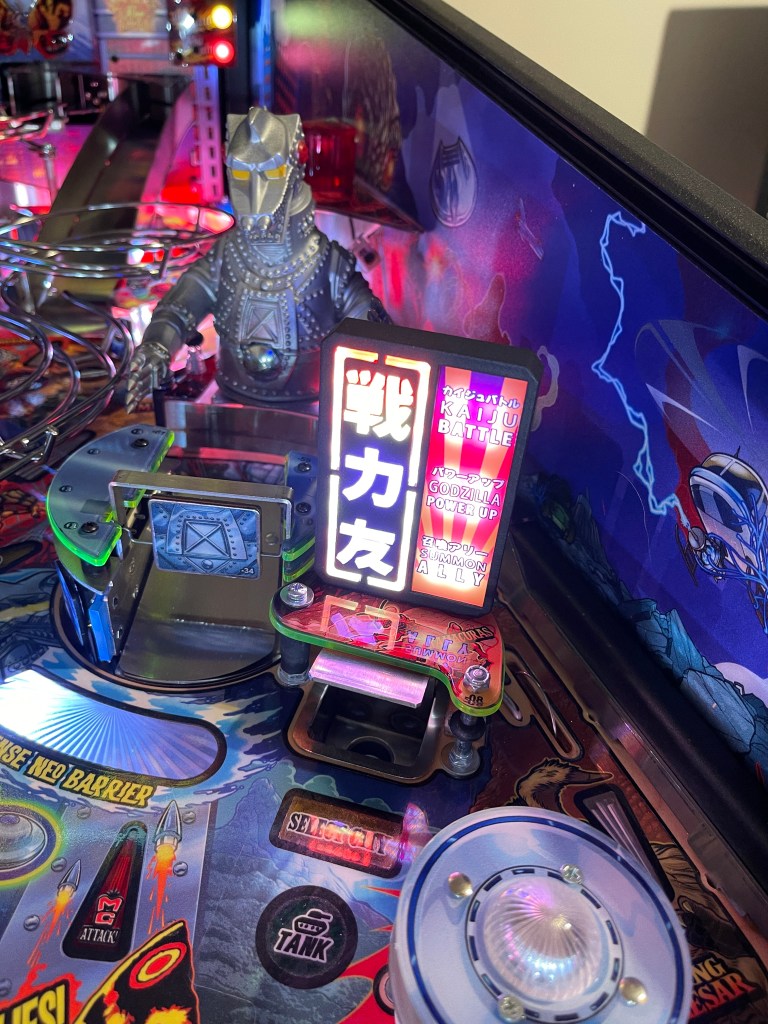
I have been on the ‘waiting list’ for a few months to get this much-in-demand mod for my Godzilla machine. I thought I might have to wait for about six months, but surprisingly, I received a message last week that the mod was ready. I was thrilled to receive it on Friday and installed it today. However, I had to wait a few days as I am still insulating my garage to store more pins.
I installed the Stumblor Tokyo Neon Sign mod on my Godzilla machine, and it’s fantastic. The pictures don’t do it justice. The quality of the product is excellent, from the packaging and instructions to the mod itself. The installation process was straightforward. Since I have flipper fans in the machine, I also installed an expansion board, which allowed me to add multiple sources. Everything went smoothly, and I only had one question, which Stumblor answered promptly.
Overall, the mod has improved the playing field, and it looks like it’s part of the machine rather than an add-on.

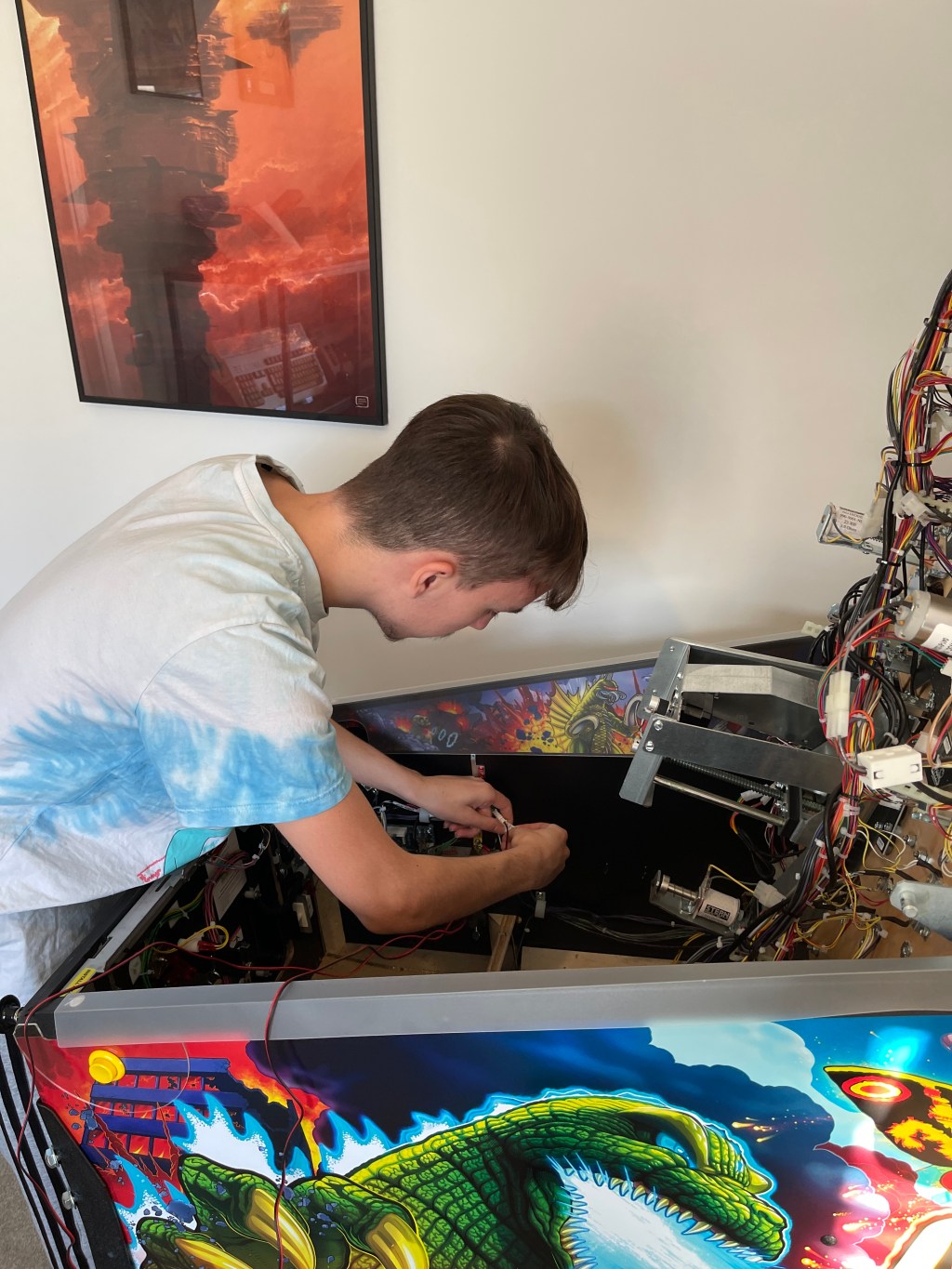
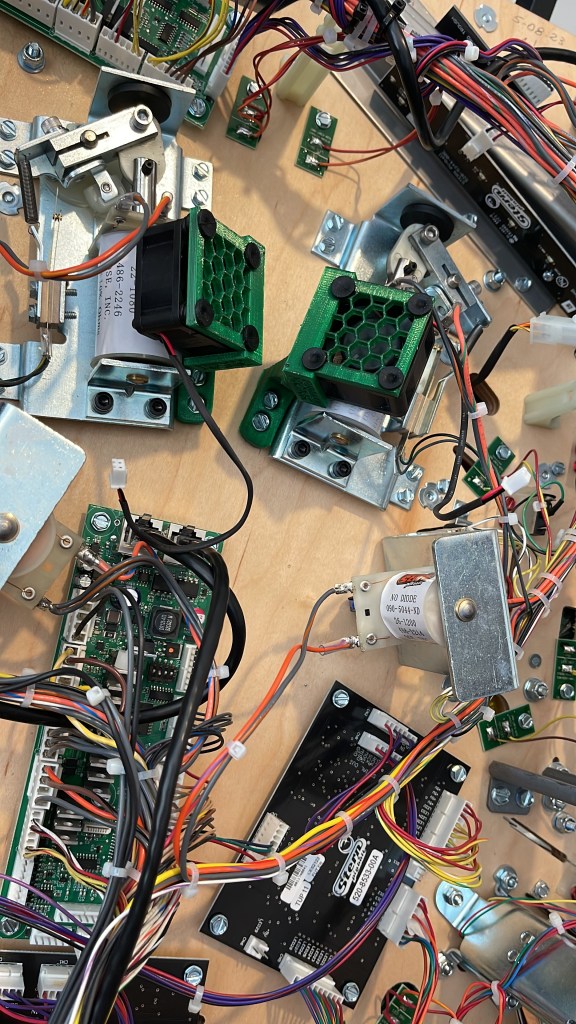
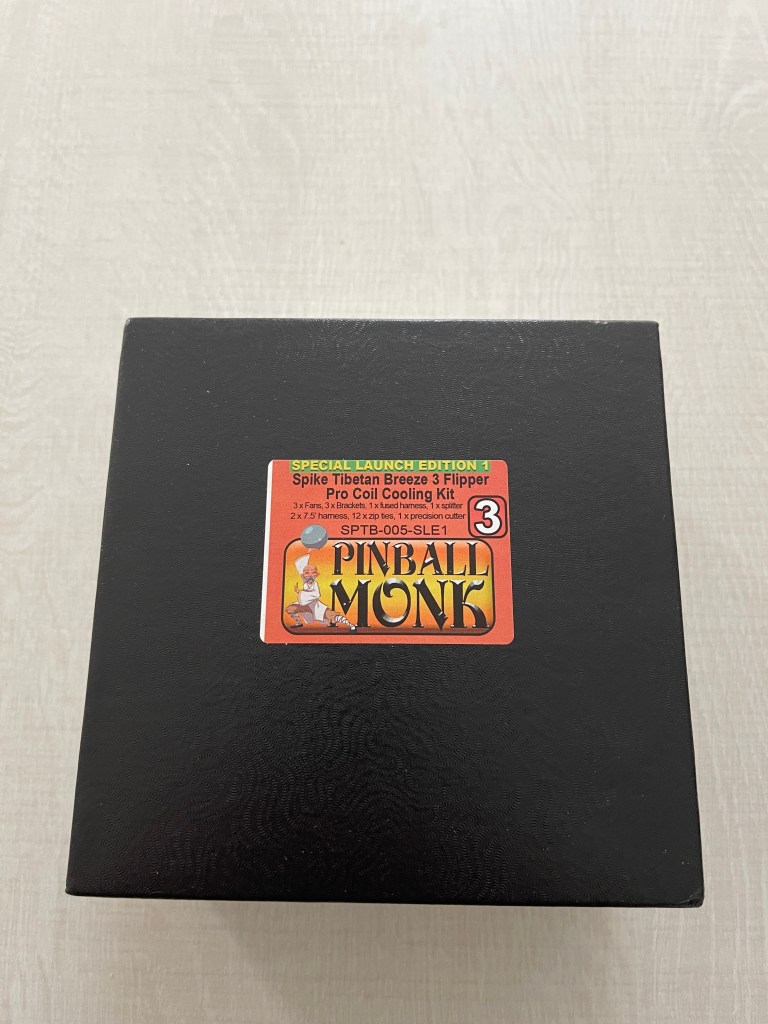
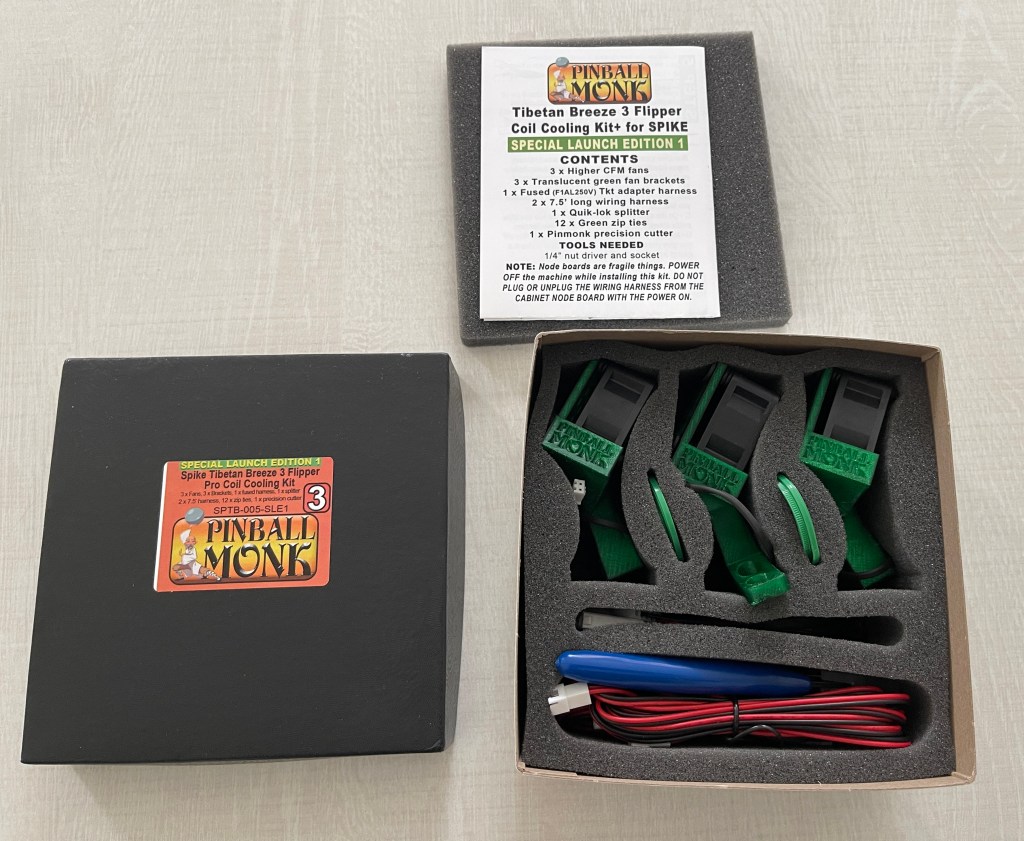
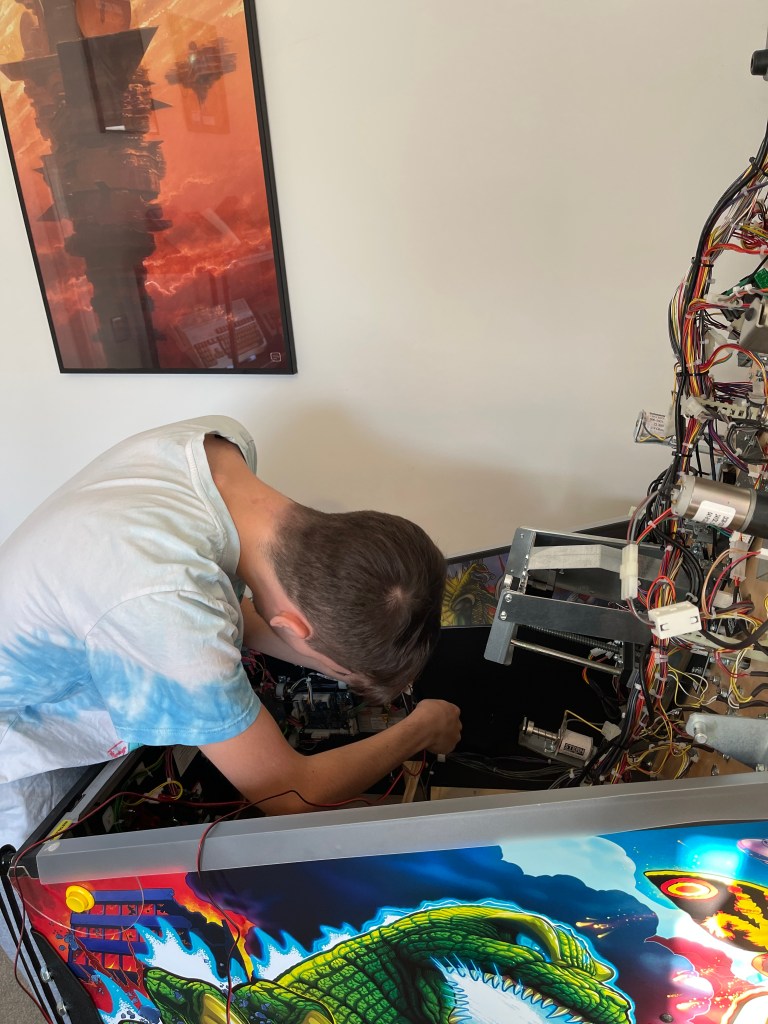
Luke and I have been having a blast playing Pinball, and our games are getting better every day and longer sessions. I found some awesome fans from Pinball Monk that help keep the flipper coils cool and retain their power. Luke helped with the installation, from planning where to lay the wires to installing the fans. It worked perfectly; there was no more fade.
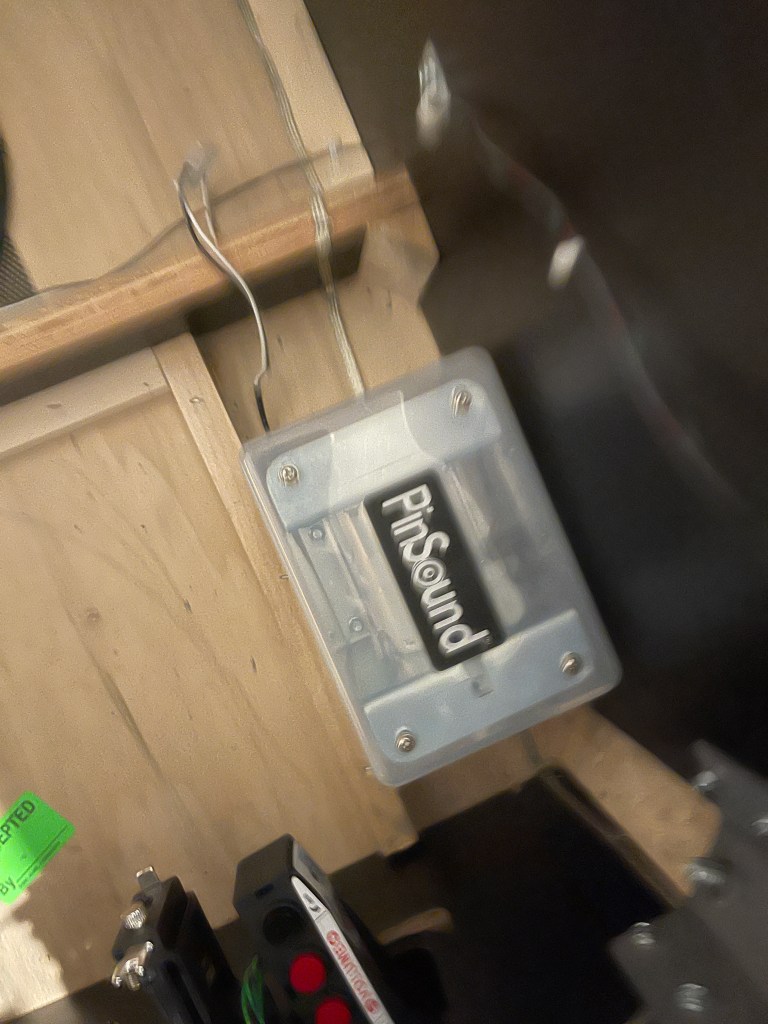
We also decided to add a shaker motor (by PinSound) to enhance our gaming experience with Godzilla, and it was a game-changer! It adds so much excitement to the gameplay without being too distracting. I’m so impressed that I plan to add it to all my machines. I can confirm that it’s an absolute must-have.
We laughed while watching people play with the Rumble set on high. When Godzilla screams, the Backbox glass makes some crazy loud noises, almost like the house is shaking. After trying out all the settings, Luke and I agreed that regular play with the Rumble set on low is the best option. Overall, I’m thrilled with these upgrades and can’t wait to see what’s next!

One of my all-time favorite games is Centipede, and I recently installed the Super Multipede v2.0 on my Millipede Arcade machine. This upgrade extends the capabilities of the Atari Millipede board, allowing me to play Centipede, Millipede, Super Breakout, and Warlords.
In addition, it includes a High Score Kit that enhances the high-score features of the games and stores high scores for all of them. The installation process was super easy, and it only took a few minutes to set up and get used to it.
So happy, bloody love playing these games.
Details
Super Multipede v2.0
Game List –


